


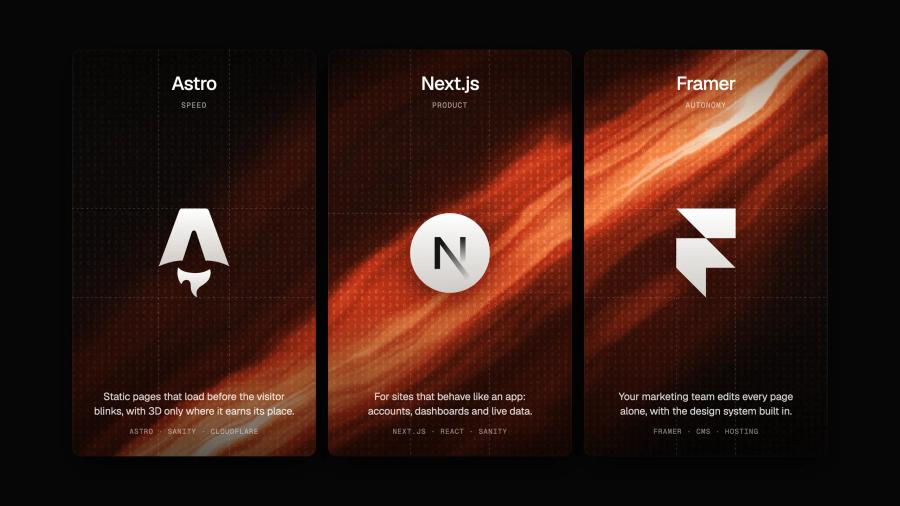











Short answer: choose Astro when the job of the site is to present, convince and convert (a marketing site, a blog, documentation, even a heavily immersive 3D experience). Choose Next.js when the product is the interface: accounts, dashboards, real-time data. We build with both, and with Framer, and in September 2026 we rebuilt our own site on Astro, Sanity and Three.js. Here is the comparison we walk clients through, criterion by criterion, and where each one wins.
What Astro actually does differently
Astro inverts the default of modern JavaScript frameworks. Instead of shipping your entire site as a JavaScript application that the browser must download, parse and execute before anything works, Astro ships plain HTML by default, zero JavaScript, and hydrates only the components that genuinely need interactivity.
This is called the islands architecture: your page is a static, instantly-renderable document, with isolated "islands" of interactivity, a 3D scene, a configurator, a form, that load independently, when needed. Each island even controls its own loading strategy: hydrate immediately, when the browser is idle, or only when the component scrolls into view. A visitor reads your content immediately; the JavaScript arrives only where it earns its place, exactly when it earns it.
The practical consequence: on an Astro site, adding a spectacular 3D section to your homepage doesn't slow down your pricing page, your blog, or even the rest of the homepage. On an SPA-style architecture, everything shares the same JavaScript budget. That isolation is the single most important idea in this article.
Astro vs Next.js: the honest comparison
Next.js is an excellent framework, for applications. Dashboards, authenticated products, heavily stateful interfaces: that's its territory, and we wouldn't use Astro there. But Next.js makes React the foundation of every page, which means hydration costs everywhere, even on pages that are 95% static content.
The numbers make the trade-off concrete:
- Real-world Core Web Vitals: Astro sites pass CWV at roughly 66% in HTTP Archive production data, among the highest aggregate rates of any framework. Marketing sites built as SPAs sit far below.
- JavaScript payload: a 2026 side-by-side test measured ~9 KB of JavaScript for an Astro page against ~463 KB for the Next.js equivalent, a 50× difference the visitor's phone has to process.
- Even Vercel, the company behind Next.js, acknowledges in its own comparison that content-driven sites are where Astro's model shines.
Criterion by criterion
- Rendering model: Astro is server-first and static-first, HTML is the default, JavaScript the exception. Next.js is React-first, even with Server Components, the framework assumes an application shell.
- JavaScript on a typical page: Astro ships kilobytes; Next.js ships a React runtime plus your components. On content pages, most of that runtime does nothing the visitor can perceive.
- Framework flexibility: Astro islands can be written in React, Vue, Svelte or vanilla Three.js, per component. Next.js is React, everywhere, forever.
- Hosting: an Astro site exports to static files deployable anywhere (and cheaply), Cloudflare, Netlify, a plain CDN. Next.js increasingly assumes Vercel's infrastructure for its full feature set.
- Learning curve and maintenance: an Astro codebase for a marketing site stays small and legible; there is simply less machinery to maintain, upgrade and debug.
- Where Next.js wins: authenticated apps, complex client state, real-time interfaces, product dashboards. If the product is the interface, use Next.js. No contest.
Our rule of thumb: if the product is the interface (an app), Next.js. If the site's job is to present, convince and convert, a marketing site, however immersive, Astro wins on physics alone.
Core Web Vitals, metric by metric
"Astro is fast" is an abstraction. Here is what the architecture does to each of Google's three Core Web Vitals, the metrics that feed both your rankings and your bounce rate:
- LCP (Largest Contentful Paint): your hero, headline, image, poster, is in the initial HTML, styled and visible before any JavaScript runs. No hydration gate between the visitor and your first impression. This is the exact failure mode we see most often when auditing JavaScript-heavy sites: content that exists but waits for a script to reveal it.
- INP (Interaction to Next Paint): INP degrades when the main thread is busy running JavaScript. With islands, the main thread is mostly idle, there's almost nothing to run. Clicks, scrolls and menu taps respond instantly because nothing is competing for the CPU.
- CLS (Cumulative Layout Shift): layout shifts happen when scripts inject content after render. A static-first page has its layout fixed in the HTML; islands load into reserved space. Stability is structural, not patched.
The honest caveat: framework choice sets the ceiling, not the score. You can still ruin an Astro site with 8 MB images or an autoplaying 4K video. The point is that Astro makes performance the default state: something you'd have to actively break, instead of a heroic optimization phase at the end of the project.
Where it gets exciting: heavy 3D without a heavy site
Here's the paradox we care about: the most immersive websites (real-time 3D, WebGL scenes, custom shaders) are usually the slowest. The islands architecture resolves it. The Three.js scene is one island: it lazy-loads, renders when visible, and can be tuned independently. The rest of the page stays pure HTML. You get the cinematic experience without dragging the whole site's performance down with it.
In practice, we go further: the scene loads a lightweight placeholder first (a poster or a low-poly preview), initializes WebGL only when the section approaches the viewport, and degrades gracefully on low-end devices, a static render instead of a broken experience. That choreography is exactly the kind of control a visual builder can't give you.
TSL and WebGPU, explained simply
Two acronyms carry most of the excitement here. WebGPU is the successor to WebGL: a modern graphics API that talks to the GPU the way native games do, unlocking compute shaders and significantly more parallel power in the browser. TSL (Three.js Shading Language) is Three.js's new way of writing shaders as composable JavaScript nodes instead of raw GLSL strings, the same shader code targets both WebGL and WebGPU, today.
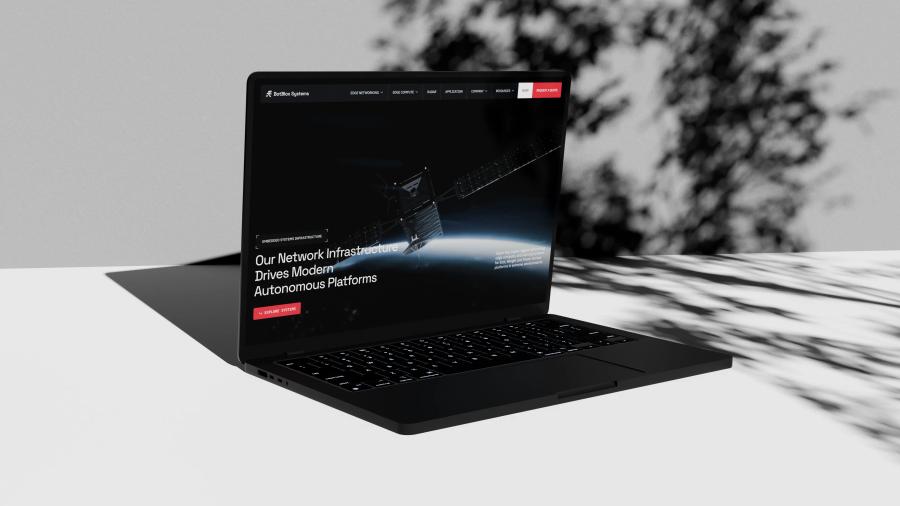
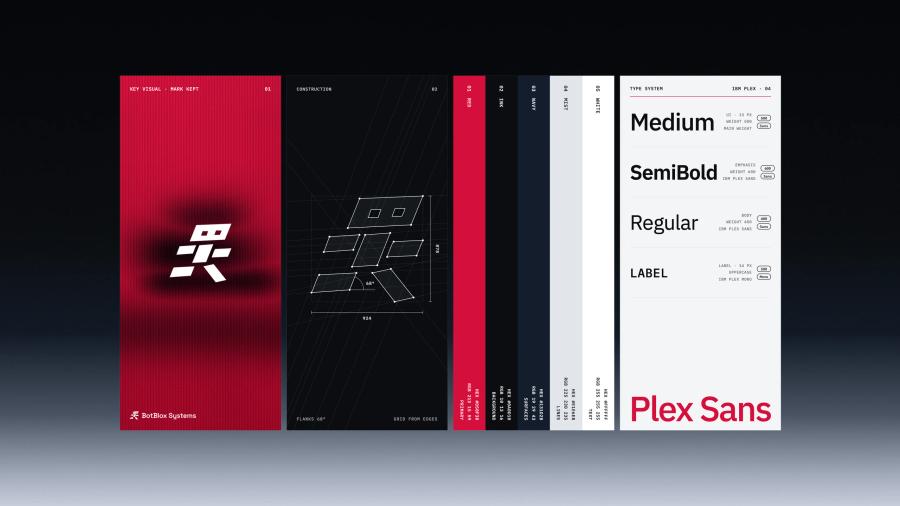
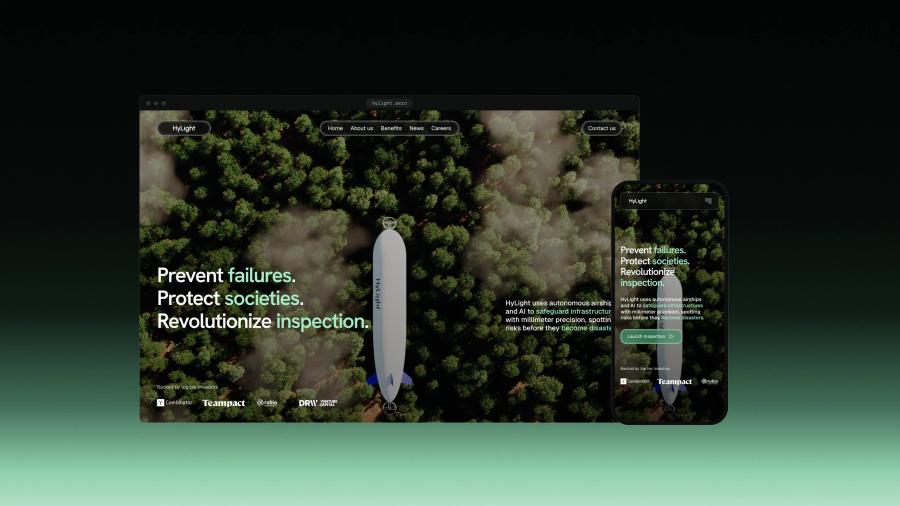
Concretely, this unlocks effects that are impossible inside any no-code tool: particle systems driven by live data, materials that react to scroll and cursor physics, post-processing pipelines (grain, bloom, distortion) tuned per scene. Our 3D workflow stays the same as on projects like BotBlox, modeled and optimized in Blender, then brought to life in Three.js, but the ceiling moves from "impressive for a website" to "we can build whatever we can imagine".
Anatomy of an immersive Astro page
To make this concrete, here is how a typical immersive homepage is assembled on this stack, section by section, with its loading strategy:
- Hero: headline and value proposition in pure HTML, visible in the first paint. Behind them, a lightweight poster image that the 3D scene will replace, so the page communicates instantly even on a slow connection.
- The 3D scene (island #1): initializes when the browser is idle, swaps in seamlessly over the poster. On low-end devices or with reduced-motion preferences, the poster simply stays, a deliberate fallback, not a failure.
- Content sections: product story, proof, testimonials, static HTML, zero JavaScript, rendered from Sanity content. This is 70% of the page and it costs the visitor nothing.
- Data visualization (island #2): hydrates only when scrolled into view. Until then, it's a static SVG snapshot, legible to search engines and AI crawlers, interactive for humans who reach it.
- Footer and forms (island #3): the contact form hydrates on interaction, the moment the visitor focuses a field. Before that, it's just HTML.
Three islands, one static document, each part loading on its own terms. That's the whole philosophy in one page.
Moving from Astro to Next.js, or the other way
Switching between the two is less dramatic than it sounds, because both are component-based and both route pages from the file system. What actually moves, and what has to be rewritten:
- Interactive components: React islands in an Astro site move to Next.js almost as they are, as client components. Going the other way, Next.js client components become Astro islands with a loading directive (on load, when idle, when visible).
- Page templates: .astro templates are HTML-first and have to be rewritten as React Server Components in Next.js. Going from Next.js to Astro, pages usually get simpler, since most of them no longer need React at all.
- Content: if it lives in a headless CMS such as Sanity, nothing moves. Both frameworks query the same content, so the migration touches the presentation layer only.
- URLs and SEO: keep every URL identical and redirect permanently the ones that change. This is the step that protects rankings, and the one most often rushed.
Our advice: migrate from Astro to Next.js only when the site is turning into an application (accounts, dashboards, stateful features). A marketing site that simply grew does not need it.
We moved our own site from Framer to Astro
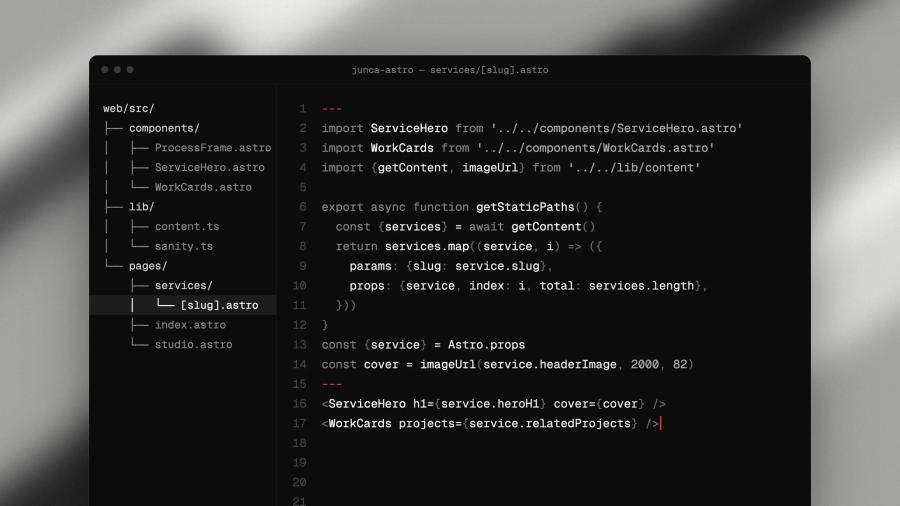
In September 2026 we rebuilt juncastudio.com on Astro, Sanity and Three.js, hosted on Cloudflare. We kept every URL in exactly the same form, redirected the old addresses permanently, and let Sanity feed the sitemap with real modification dates. Google kept all 37 pages of the sitemap indexed through the switch, each with the canonical URL we declared. The site carries a real-time 3D hero, and the rest of each page is still plain HTML.
It was not a statement against Framer, which we keep building with for clients. Our site needed shader-level 3D and a content model we control, which is exactly the case the next sections describe.
Sanity: your team stays autonomous
A custom stack shouldn't mean calling a developer for every copy change. We pair Astro with Sanity, a headless CMS built around structured content. Here is what the workflow actually looks like for your team:
- Content is structured, not pasted: we model your content types together (case study, product, article, team member) with the exact fields each needs. No more fighting a page builder; editors fill meaningful fields.
- Visual editing with live preview: Sanity's editing interface shows your real site as you type, so non-technical teammates publish with confidence: the autonomy of a no-code tool, on a fully custom site.
- One source of truth, many outputs: the same structured content feeds the website, your schema markup, your llms.txt, even a future app, without duplication.
Structured content has a second benefit we care about deeply: SEO and AI-readability stop being bolted on. When content is typed data, generating valid schema.org markup, static rendering for AI crawlers, and clean metadata is systematic: the discipline we preach in our SEO & GEO guide becomes the default output of the pipeline.
Costs, timelines, and what changes for you
Transparency, because it's the first question anyone sensible asks:
- Budget: the scope moves the price more than the stack does. A website built in Framer typically ranges from $10,000 to $20,000 and the same site in code costs more; projects with a brand identity, custom 3D and WebGL usually range from $20,000 to $50,000. We break the numbers down in how much a website redesign costs.
- Timeline: a focused marketing site ships in 4–6 weeks once the brief is approved, on Framer or in code. Count 8–12 weeks when the project includes branding, 3D scenes or custom animation, with content modeling, development and performance tuning included.
- Migration: moving from WordPress, Webflow or Framer is a content-mapping exercise, not a rewrite of your business: structured content imports cleanly, URLs are preserved or redirected properly (we're obsessive about that), and SEO equity carries over.
- Ownership: you own the code, the content and the infrastructure. No platform lock-in, no monthly builder fee scaling with your traffic.
How we build it: the process, week by week
A custom stack doesn't mean an opaque project. Here is the shape of a typical 10-week engagement:
- Weeks 1–2 · Foundation: positioning workshop, content modeling in Sanity (your content types, defined together), information architecture, and the technical plan for every interactive moment.
- Weeks 3–5 · Design and 3D production: art direction, page design, and Blender work in parallel (modeling, materials, animation tests). You review real motion early, not static mockups of imagined motion.
- Weeks 6–9 · Build: Astro development, Three.js integration, Sanity wiring, and the performance pass baked in as we go: every island justified, every asset budgeted.
- Week 10 · Launch and handover: redirects and SEO checks, Core Web Vitals validation on real devices, and training for your team in Sanity. You leave autonomous, not dependent.
When Framer is the better choice
Framer is one of our two stacks, not a fallback: we keep building client sites on it. It ships fast (4–6 weeks), your team edits it visually, and it handles premium, animated marketing sites with ease. Astro with Sanity is the better fit when the project needs what the first list below describes.
Choose Astro + Sanity when:
- The experience needs shader-level control, TSL, WebGPU, custom render pipelines.
- Performance is a hard requirement, Core Web Vitals targets, large traffic, SEO-critical pages.
- The site combines heavy interactivity and lots of content, docs, blog, programmatic pages on structured data.
- You have (or want) engineering ownership of your web platform, with no platform lock-in.
Choose Framer when:
- Speed to launch and team autonomy matter more than the last degree of creative control.
- The site is a marketing site with standard interactive needs, which is, honestly, most of them. Our Framer guide covers that path in depth.
Same studio, same design standards, same 3D pipeline, two stacks, chosen for the right reasons. If your project needs an immersive experience that stays fast, talk to us, we'll tell you honestly which stack it deserves.