












The platform you chose at seed now slows every change. Moving it should not cost you the traffic you built.
Move your website to Framer or to code without losing a single ranking

What it is
Website migration is moving a live site to a new platform while keeping what it has earned: its pages, its addresses, its rankings, its backlinks and the answers AI assistants give about it.
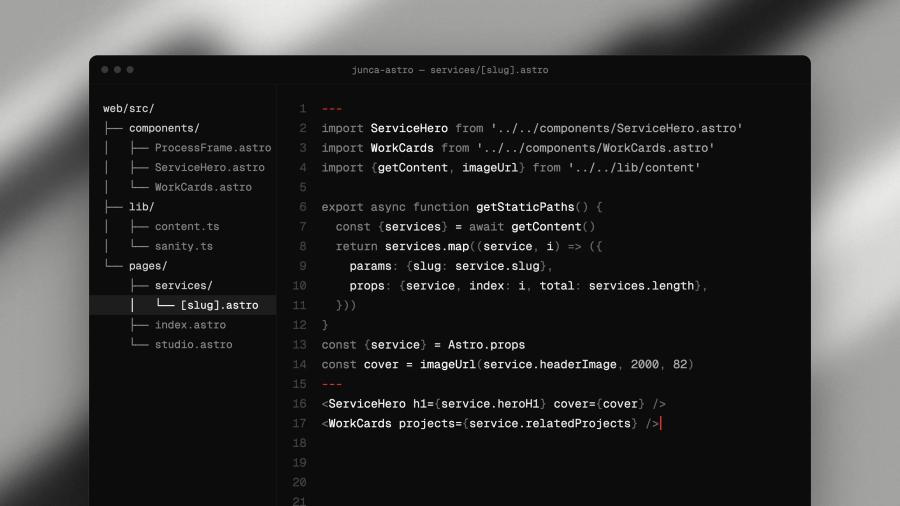
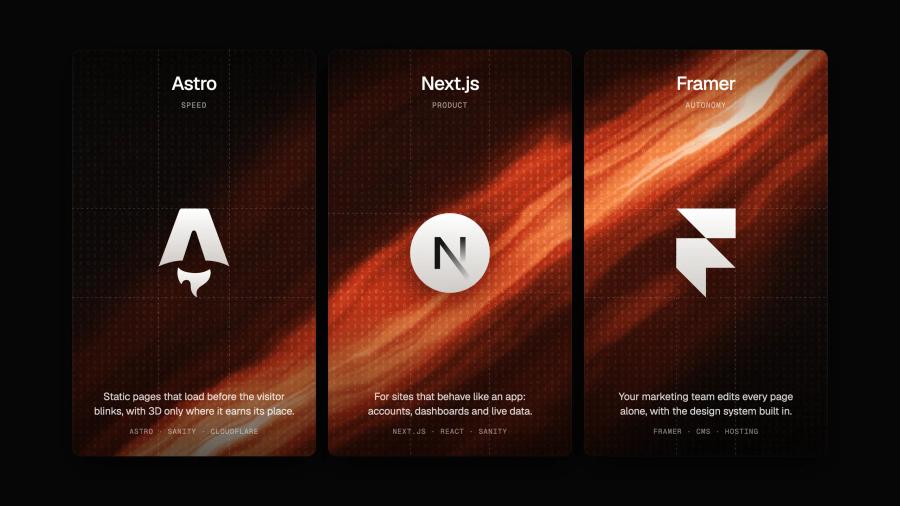
Junca migrates tech and deep tech companies from Webflow, WordPress, Squarespace, Wix or any other platform to Framer, and from Framer to custom code with Astro or Next.js and Sanity when the site outgrows a visual builder.
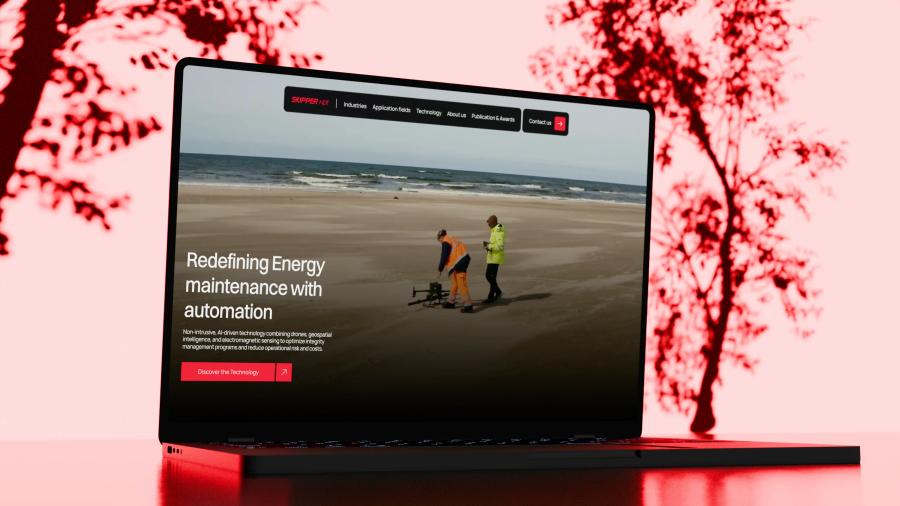
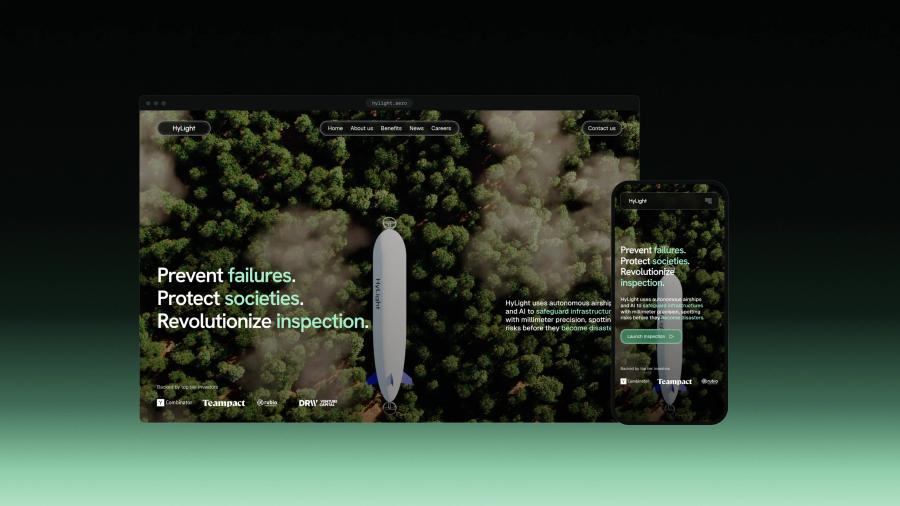
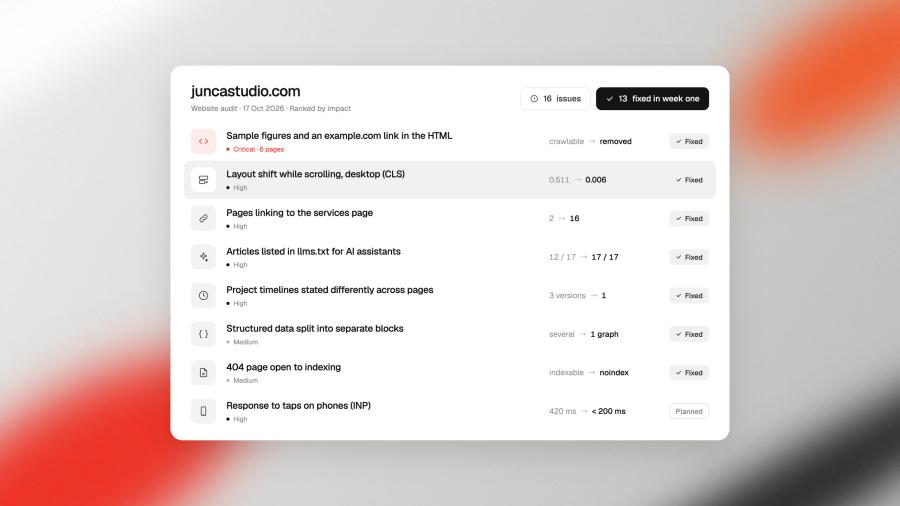
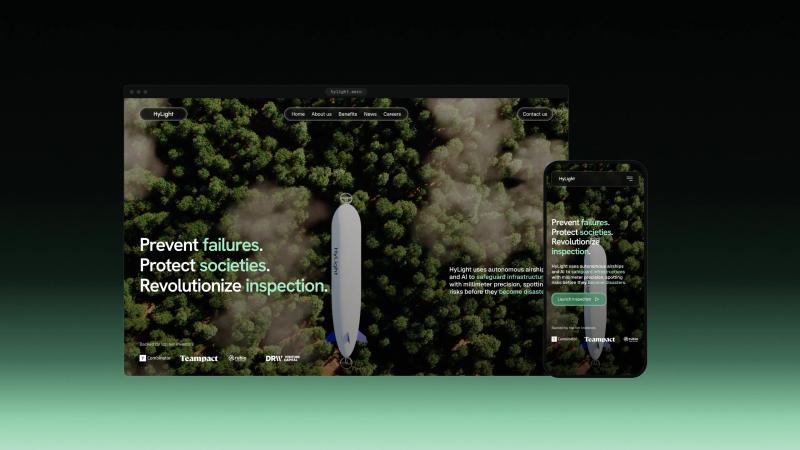
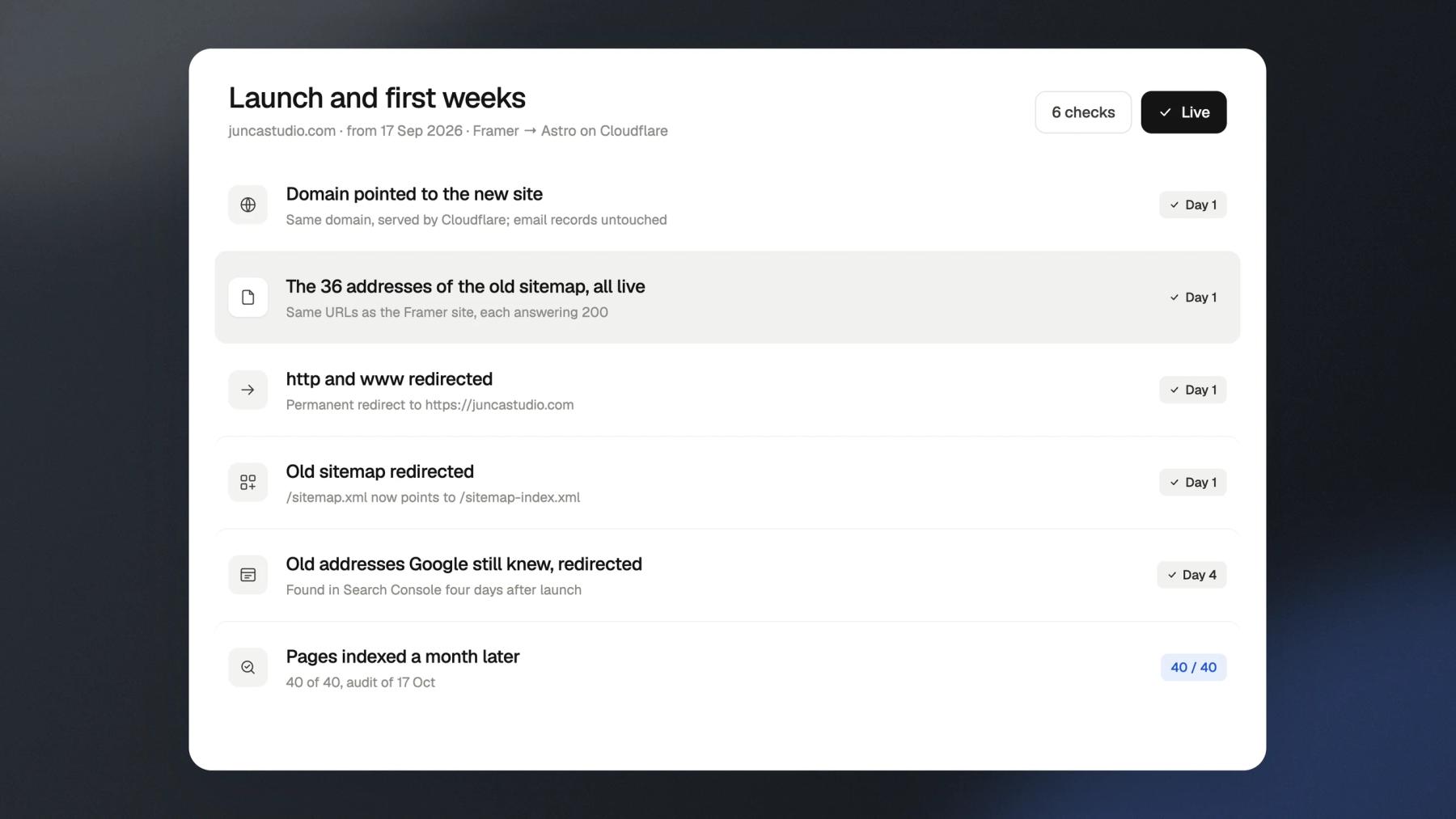
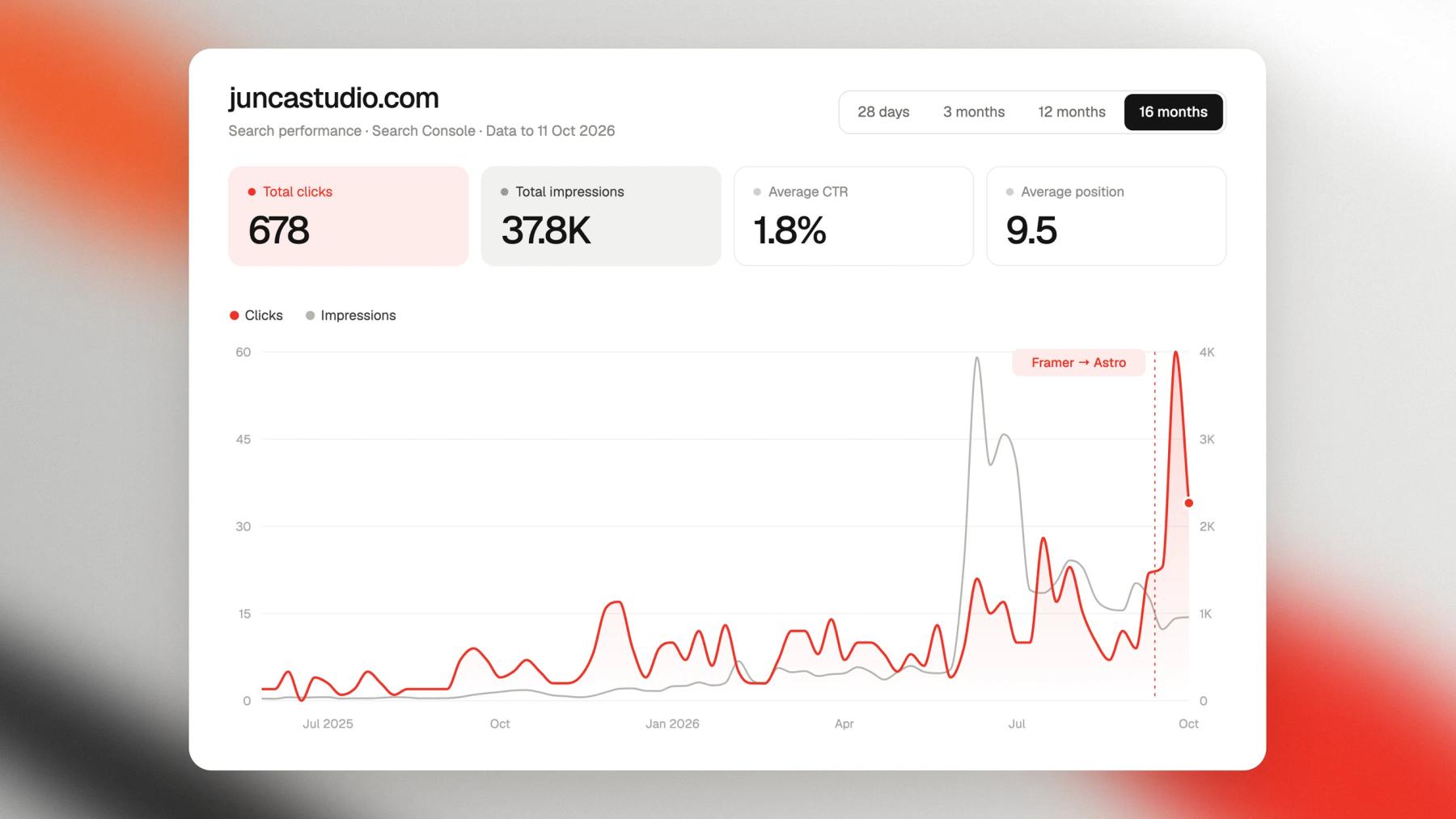
Every old URL is listed, mapped to its new page and redirected, and we watch Search Console in the weeks after launch. Hylight moved from Webflow to Framer, Kestrix from Squarespace to Framer and Blink from Framer to Astro this way. Our own site moved from Framer to Astro on 17 September 2026: all 40 pages indexed a month later, and September became its best month in search.
The problem
Your site outgrew its platform. Its rankings should not go with it.
Why website migrations lose traffic
Most traffic lost in a migration is lost on launch day, for reasons decided weeks before: addresses that change without redirects, content that does not make the move, too many changes at once, and nobody watching the data afterwards.
The traps
Trap 0101 / 05

Addresses change
New URLs, no redirects
The new platform names pages its own way. Without a permanent redirect from each old address, every ranking and every backlink points to a 404 page. We map every indexed URL to its new page before anything goes live.
Trap 0202 / 05

Lost in the move
Content that does not make the trip
Alt texts, meta descriptions, structured data, old posts nobody remembers: a visual rebuild drops what it cannot see. We inventory the content and its metadata first, then rebuild with all of it.
Trap 0303 / 05

Everything at once
A redesign disguised as a migration
Changing platform, structure, copy and design on the same day makes it impossible to know what caused a drop. We decide with you what moves now and what changes later, and we keep the pages that rank.
Trap 0404 / 05

Launched and left
Nobody watches after launch
Crawl errors and forgotten addresses show up in the days after launch, not on the day. We follow Search Console after the switch and redirect what appears: on our own site, Google was still crawling the old addresses four days in.
Trap 0505 / 05

Outgrown
A platform the site has outgrown
A visual builder suits a marketing team that edits alone; it stops suiting thousands of CMS items, complex integrations or heavy 3D. We tell you when moving to code is worth it, and when staying in Framer is the better call.
The process
How we migrate a website without losing its search
Inventory, mapping, rebuild and launch are run by the team that designs and builds the site. You follow every step in the Junca client portal, with the redirect map and the post-launch data in one place.
Step 01
Inventory
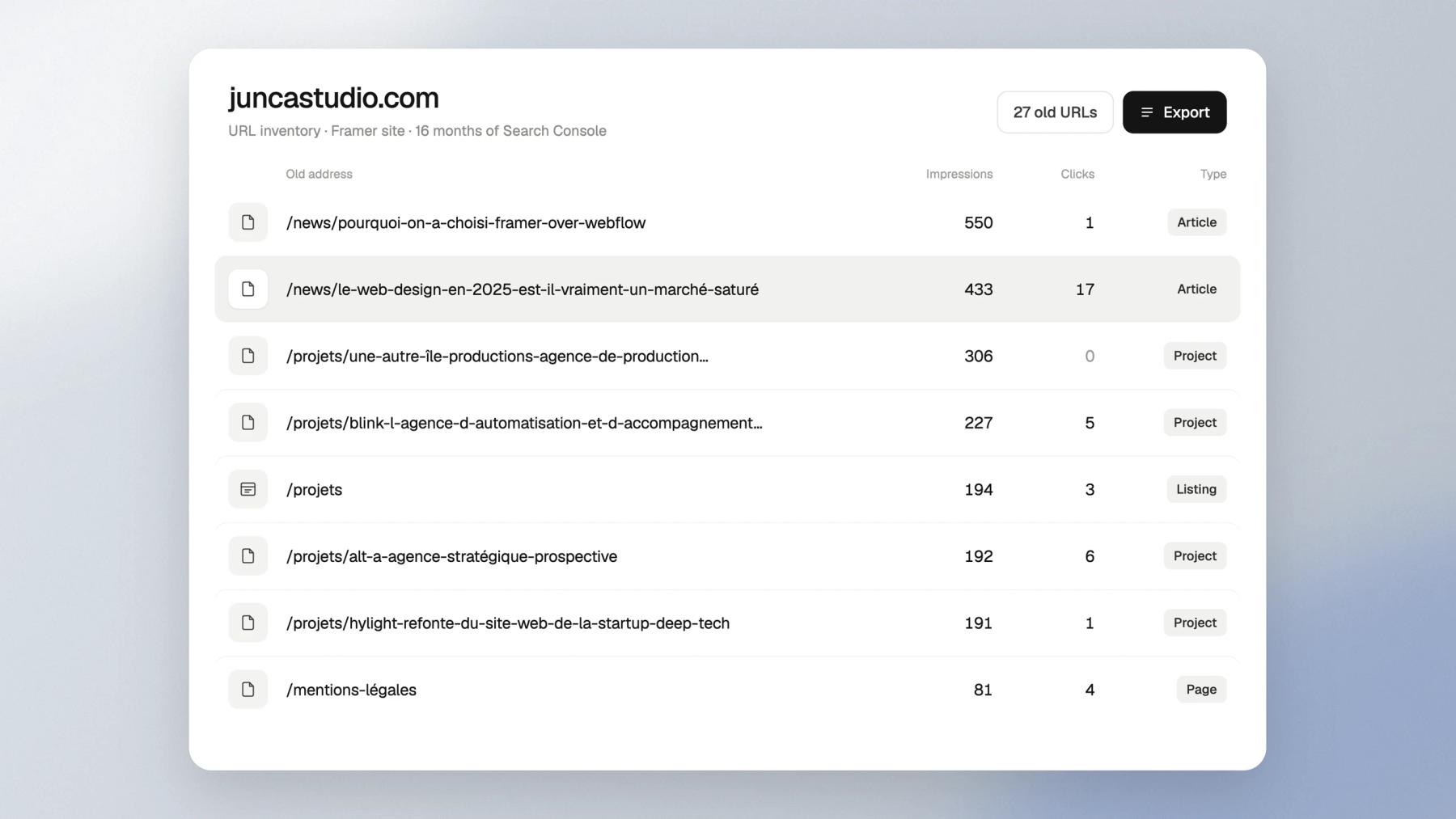
Every indexed URL, its traffic and its metadata, exported from Search Console and a full crawl of the current site.
Step 02
Redirect map
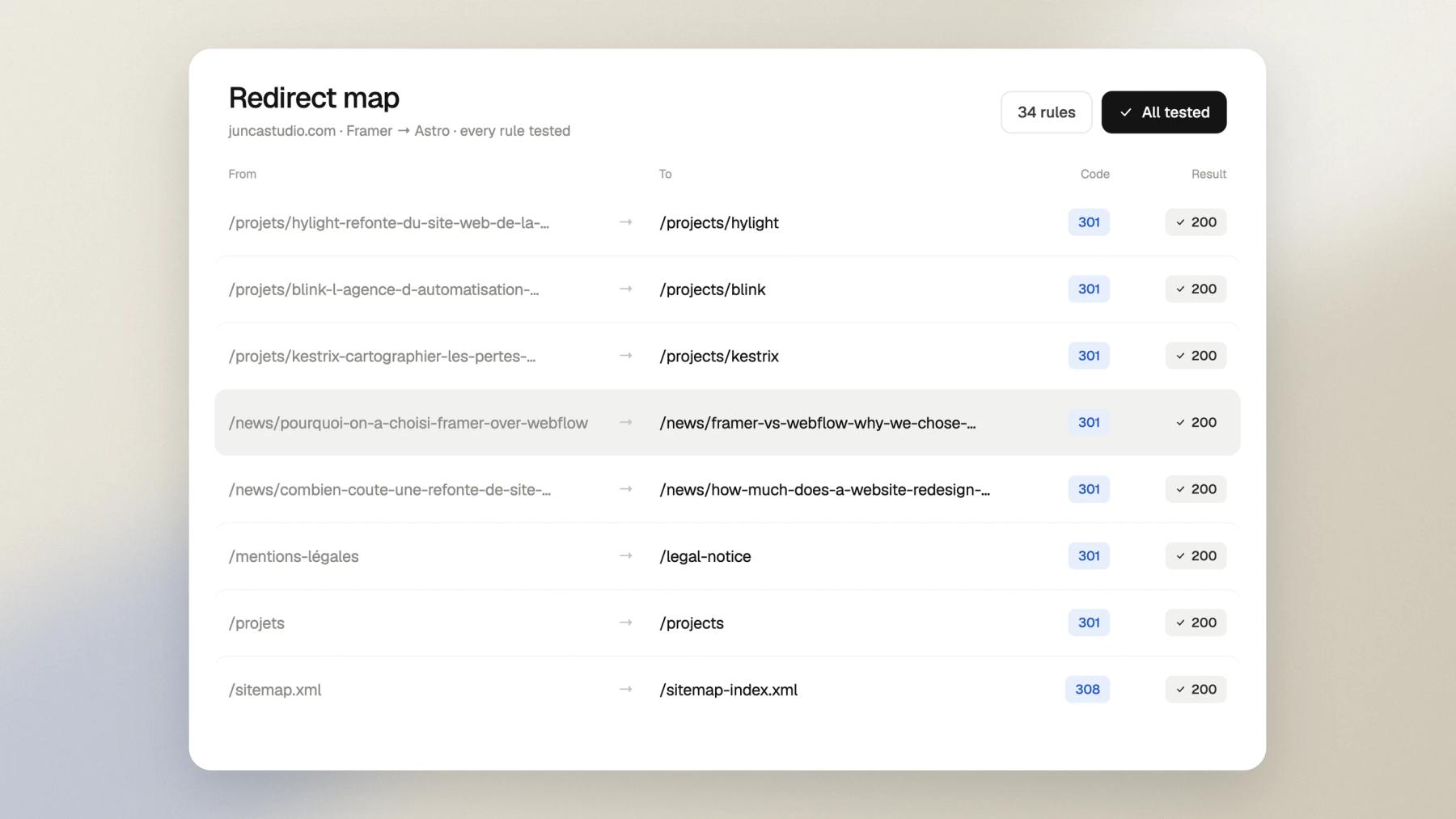
Each old address matched to its new page, with permanent redirects tested one by one, so rankings and backlinks carry over.
Step 03
Rebuild
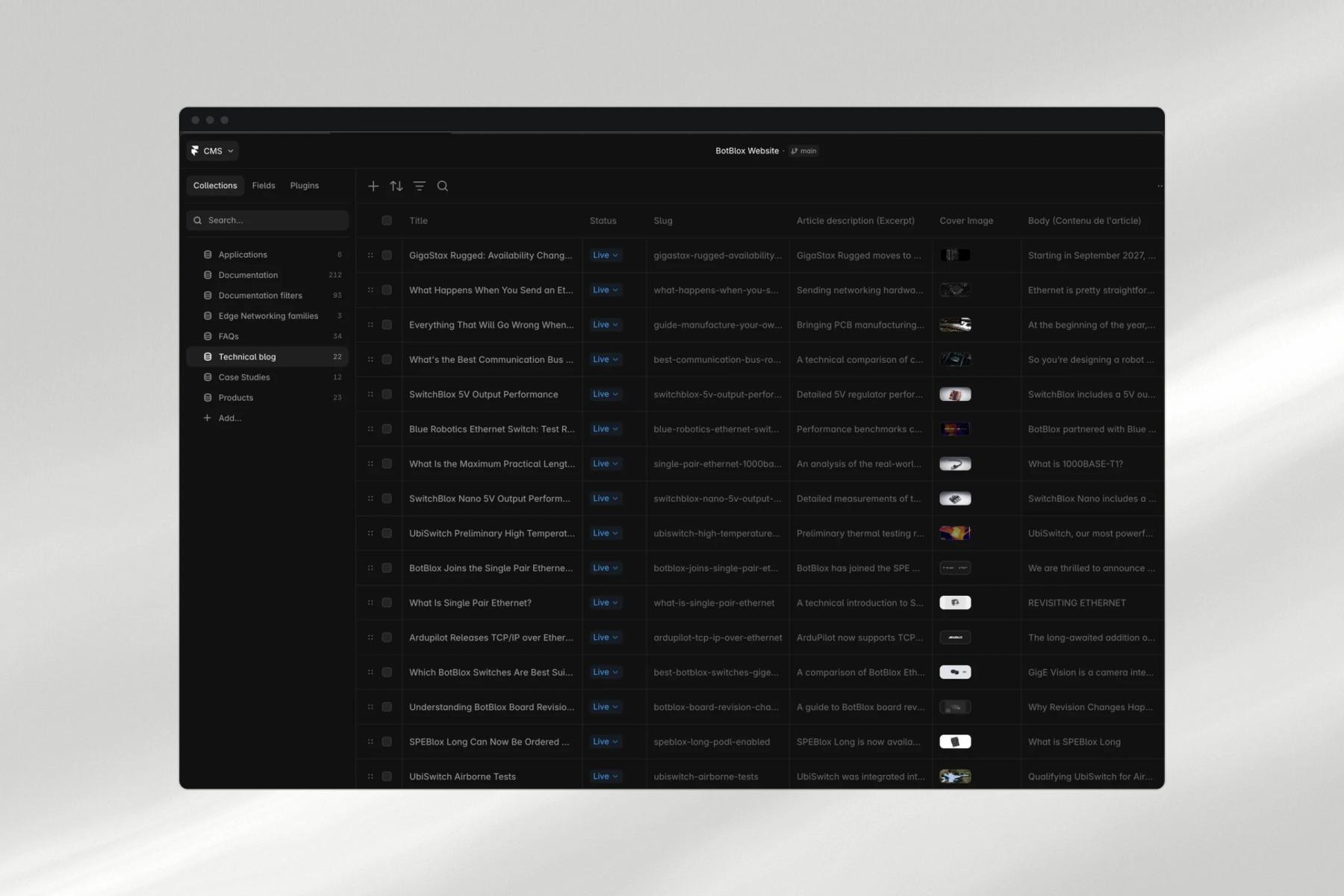
The site rebuilt in Framer or in code, with the content, titles, structured data and alt texts carried over, and the improvements agreed with you.
Step 04
Launch
Domain, redirects and sitemap switched on the same day, with the domain and email settings you keep left untouched.
Step 05
Watch
Clicks, indexing and forgotten addresses followed in Search Console in the weeks after launch, and fixed as they appear.
What you get
Everything the project needs, from one team.
URL inventory
Every indexed page of the current site, with its traffic and its metadata.
Redirect map
Each old URL matched to its new page, delivered as a file and loaded as permanent redirects.
The rebuilt site
In Framer or in code, with content, titles, structured data and alt texts carried over.
Launch checklist
Domain, redirects, sitemap and Search Console switched over on launch day, step by step.
Post-launch follow-up
Clicks, indexing and redirect errors in the weeks after launch, with what we fixed.
Accounts in your name
Hosting, CMS, repository and Search Console in your company's name, handed over at the end.
Selected work
Sites we moved to a new platform


Will we lose our rankings?
Not if the migration is planned. Rankings can move for a few weeks while search engines recrawl the new site; what loses traffic for good is a missing redirect, and those we map and test before launch, then watch in Search Console after it.
Which platforms can you migrate from?
Webflow, WordPress, Squarespace, Wix and most hosted builders, to Framer or to custom code with Astro or Next.js and Sanity. We also move Framer sites to code when they outgrow it. If your current platform can export its content, we can move it.
Should we move to Framer, or straight to code?
Framer when your marketing team edits alone and the site is mostly pages and a blog. Custom code when you need thousands of CMS items, integrations, heavy 3D or full control over performance. We build both, so we recommend without a stake in either.
Can we redesign the site at the same time?
Yes, but we separate what moves from what changes. The pages that rank keep their address and their content; the redesign is planned around them, so any change in traffic can be traced to its cause.
How long does a migration take?
A like-for-like move of a marketing site takes a few weeks. With a redesign, count the timeline of a new site: 4 to 6 weeks in Framer, 8 to 12 weeks with branding, 3D or custom code.
What happens to our blog and CMS content?
We export it and import it into the new CMS with its authors, dates, images, alt texts and metadata, and every article keeps its address or gets a redirect.
Do we keep our domain and email?
Yes. We only change where the website is served from. Your domain, your email records and your other services stay as they are.
What about AI assistants?
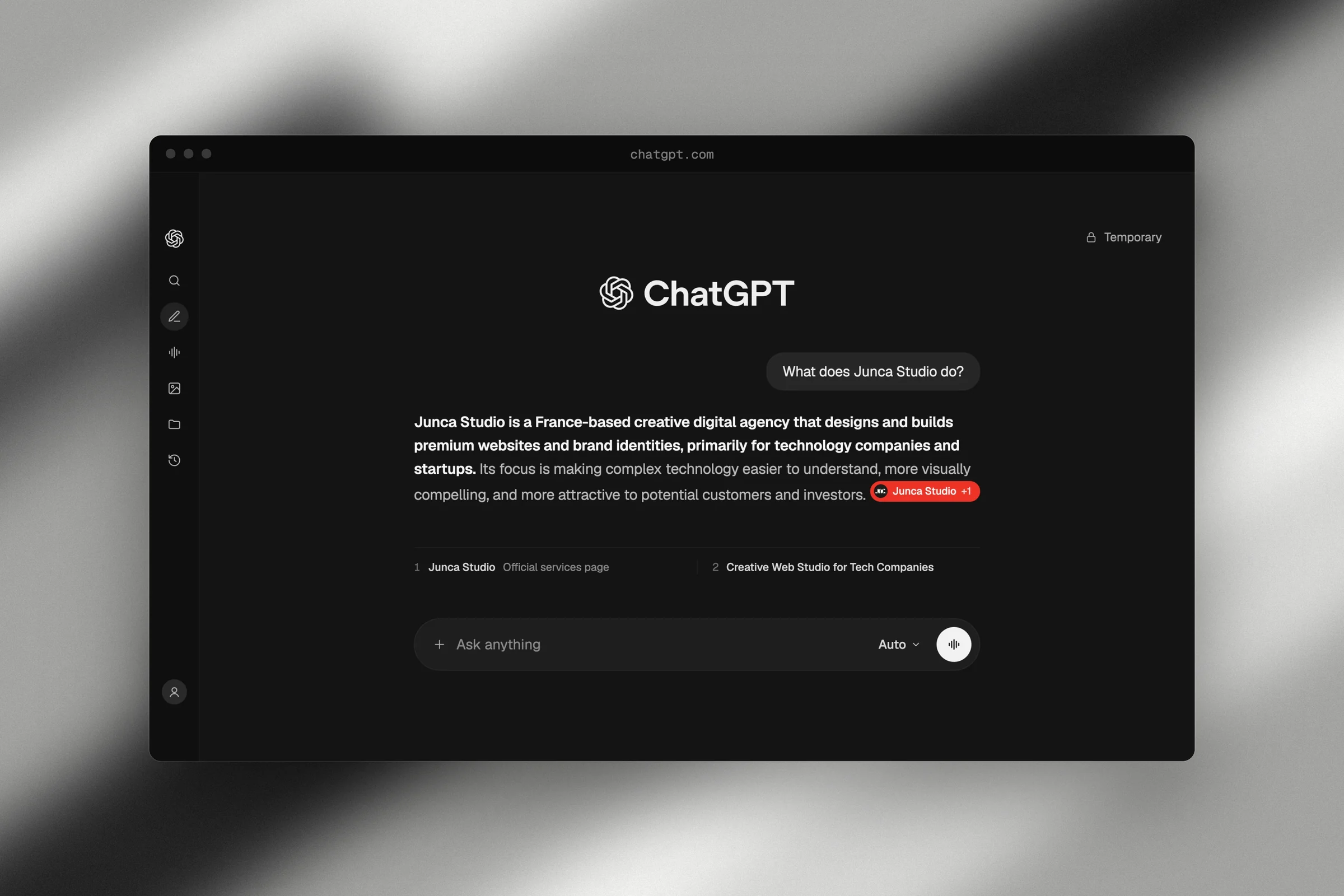
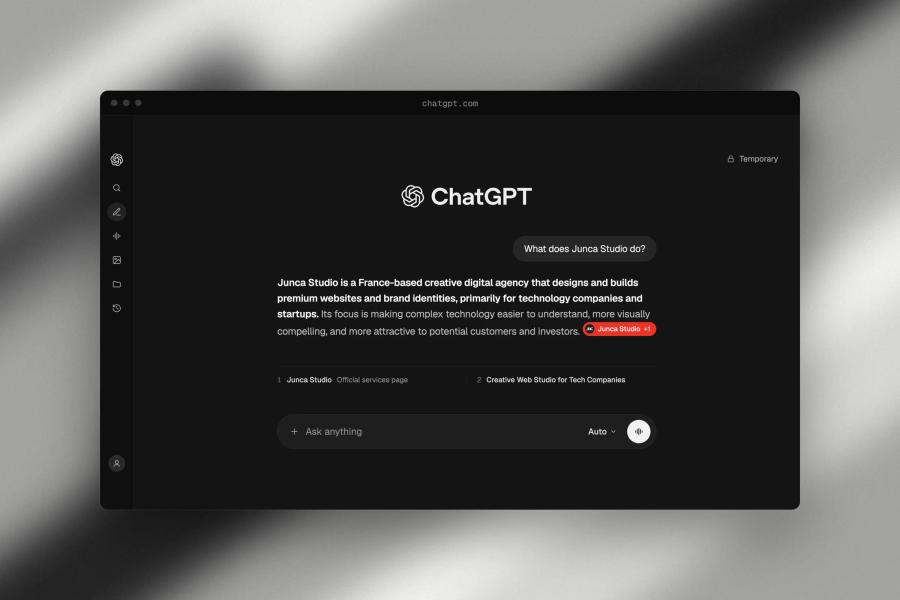
They read the same pages as search engines. We keep the structured data, robots rules and llms.txt through the move, and check what assistants say about you after launch.
How much does a website migration cost?
It depends on the number of pages and CMS items, the source platform and what changes on the way. You get a detailed quote after a free first call.

Framer vs Webflow: why we chose Framer at Junca
7 min read
An honest, experience-based comparison of Framer and Webflow: performance, design freedom, CMS, SEO, and client autonomy.

Astro vs Next.js in 2026: which one should you choose for your website?
11 min read
Islands architecture, 66% real-world Core Web Vitals pass rates, shader-level control with Three.js and TSL: the stack we use when a project outgrows no-code, and when we still say Framer.

Framer in 2026: the complete guide for businesses
5 min read
Is Framer the right choice for your business website in 2026? Features, performance, limitations, costs, and real-world feedback after dozens of projects.
How to build a website designed for SEO and GEO from day one
6 min read
Building a high-performing website isn't about adding SEO at the end. Here's how to structure content, architecture, and visibility for SEO and GEO from the start.

How much does a website redesign cost in 2026?
9 min read
A transparent breakdown of website redesign costs: what drives the price, what to expect at each budget level, and why cheap rarely means effective.
Other services