

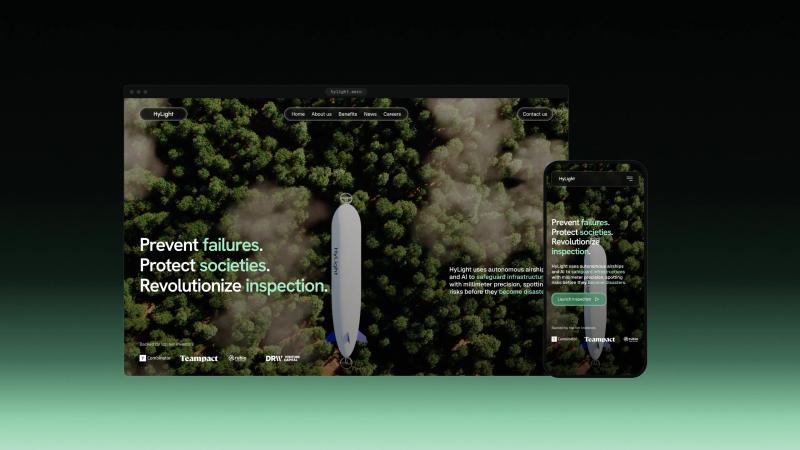
Your product works in orbit, at sea or inside a sealed box. No camera crew can follow it there.
3D product animation that shows your hardware where no camera can go
What it is
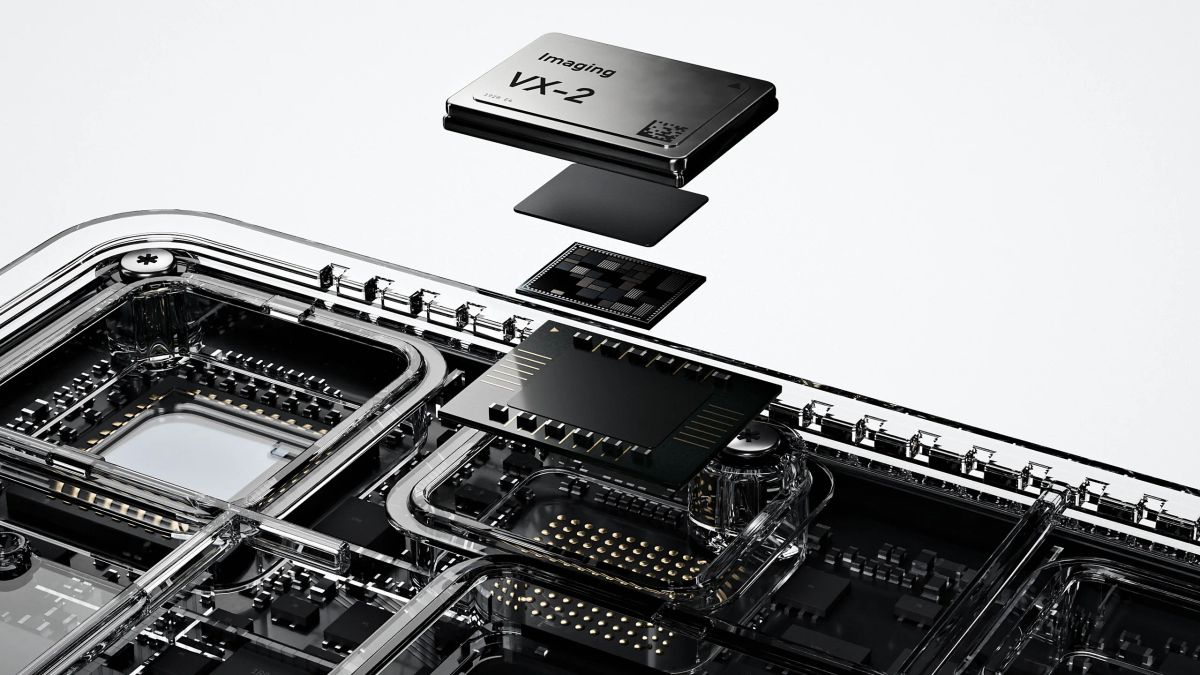
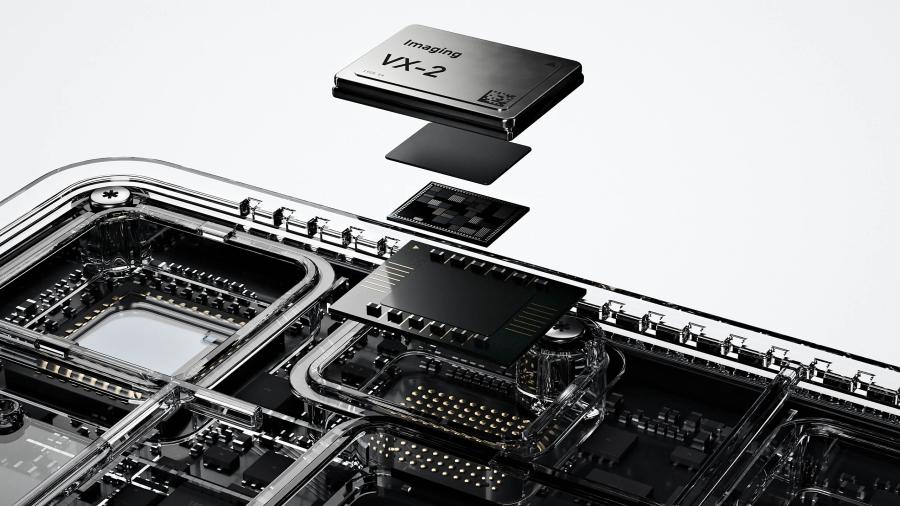
A 3D product film is an animation rendered from a model of your product instead of being shot with a camera: it can follow a module from a satellite to a drone, open a casing or slow a process down to the speed of a sentence.
Junca makes three kinds from the same model: silent loops for the top of a website, films that show how the product works, and cuts for social media and trade show screens. Everything is modelled, animated, rendered and edited in-house, in Blender.
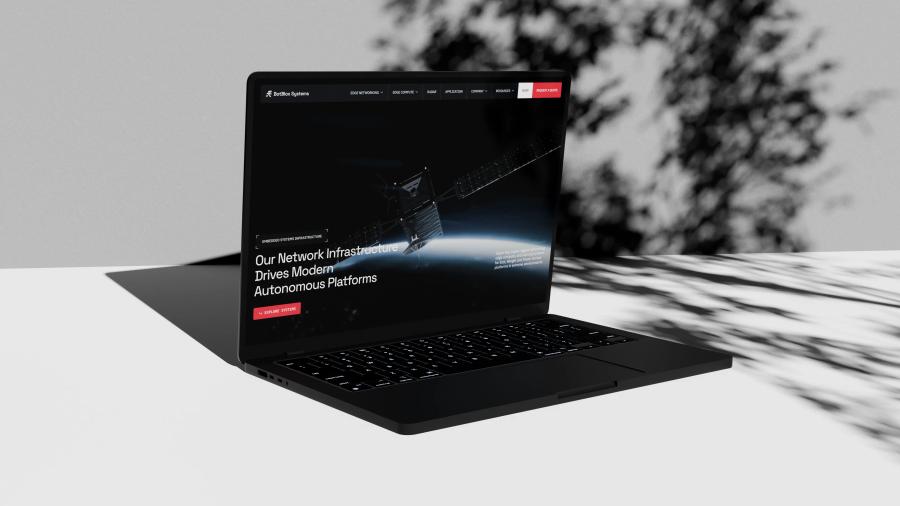
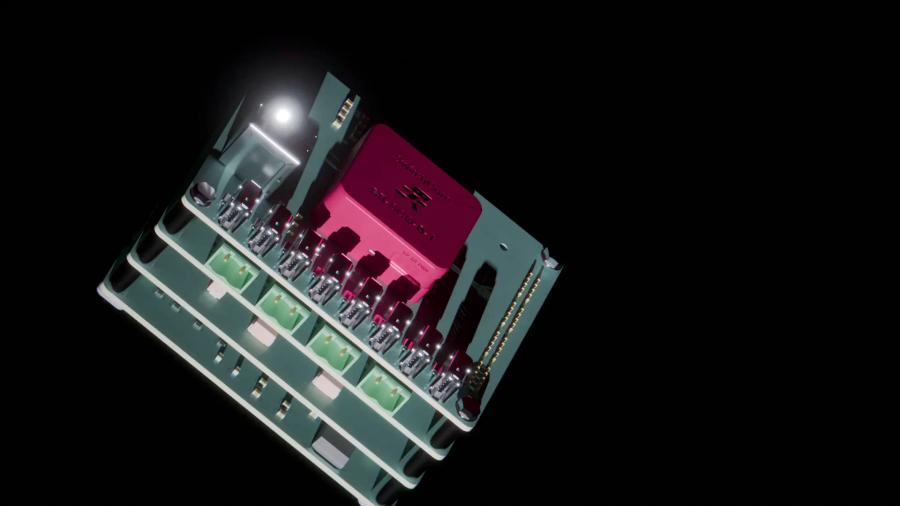
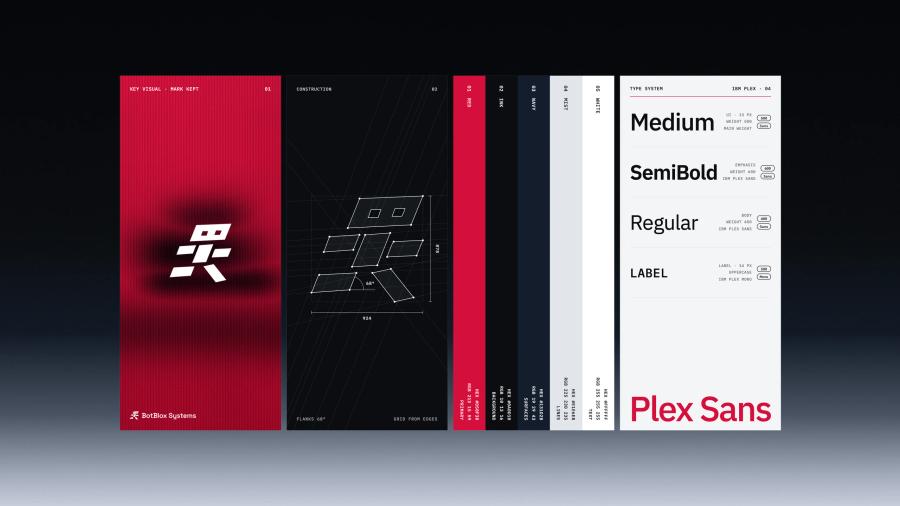
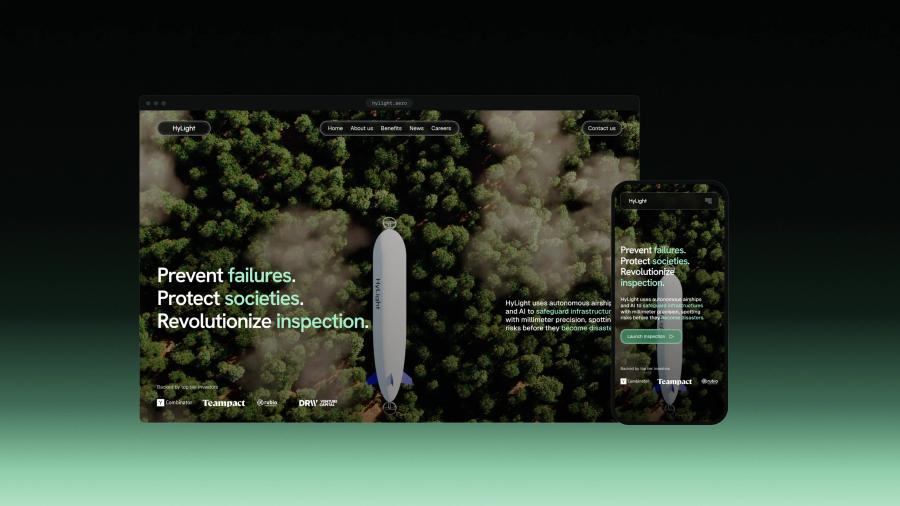
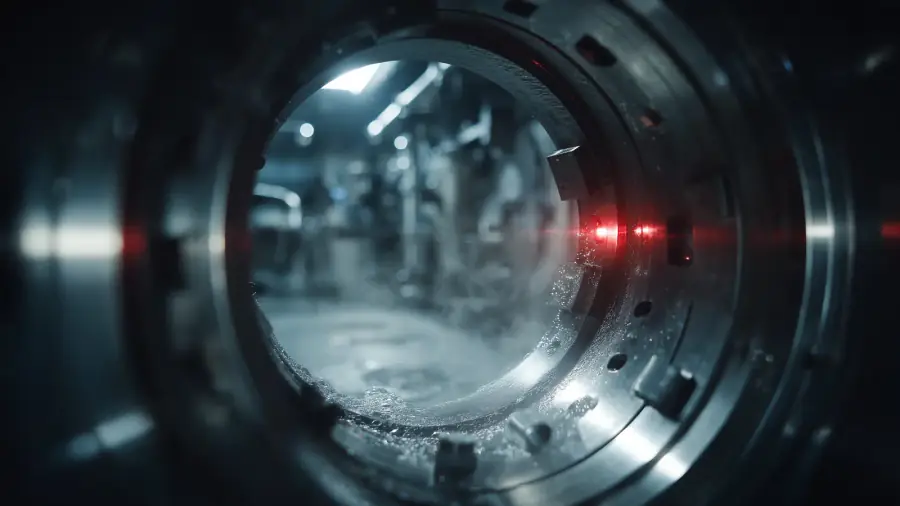
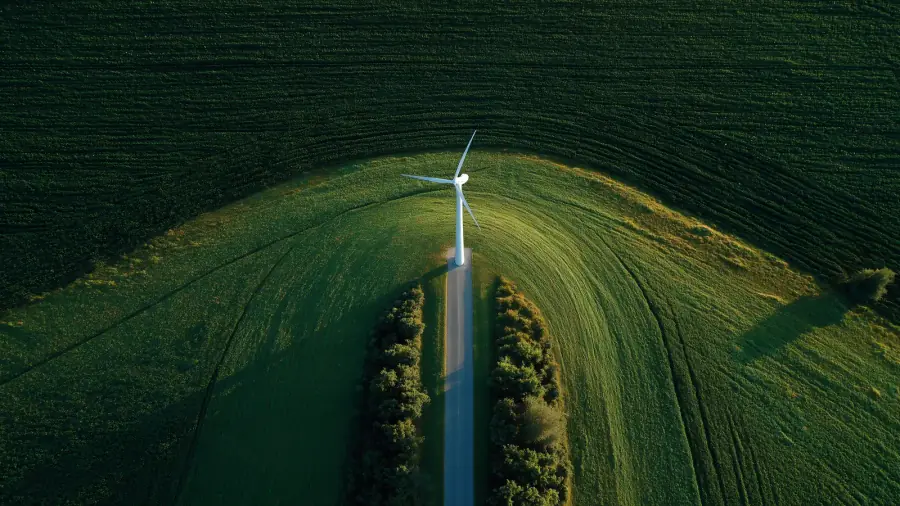
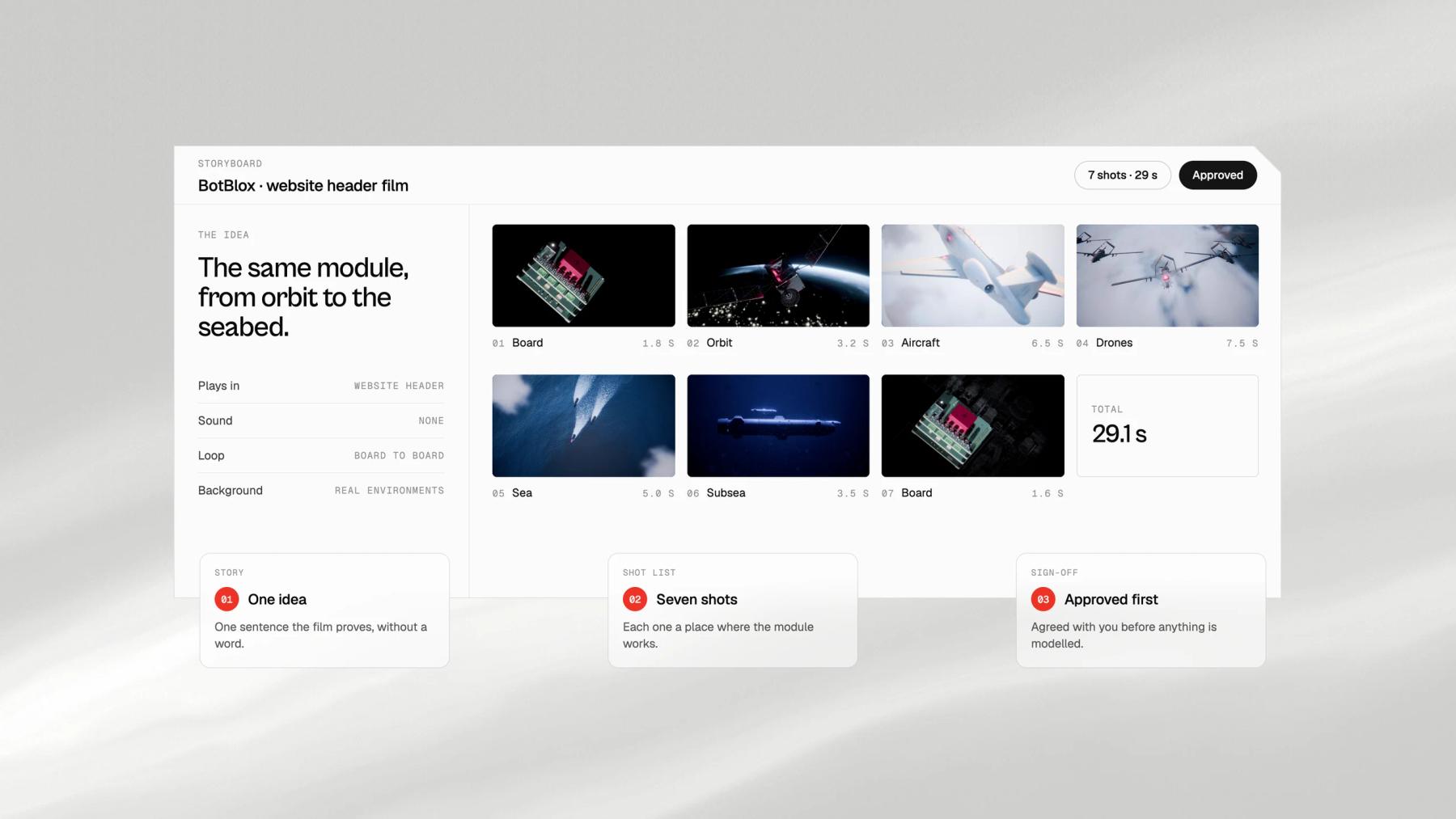
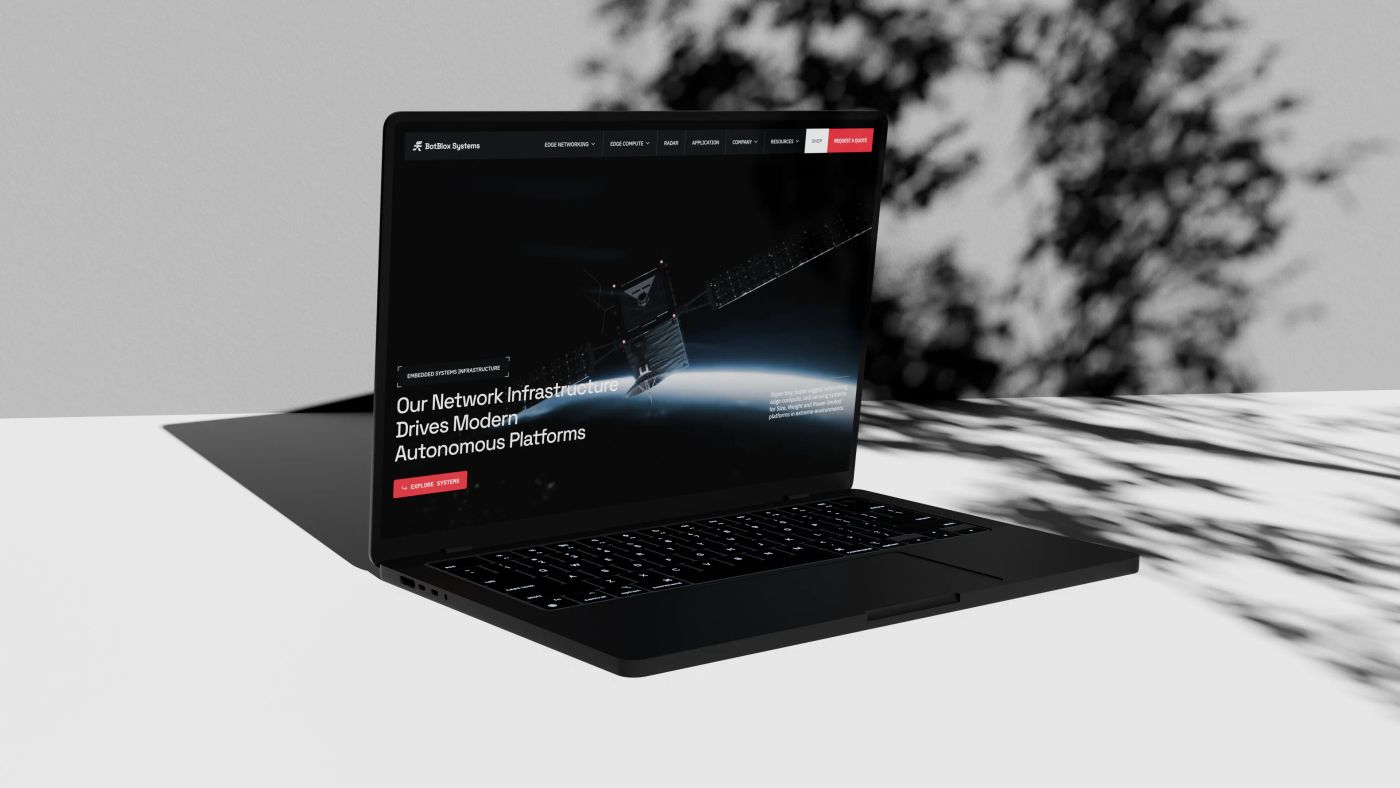
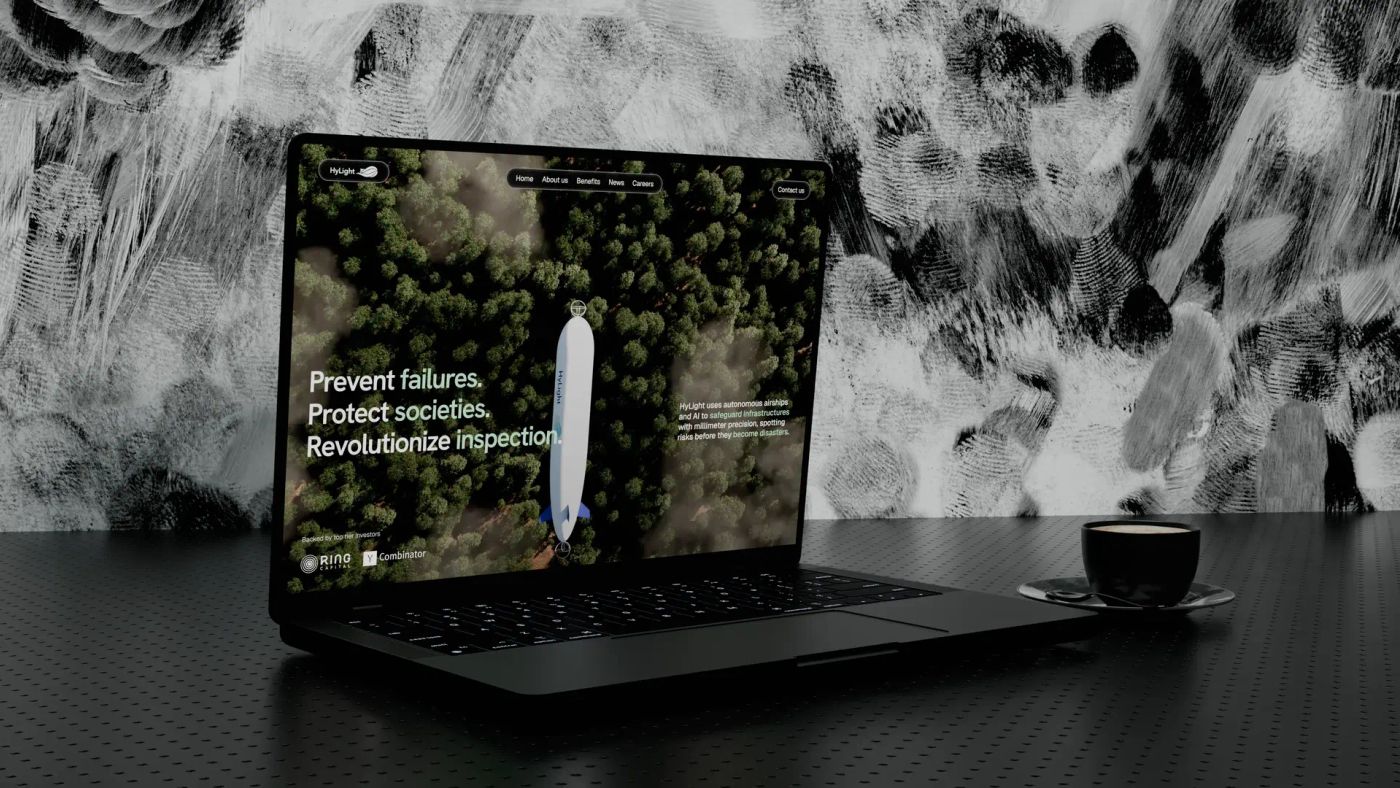
The film at the top of this page opens the BotBlox website: the same red networking module on a satellite, a surveillance aircraft, a drone formation, surface vessels and an underwater vehicle, in 29 seconds and without a word. For Hylight, a 10-second loop shows its hydrogen airship crossing a forest under the clouds, seen from above.
The problem
A product that moves is hard to explain in a still.
Why product videos miss the point
Hardware is filmed on a bench, AI and networks are shown as glowing particles, and the film made for the launch is too long for a homepage and too wide for a phone. The product ends up explained in text, under a video that says nothing about it.
The traps
Trap 0101 / 05
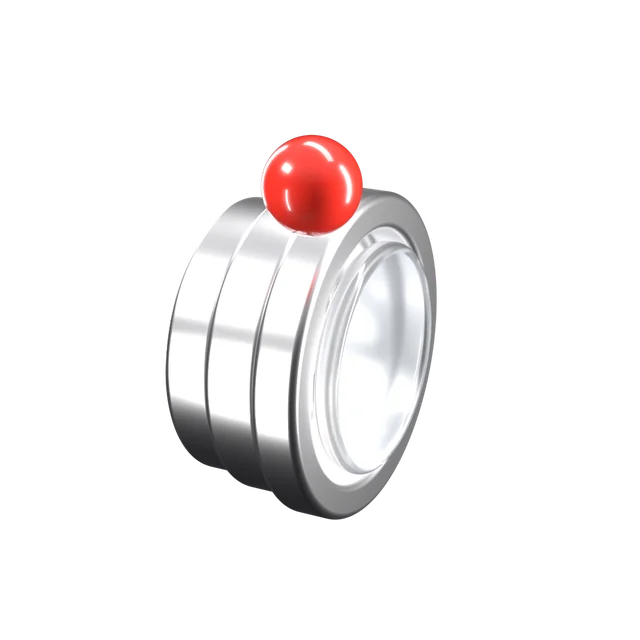
Shot on a bench
A camera cannot follow the product
What the product does happens in orbit, at sea, inside a casing or in a few milliseconds. Live footage shows the box on a table. A rendered film goes where the product works, at a speed people can follow.
Trap 0202 / 05
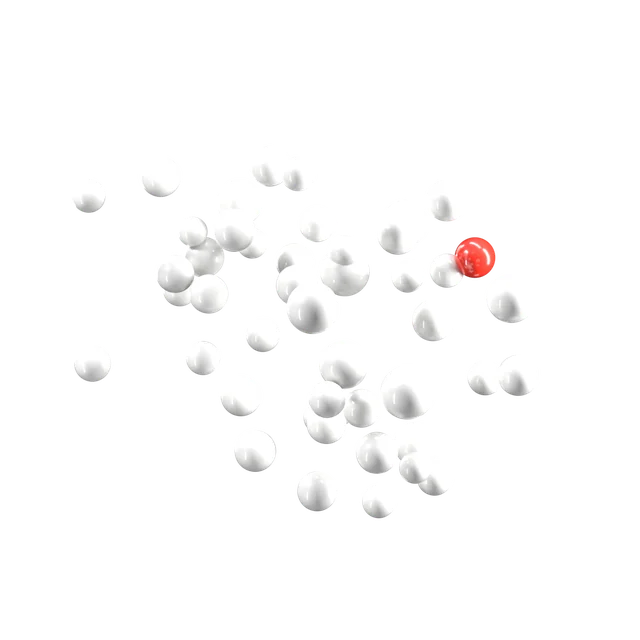
Stock motion
Particles that could be anyone's
Glowing networks and spinning globes say technology without saying which one. Viewers remember the effect, not the company. We animate your product and its real use, in the colours of your brand.
Trap 0303 / 05
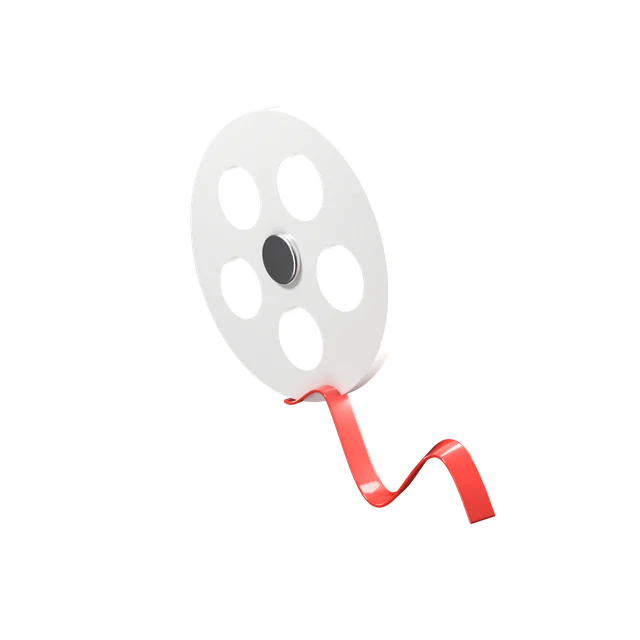
Two minutes long
A film nobody watches to the end
Most visitors decide in the first seconds, often with the sound off. A header loop has to make its point before anyone reads the headline, without a word, and a longer film has to earn every shot after that.
Trap 0404 / 05
One screen
Made for one format
A wide launch film cropped for a phone feed or a vertical stand screen loses the product at the edge of the frame. We plan the shots for wide, square and vertical from the storyboard.
Trap 0505 / 05
20.9 MB on the homepage
A header video that slows the site
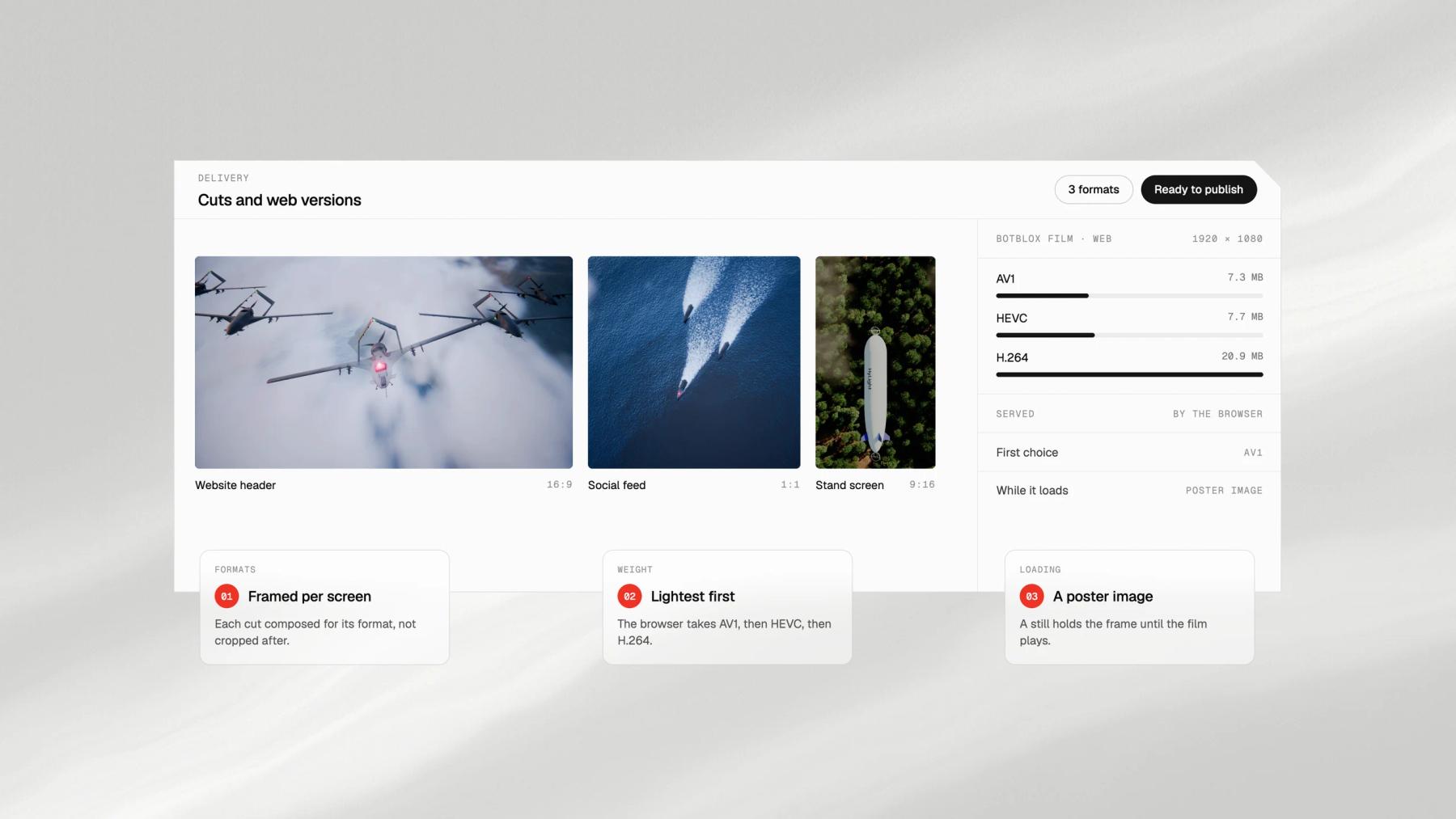
An unoptimised film at the top of a page costs loading time and search rankings. The BotBlox film weighs 20.9 MB in H.264; its website serves the AV1 version, 7.3 MB, to every browser that can play it, with a poster image while it loads.
The process
From storyboard to final render
Script, modelling, animation, rendering and editing are done by the team that designs and builds the website, so the film is made for the place it will play. You approve the storyboard, the animatic and the renders in the Junca client portal before anything is published.
Step 01
Story and storyboard
What the viewer must understand by the end, then the shots that show it, approved as a storyboard before any modelling.
Step 02
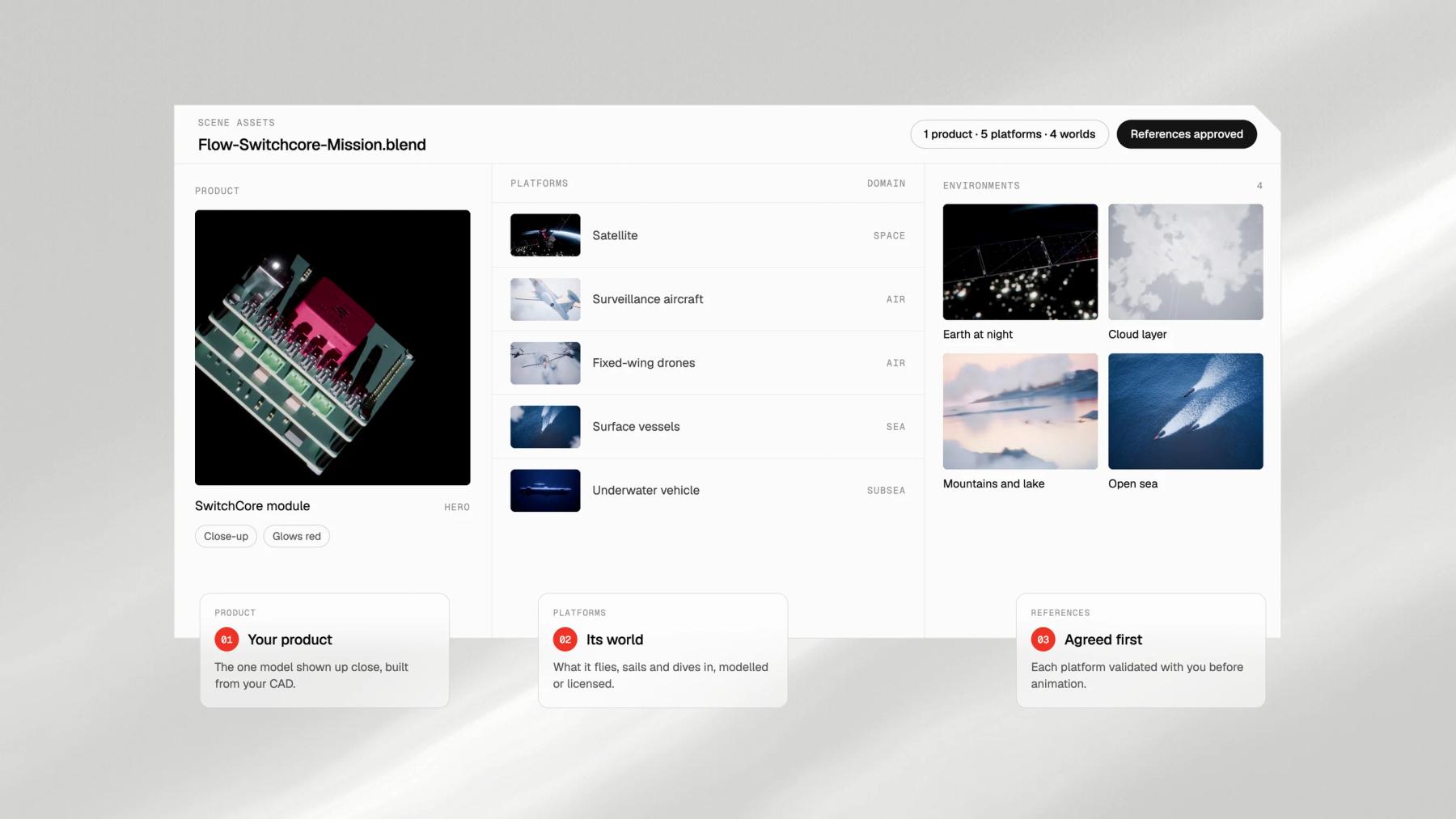
Models and scenes
The product from your CAD, and the world it works in: aircraft, satellites, terrain or a factory floor, modelled or licensed.
Step 03
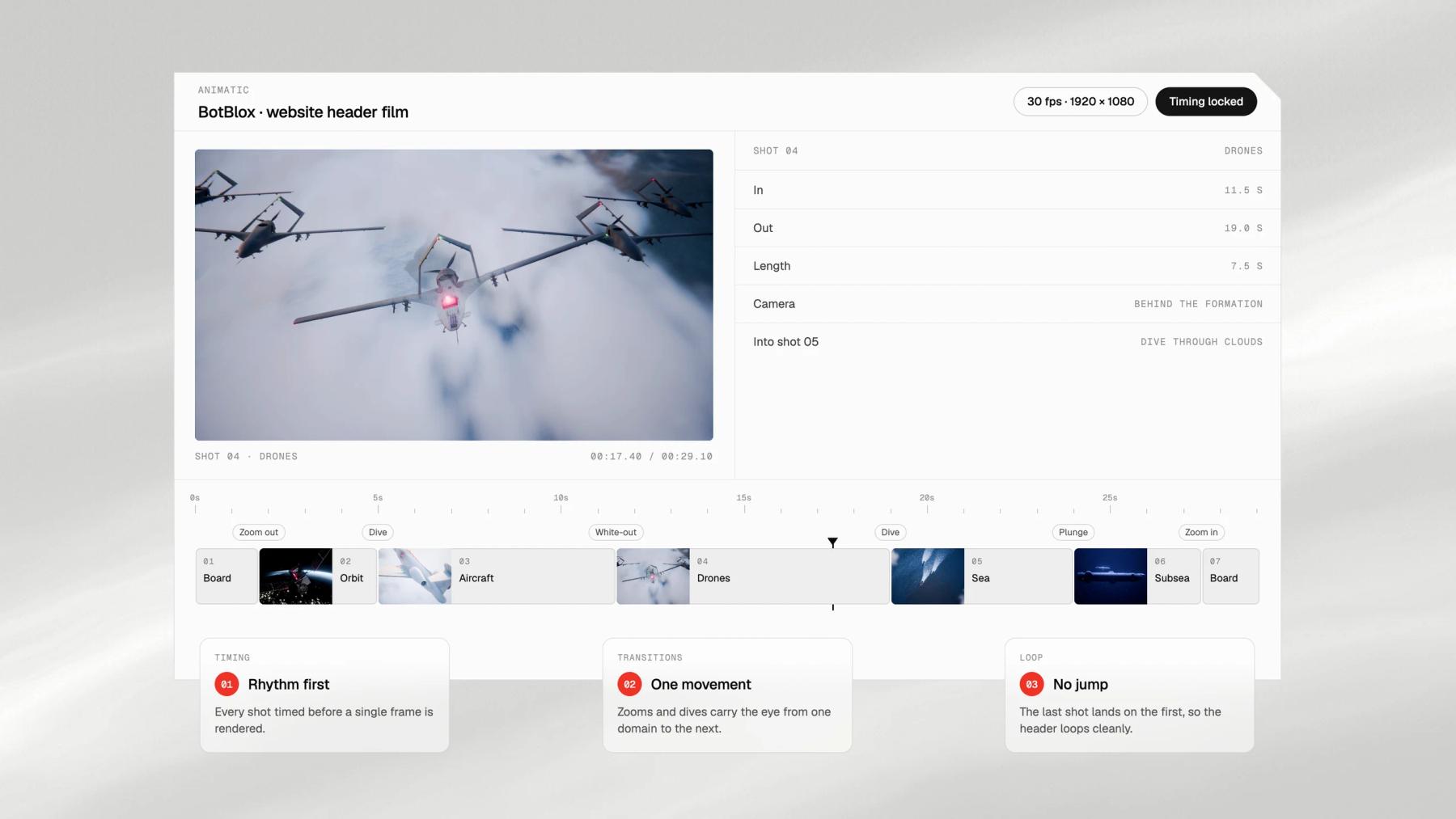
Animatic
Camera moves and timing blocked out and cut together, so the rhythm is settled before a single frame is rendered.
Step 04
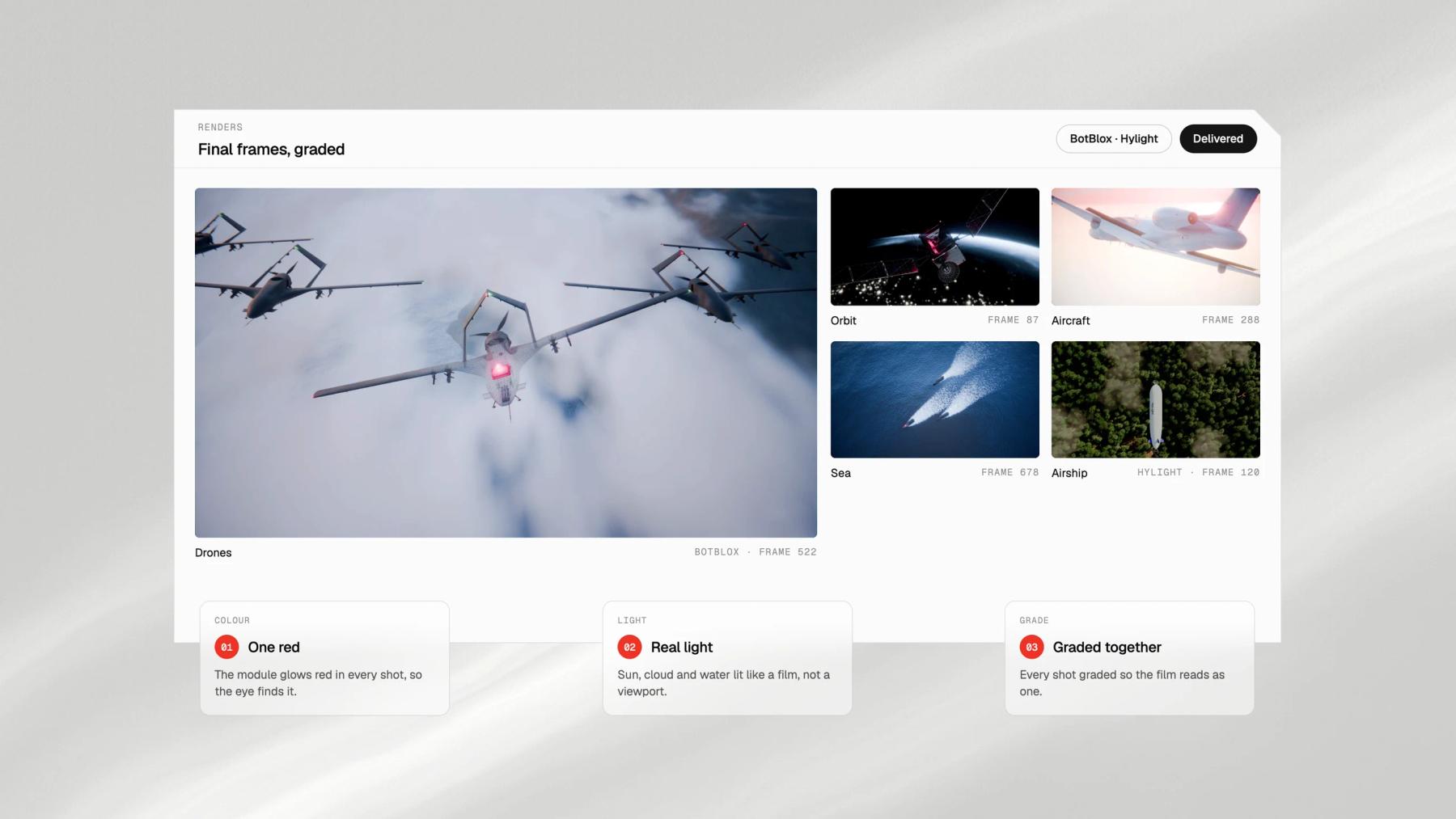
Light and render
Materials, light and atmosphere in your brand's colours, rendered frame by frame and graded.
Step 05
Cuts and delivery
The master film, the silent header loop and the wide, square and vertical cuts, encoded light enough for a phone.
What you get
Everything the project needs, from one team.
Storyboard and animatic
The shots on paper, then in motion, approved before rendering starts.
How-it-works film
The master film in full HD or 4K, for the website, launches, investor meetings and sales calls.
Website header loop
A silent loop of 10 to 30 seconds, encoded in AV1, HEVC and H.264 so each browser gets the lightest version it can play, with a poster image.
Social cuts
Wide, square and vertical versions, framed for each feed rather than cropped.
Trade show loop
A loop at the resolution and ratio of your stand screen.
Stills and source files
High-definition frames for decks and press, and the Blender files if you want them.
Selected work
Films we rendered for tech products
How long should a 3D product film be?
It depends where it plays. A website header loop works at 10 to 30 seconds and without sound: the BotBlox film runs 29 seconds, the Hylight loop 10. A how-it-works film usually runs 45 to 90 seconds. Social cuts are shorter still, 6 to 15 seconds, and each one makes a single point.
What do you need from us to start a product film?
The point the film must make, where it will be shown, and the product files: CAD exports (STEP, IGES or a native SolidWorks or Fusion file), drawings or photos. Under NDA from the first call.
Will a video at the top of the page slow down our website?
Not if it is made for it. We export the loop in AV1, HEVC and H.264, the browser takes the lightest version it can play, and a poster image shows until the film starts. The BotBlox film plays at 7.3 MB in AV1 instead of 20.9 MB in H.264, at the same resolution.
Rendered film or live shoot?
A live shoot wins for people, places and the product in real hands. A rendered film wins for what a camera cannot reach: the inside of a casing, a product in orbit or at sea, a process too fast or too slow to see, or a product that is not built yet. Many films mix both.
Can we make the film before the product is finished?
Yes. The film shows only what you approve, and the model can stay simplified where the design is protected. For a product still in development, shots can be re-rendered when the design changes.
Can the same model serve the website and the renders?
Yes, and we plan for it. The model built for the film also gives studio renders and exploded views, and a light version can run in real time on the website.
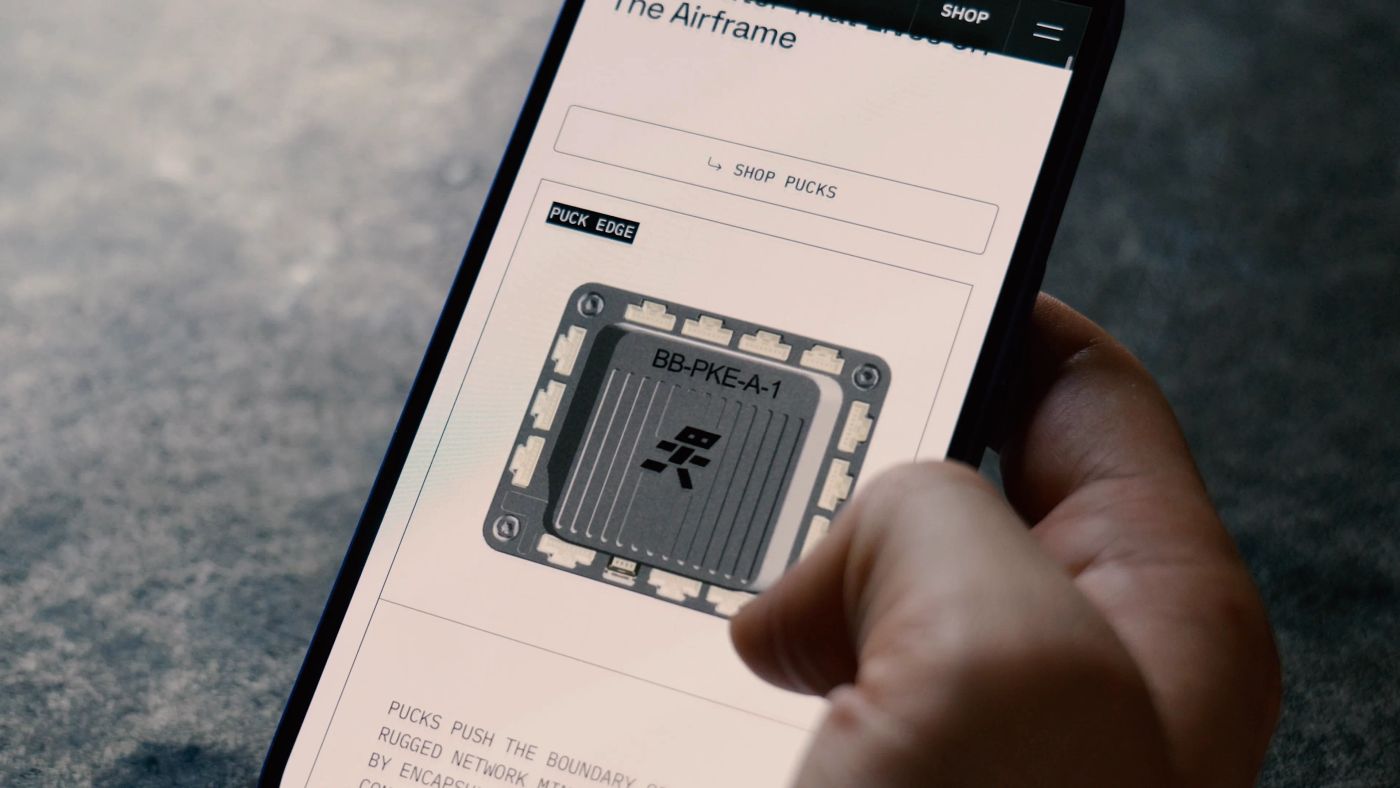
How to show a hardware product on your website when photos fall short
7 min read
A photo shows the outside of your hardware. Buyers need the inside, the motion and the proof: five visuals that show them, one honesty rule for renders, and a realistic CAD-to-web timeline.
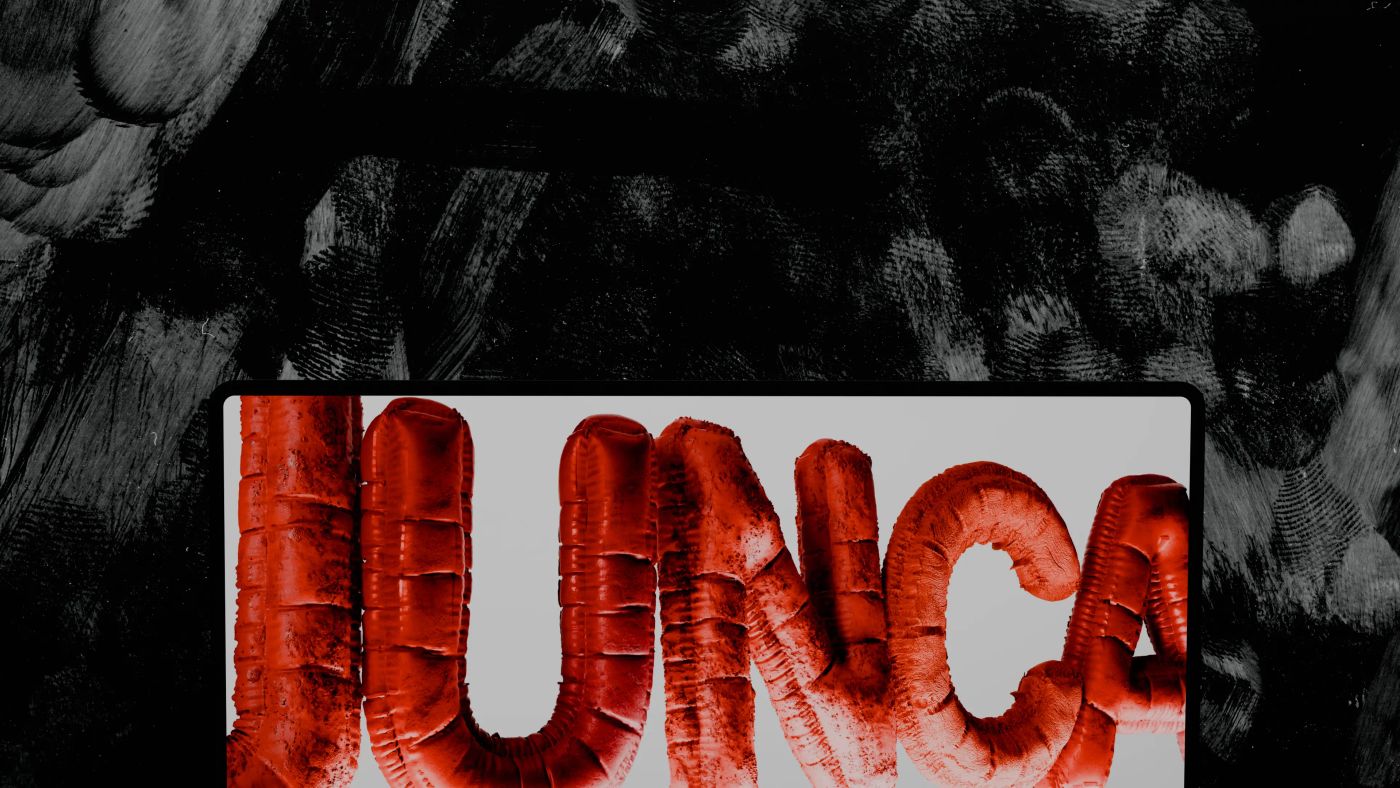
Why Blender is at the heart of our creative studio
5 min read
How we use Blender (Geometry Nodes, 3D rendering, scroll animations) to create immersive visuals that make complex technologies tangible.
How to explain complex technology on a website (without dumbing it down)
4 min read
Jargon repels even when you define it, and visitors read 25% of your words. The layered-narrative method we use to make deeptech legible, from Hylight to Kestrix.
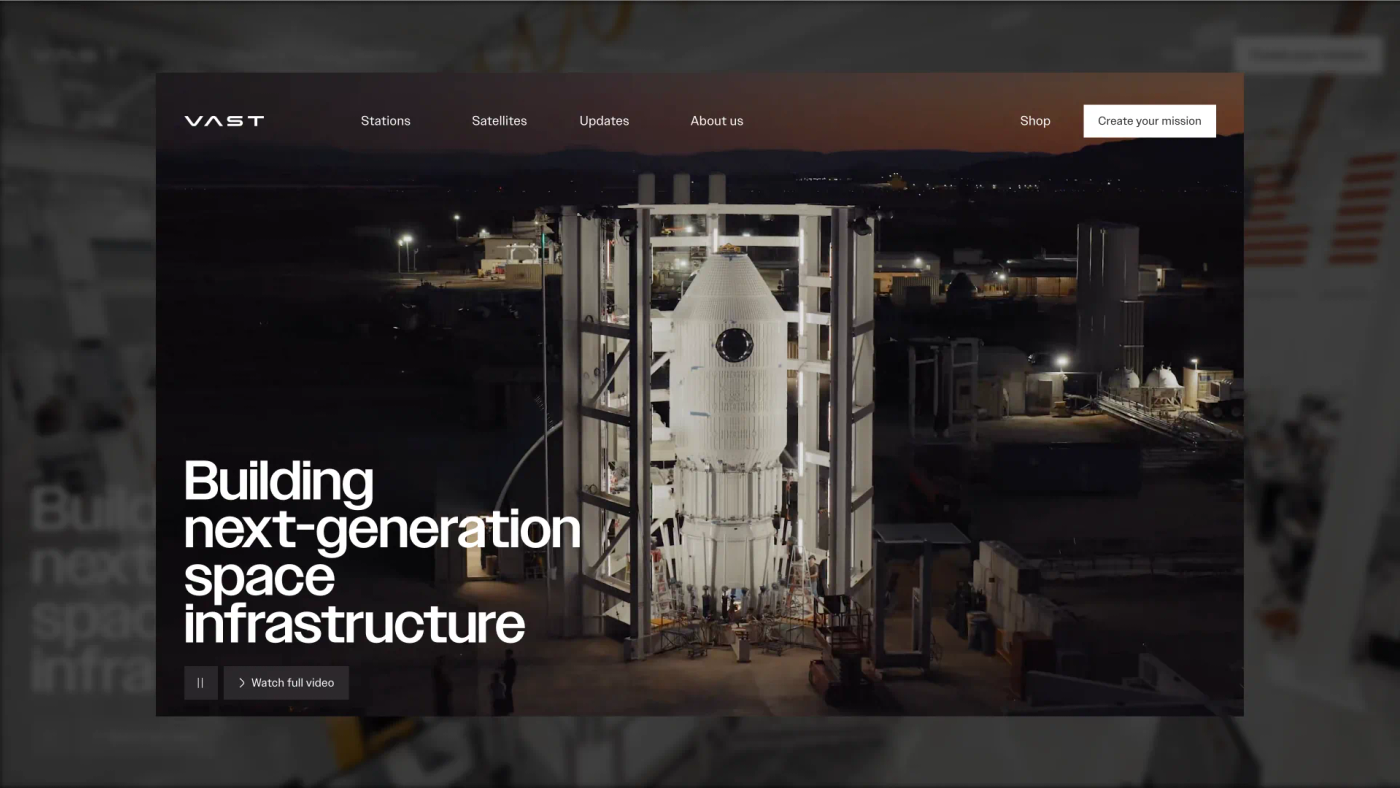
The 12 best deeptech websites in 2026, and why they work
9 min read
Twelve deeptech sites that won Awwwards Site of the Day, from Vast to Breakthrough Energy, and the four design moves that put them there.
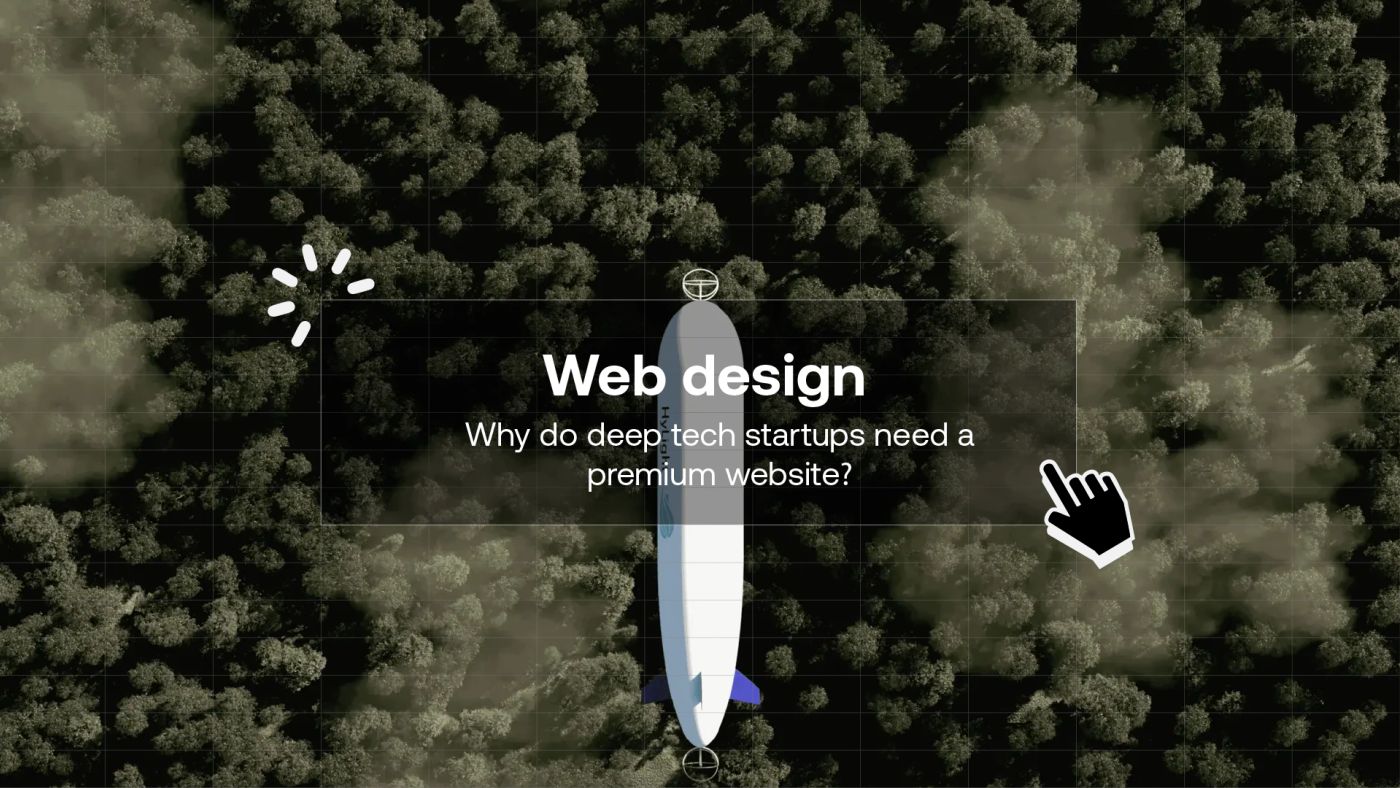
Why deeptech startups need a premium website
5 min read
A generic website is no longer enough for a deeptech startup. Investor credibility, talent acquisition, market positioning: why web design is an underestimated strategic lever.
Other services