
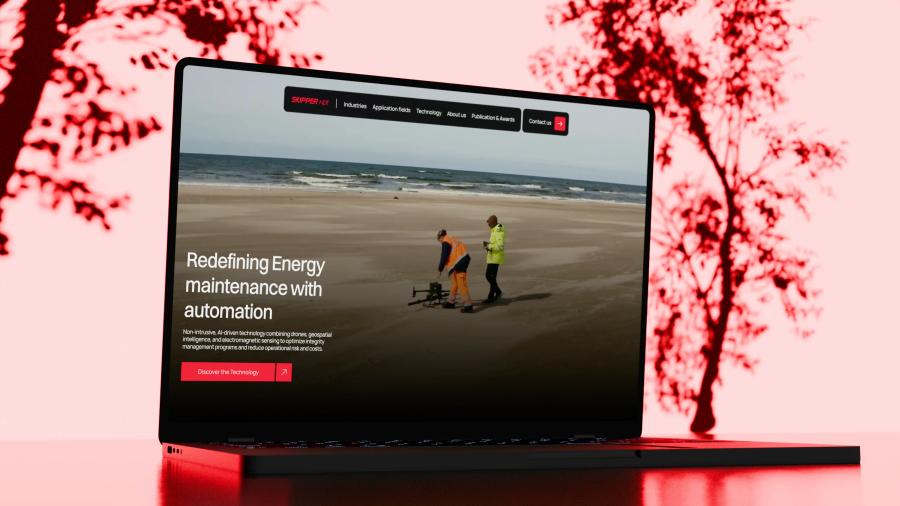
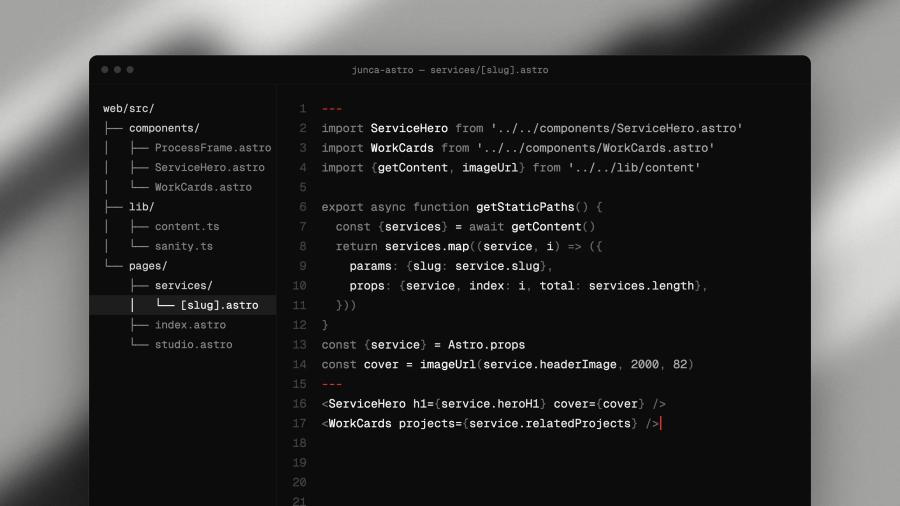
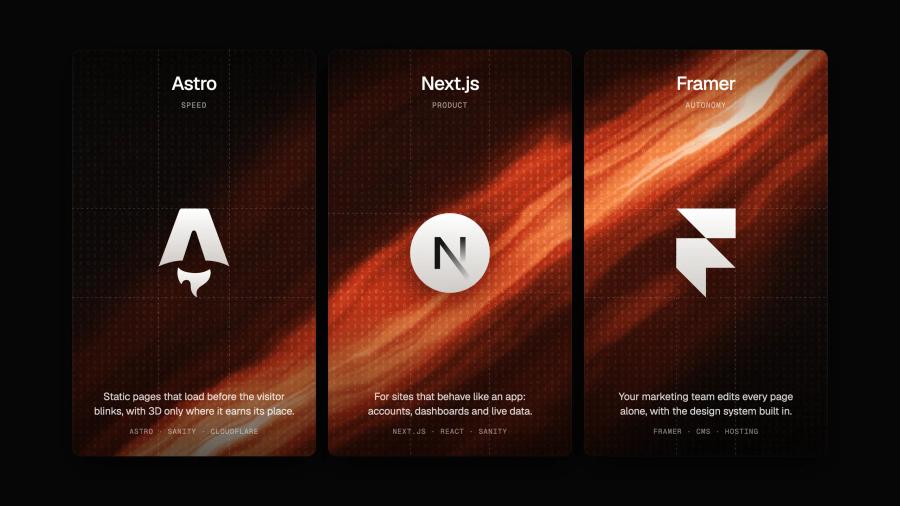

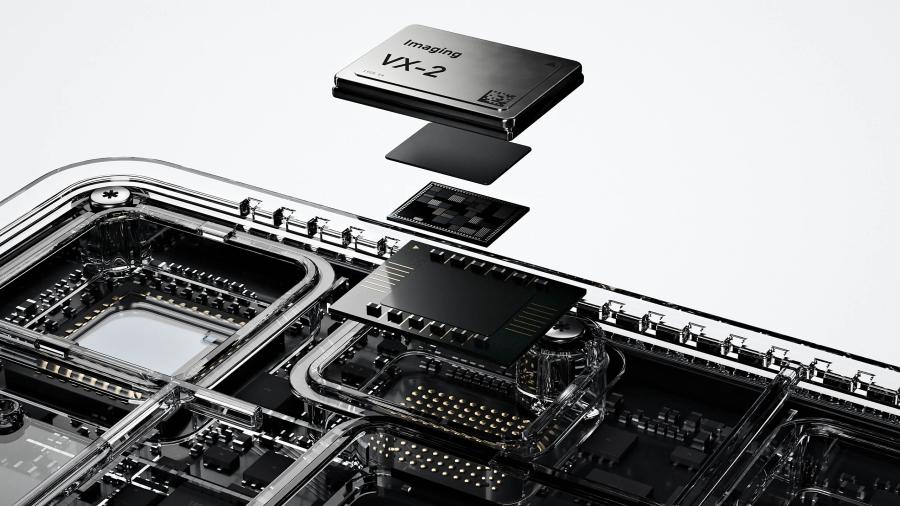


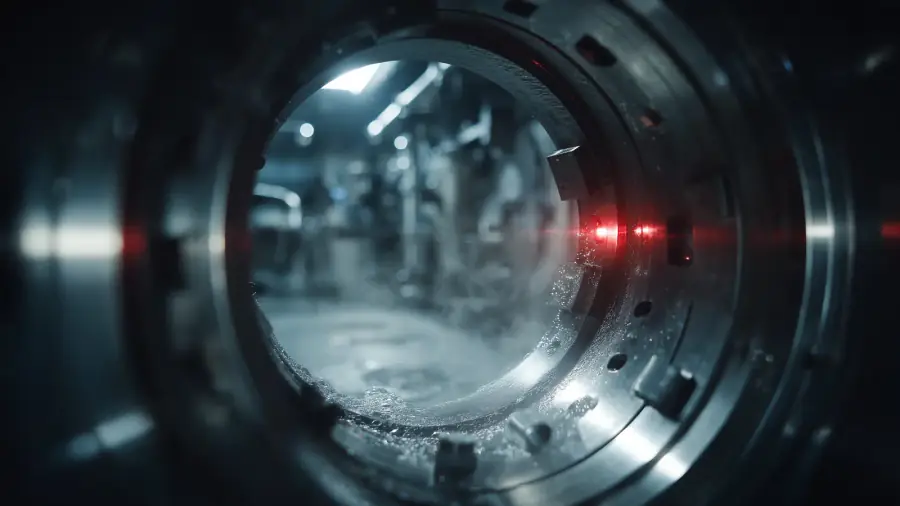
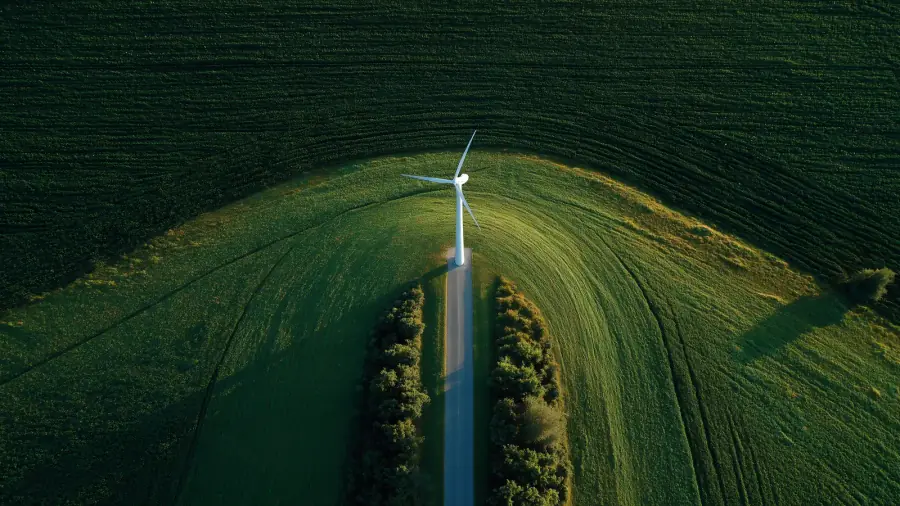

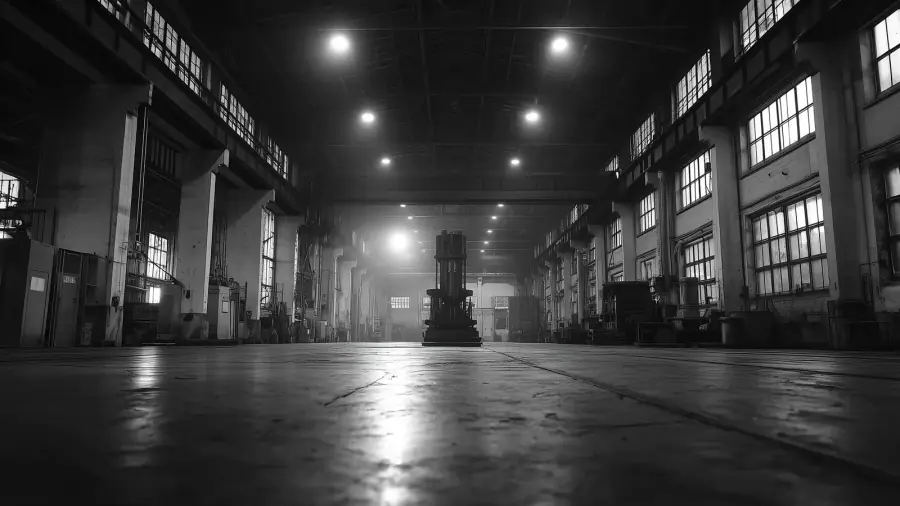
We model your product in Blender and bring it to the browser, so visitors see the part of your technology a camera misses.
3D website design agency for technology you can't photograph

What it is
3D web design is the practice of building a website around three-dimensional scenes rendered in the visitor's browser, so a product can be turned, opened or set in motion instead of described.
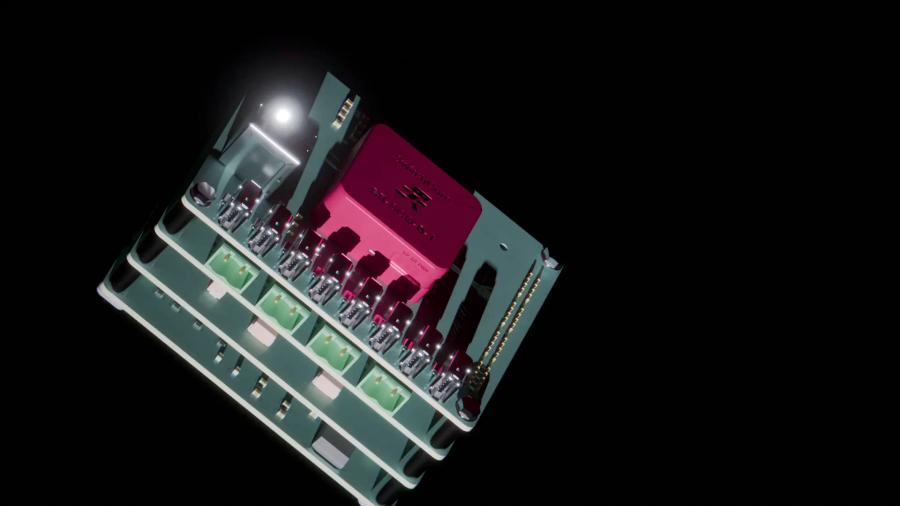
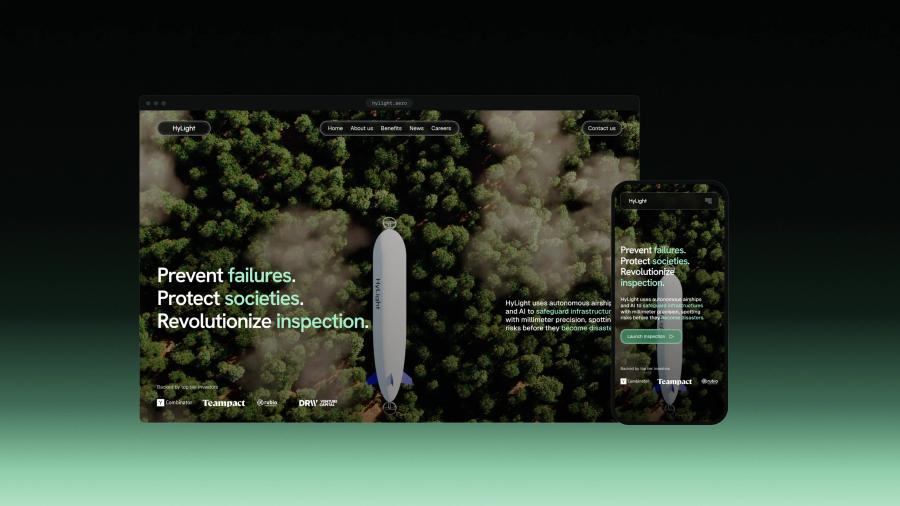
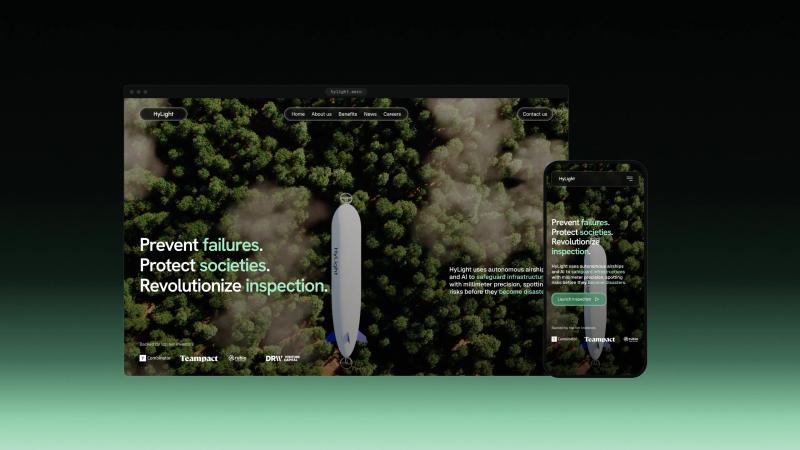
For a tech company, it solves a precise problem: what you sell is hidden inside a machine, invisible to a camera or spread over kilometers. Rugged networking hardware sealed inside a drone, an airship inspecting a power line, heat leaking from a building: a photo shows a box, a scene shows the mechanism.
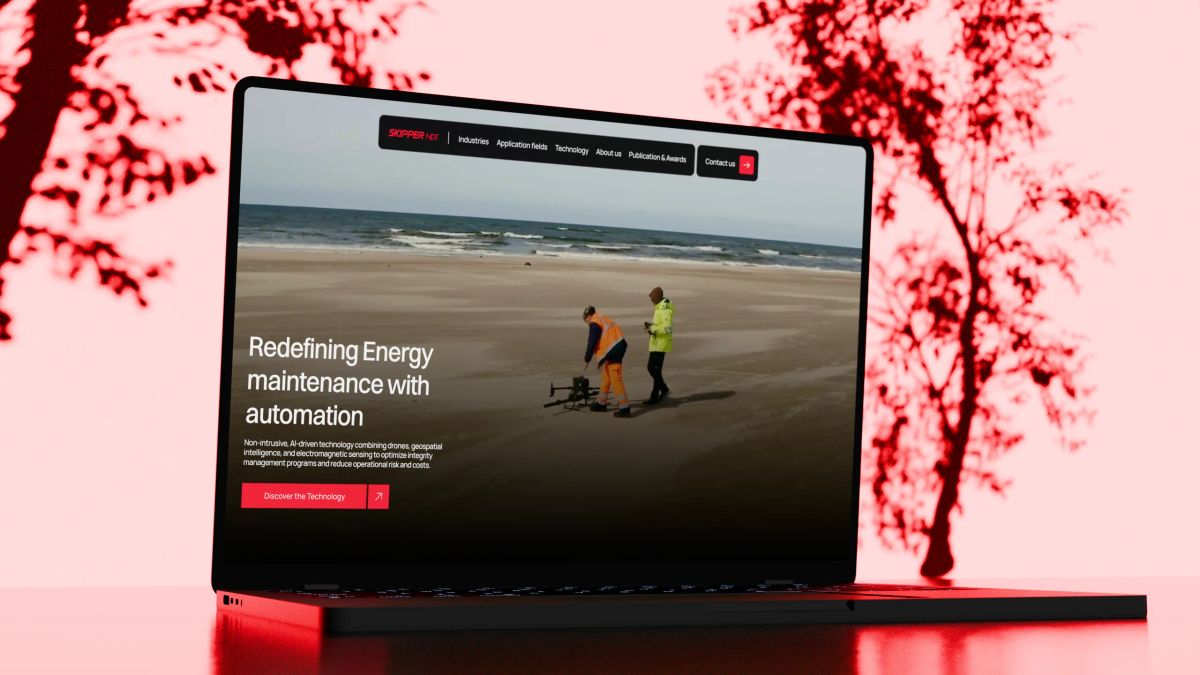
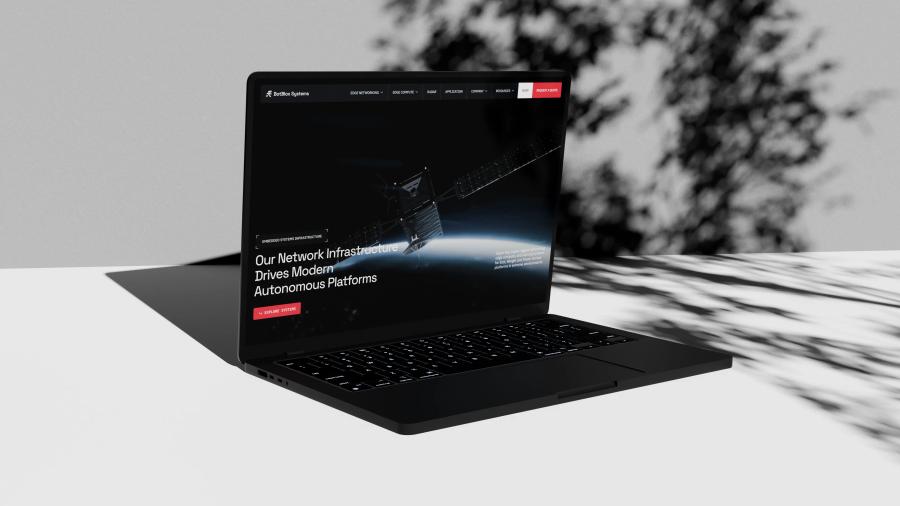
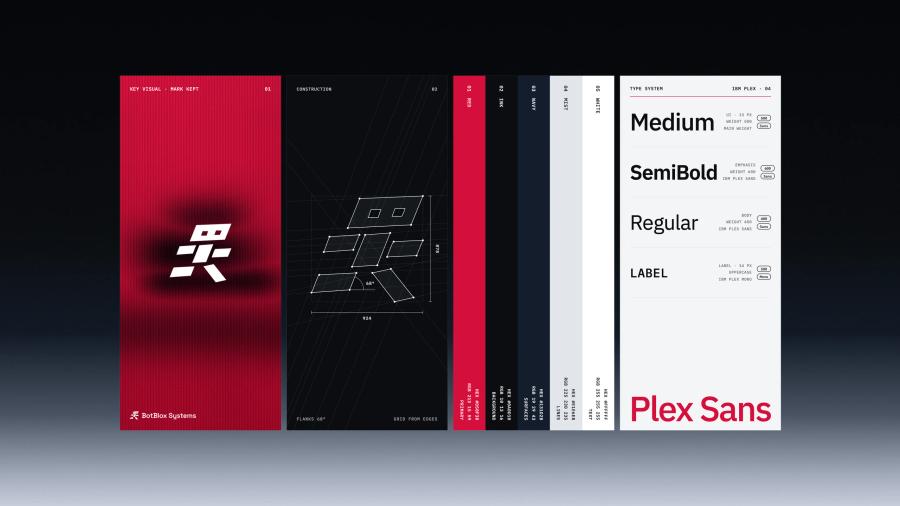
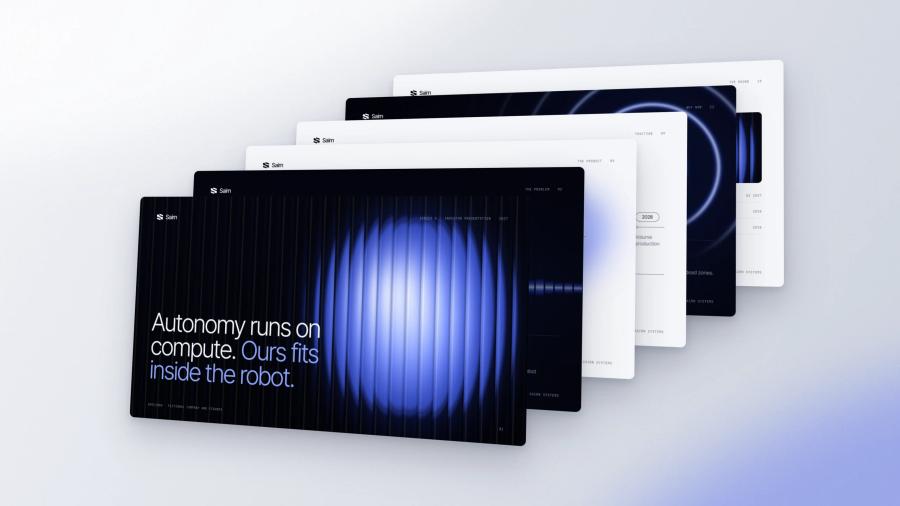
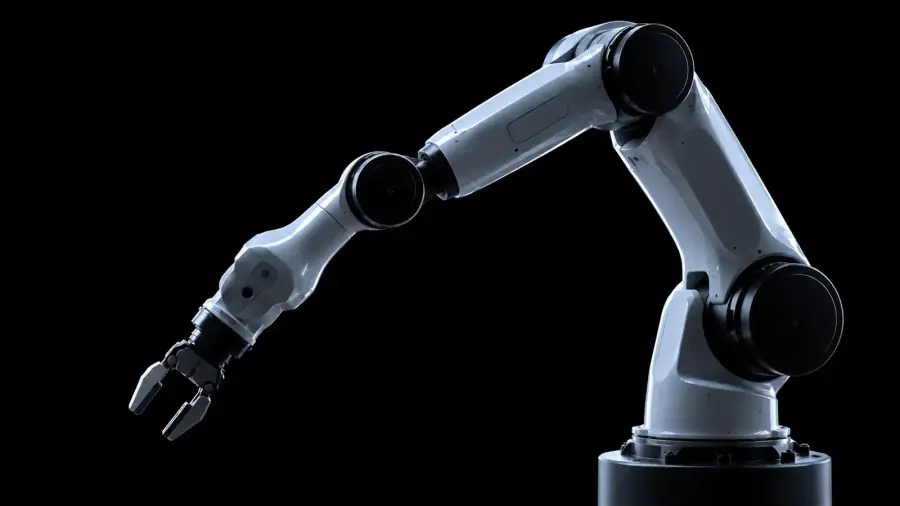
At Junca Studio, the same team models in Blender, writes the Three.js, React Three Fiber and WebGL code, and designs the pages and the identity around the scene. Nothing is handed to an outside 3D vendor, so the interactive 3D website you launch looks like one company made it. It runs in Framer or in custom code with Astro. We built it for BotBlox, Kestrix and Hylight, and our own homepage runs a real-time 3D robot.
The problem
Your product does something remarkable. On your website, it looks like a gray box.
Why 3D on a tech website usually misses
3D often gets commissioned for the wrong reason: to look impressive. Visitors then get a slow, spinning object that says nothing about how the product works, on a phone that heats up. The scenes that earn their weight answer one question a buyer, an investor or an engineer is asking, and they load like any other page.
The traps
Trap 0101 / 04
3D for the sake of 3D
A showpiece with no question
The scene exists because 3D was in the brief. It spins, it glows, and nobody leaves knowing more. We start the other way round: which question does the visitor have that a photo cannot answer? How is it built, what is inside, where does it operate, what does it sense? One scene per question, and no scene at all when a still image answers just as well.
Trap 0202 / 04
Weight before words
The headline waits for the model
A heavy model blocks the first screen, the page stays blank on a train connection, and the visitor leaves before the first frame. Weight is a design decision, not a cleanup task before launch. We cut polygons, compress textures, bake the lighting into the model in Blender and request 3D files only after the page has painted, so the words arrive first and the scene follows.
Trap 0303 / 04
Smooth on one machine only
Tuned on a studio laptop
The scene runs smoothly on the machine it was built on and stutters on a mid-range phone, which is where a forwarded link usually gets opened. We plan a phone tier from the start: lower pixel ratio, no anti-aliasing, fewer effects. Visitors who ask for reduced motion get a still image, and rendering pauses whenever the scene leaves the screen.
Trap 0404 / 04
Nobody owns the scene
Three vendors, three art directions
A 3D freelancer models the product, a web agency integrates a file it did not make, and a brand team picks colors neither of them saw. The scene ends up lit differently from the site and art-directed by nobody. At Junca, the person who models the part works next to the people who design the page and the identity, so light, materials, type and motion are decided together.
The process
How a 3D website gets made at Junca
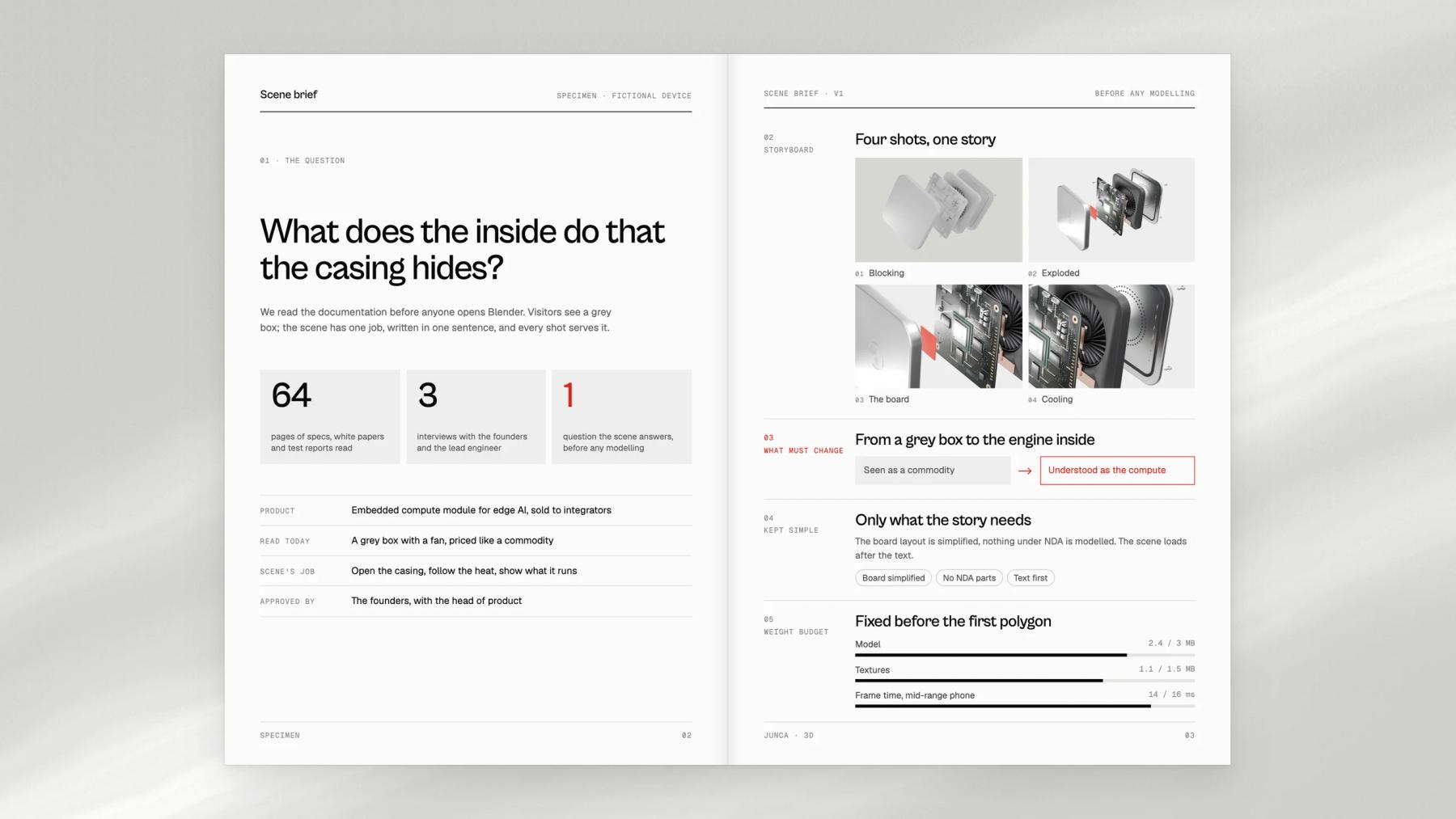
We decide what the scene has to explain before anyone opens Blender. Modeling, code and page design then run in parallel, and the 3D is tested on real phones long before launch.
Step 01
Find the question
We read your documentation and pick the one thing visitors misunderstand. That becomes the scene's job, written in one sentence.
Step 02
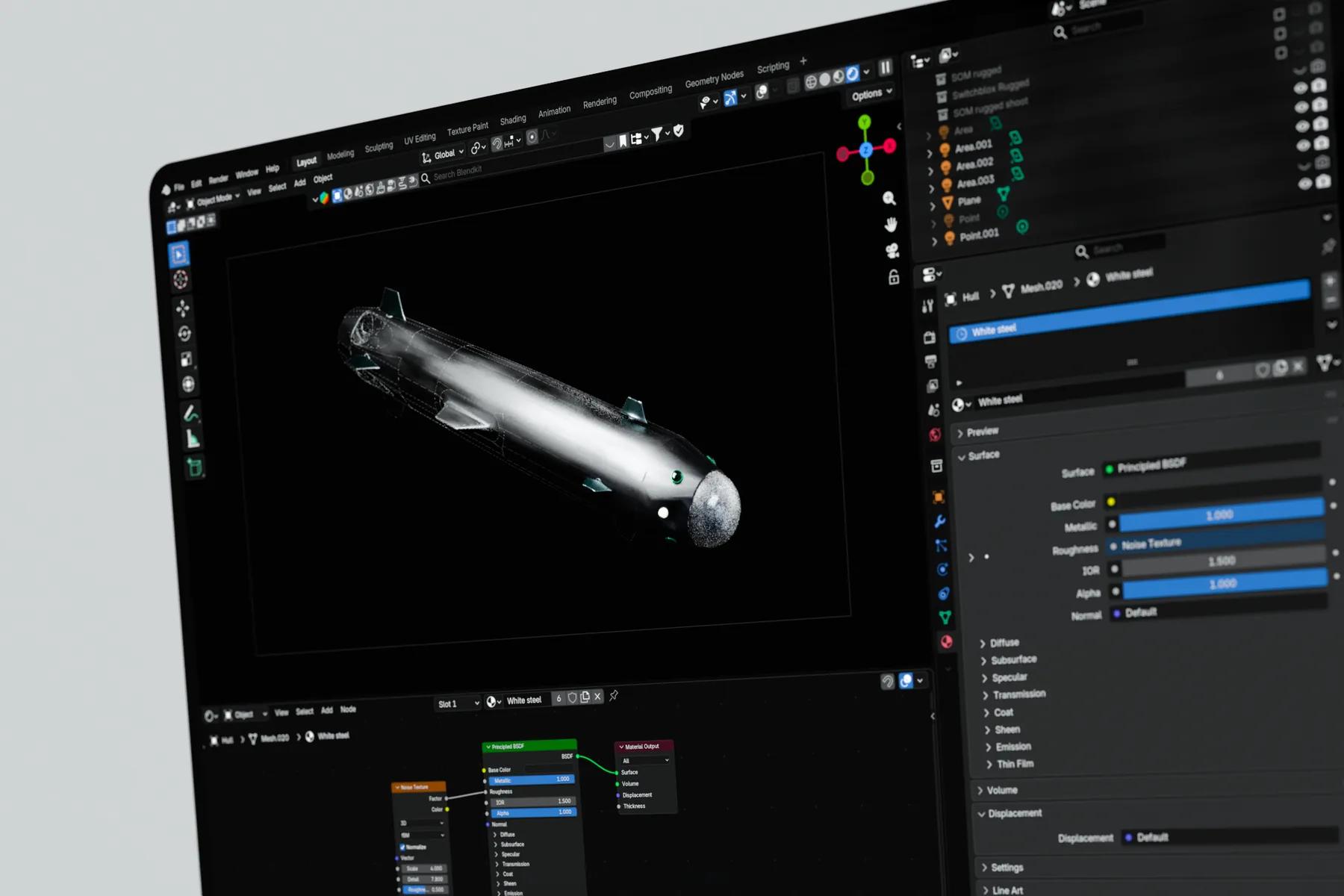
Model in Blender
From your CAD files or from scratch, we model, clean and texture the product, then bake its lighting into the asset.
Step 03
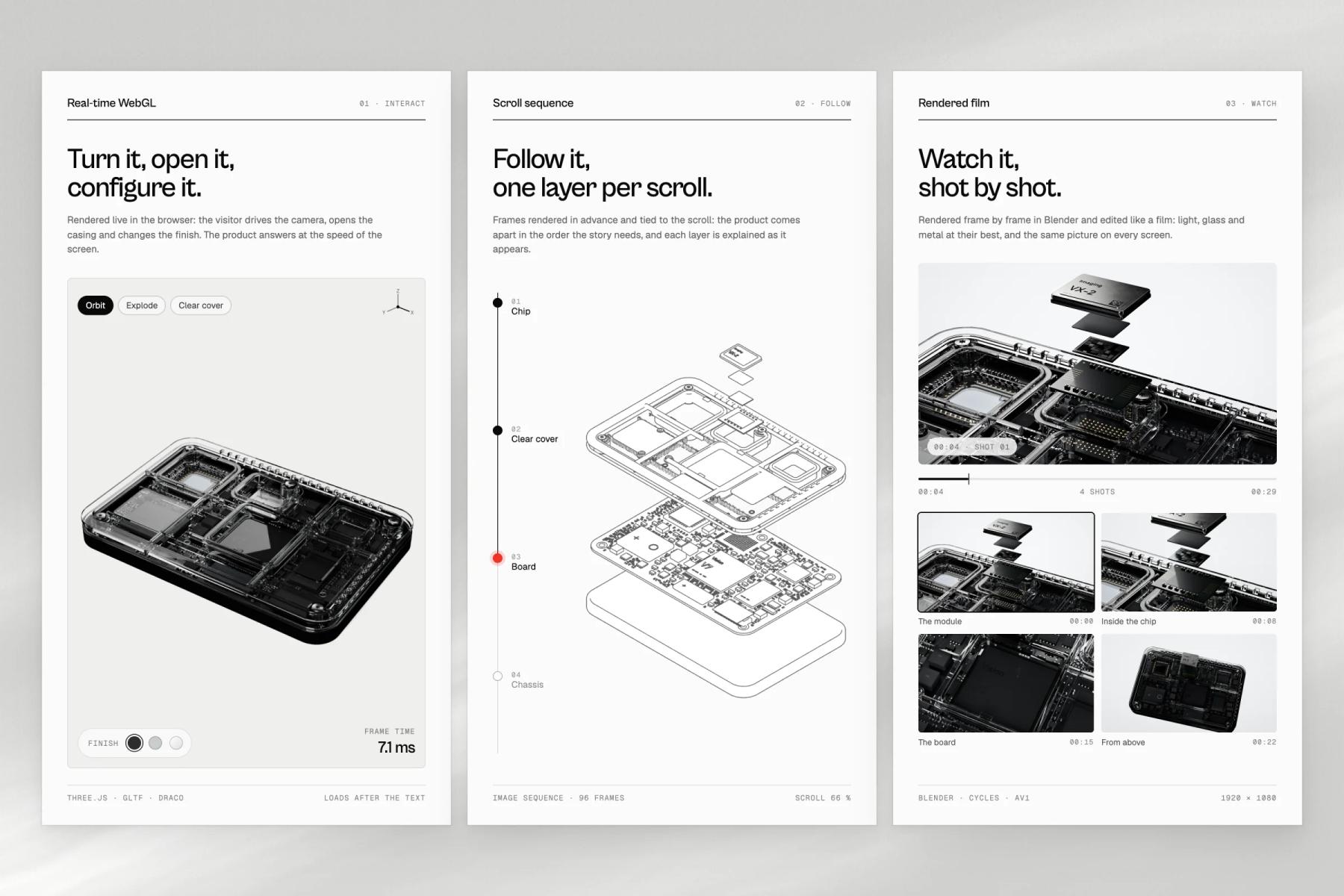
Pick the technique
Live WebGL when visitors should interact, a scroll-driven sequence when they should follow steps, a rendered film when they should simply watch.
Step 04
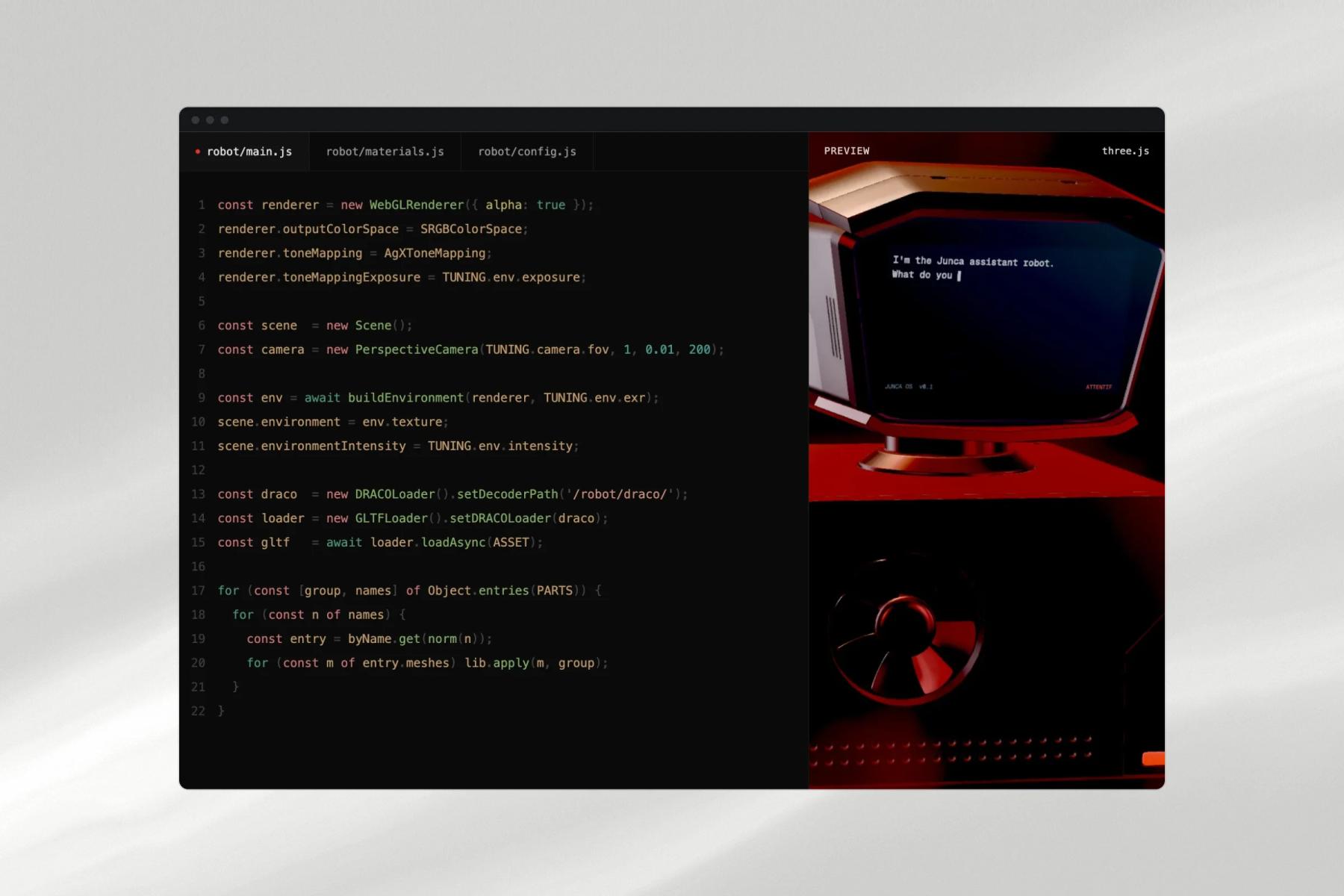
Code the scene
We write it in Three.js or React Three Fiber, custom shaders included, and fit it into your Framer or Astro site.
Step 05
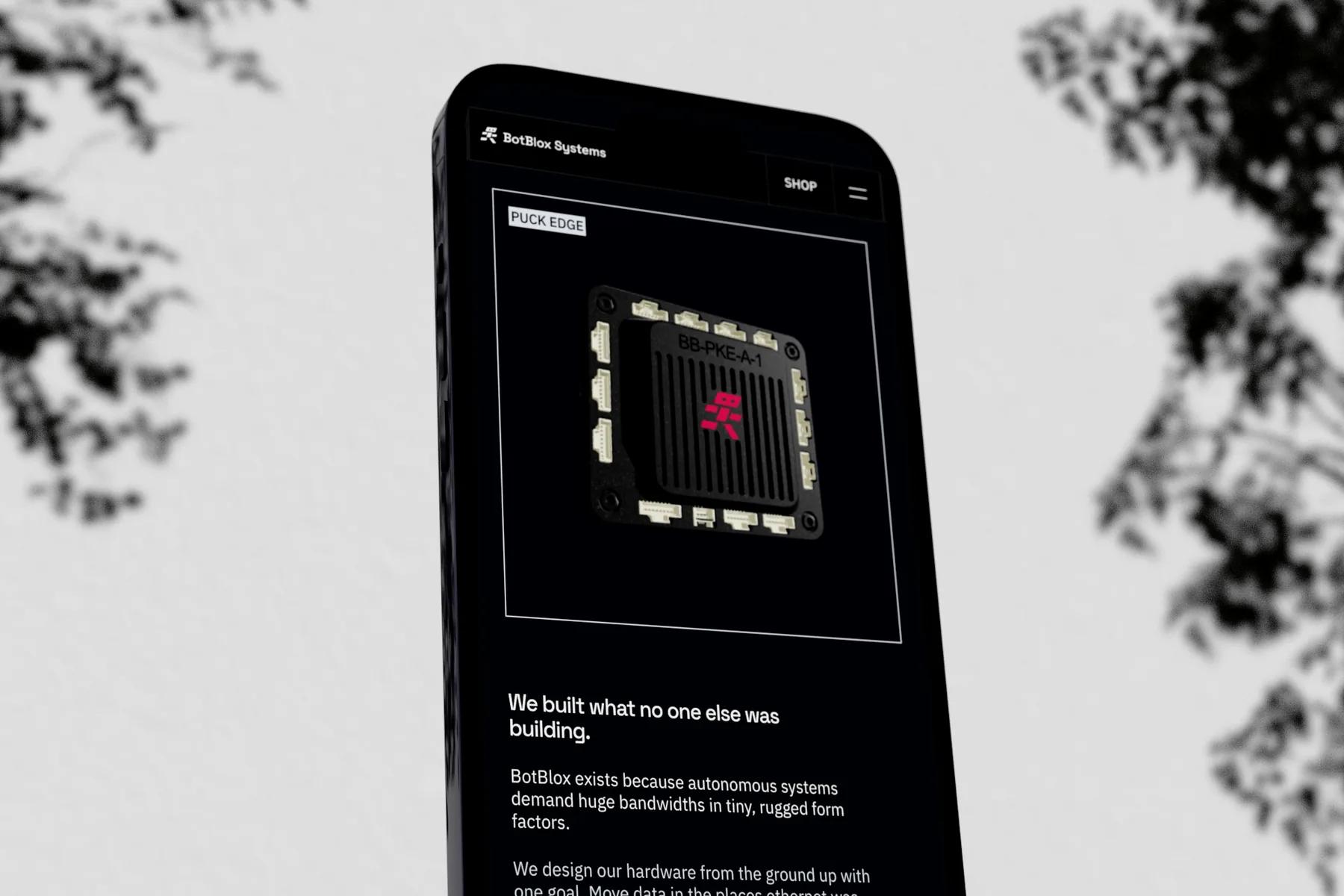
Tune for phones
Frame budget, file weight and fallbacks are measured on real devices and signed off before the site goes live.
What you get
Everything the project needs, from one team.
Scene brief
The question each 3D moment answers, written in one sentence and agreed before anyone opens Blender.
Product model
Modeled in Blender from your CAD files or from scratch, cleaned and textured. The Blender file is yours if you want it.
Web-ready 3D assets
glTF files with the lighting baked in, compressed, and loaded only after the page has painted.
Real-time scenes
Written in Three.js or React Three Fiber, custom shaders included, and fitted into your Framer or Astro site.
Scroll sequences and product films
A scroll-driven sequence when visitors should follow steps, a rendered film when they should simply watch.
Phone tier and fallbacks
A lighter version for mid-range phones, a still image for visitors who ask for reduced motion, and rendering that pauses off screen.
Renders for sales
Stills from the same model, ready for decks, datasheets and trade-show stands.
Selected work
3D we've shipped for hard-to-show technology
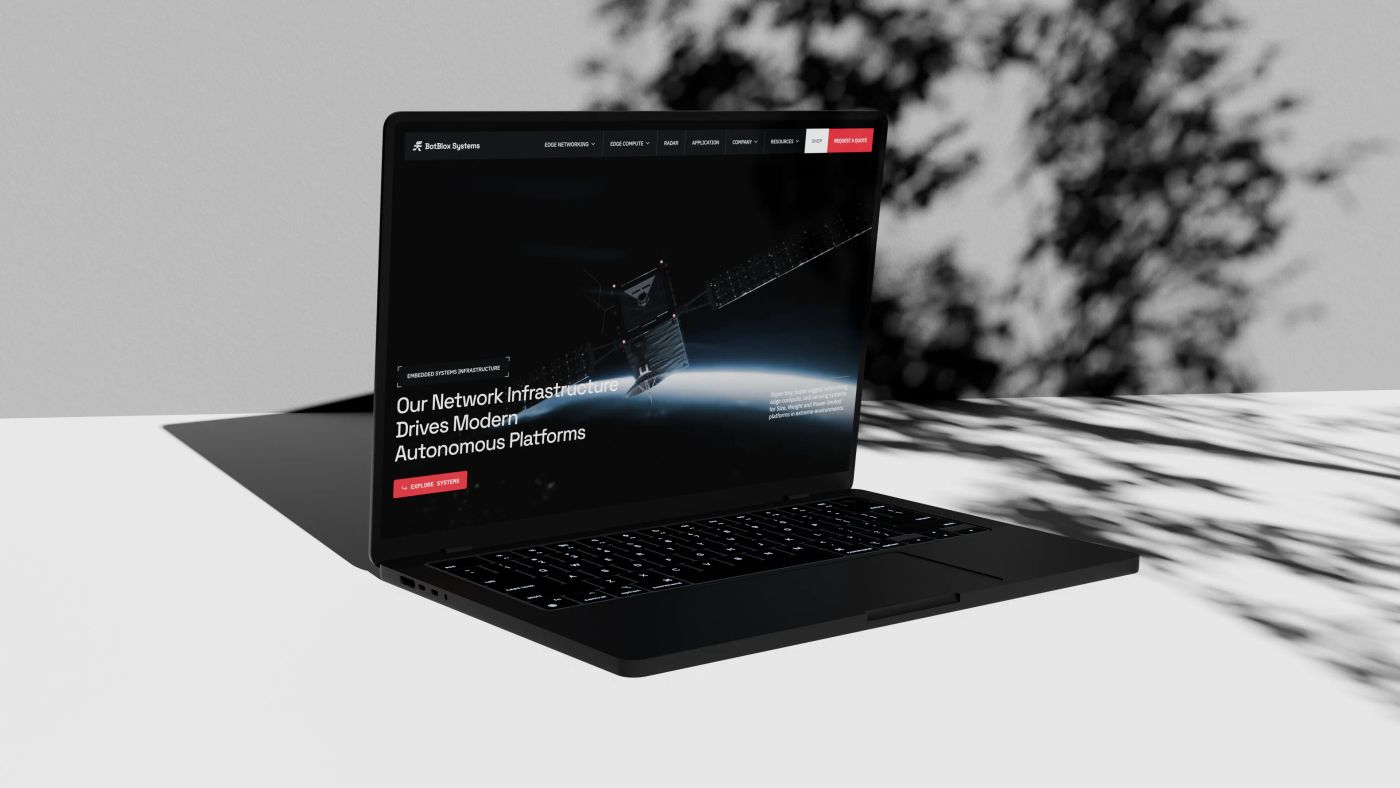
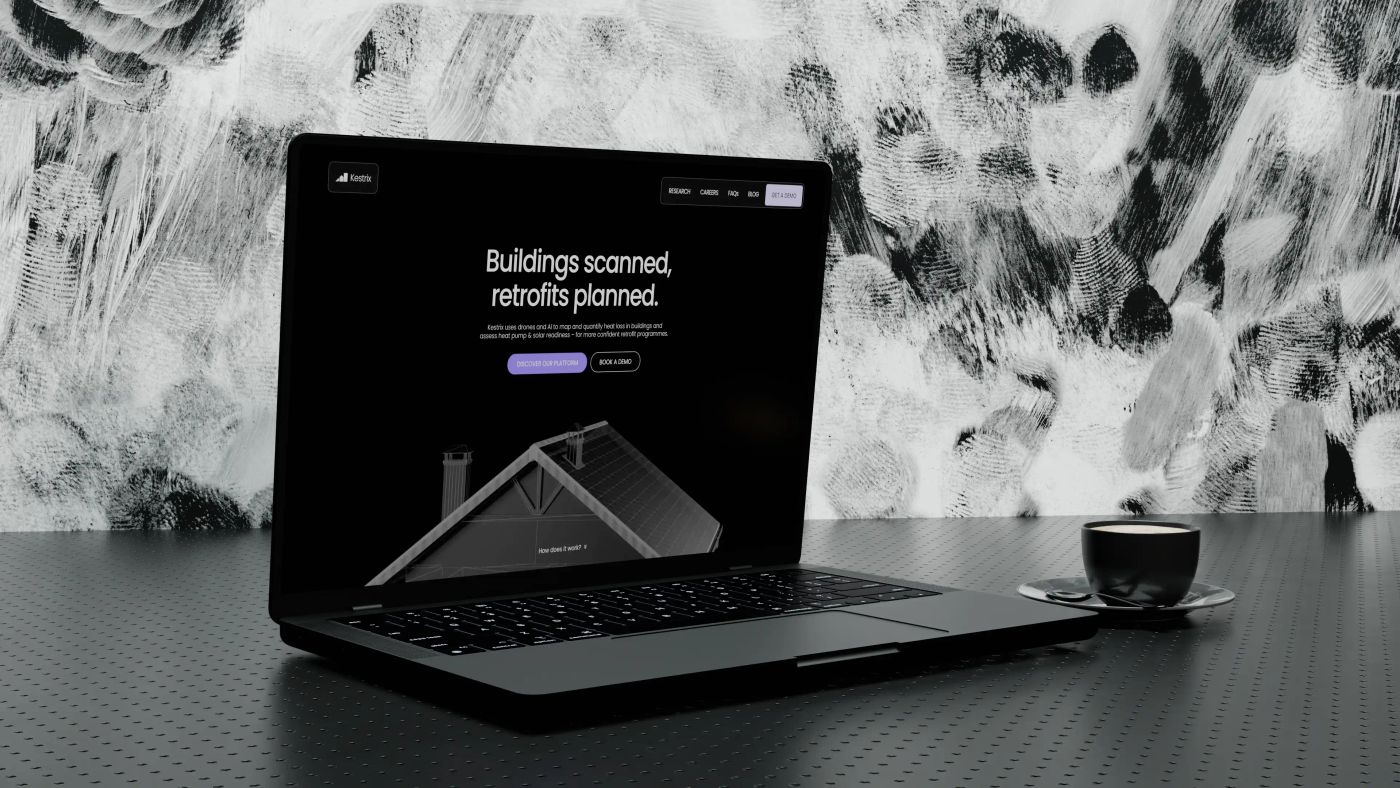
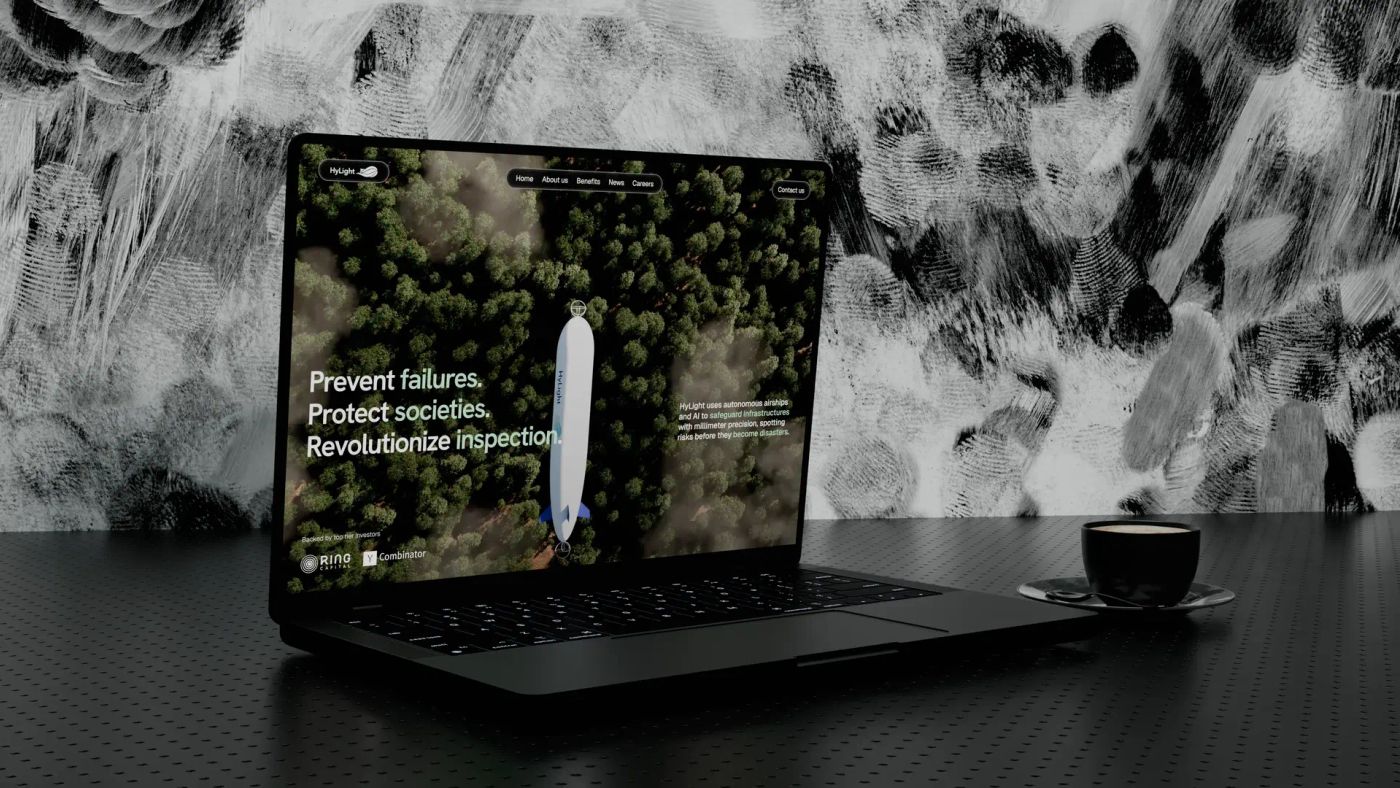
How much does a 3D website cost?
A 3D website costs more than a classic one because modeling, real-time code and performance work add up: every scene has to stay smooth on a mid-range phone, with a still image fallback. The figure depends on the number of scenes and whether they are interactive or pre-rendered. A website with custom 3D usually ranges from $20,000 to $50,000, against $10,000 to $20,000 for a Framer website without it. We send a detailed quote after a free first call.
How long does it take to build a 3D website?
Count 8 to 12 weeks from approved brief to launch for a site with custom 3D scenes. Modeling and code start alongside page design, so the 3D does not add a separate phase at the end. A focused site without custom 3D takes 4 to 6 weeks. If you have a launch or a fundraise date, tell us in the first call and we plan backward from it.
Will 3D slow down our website on mobile?
Not if weight is planned from the first day. We compress geometry and textures, bake lighting in Blender so the browser computes no real-time lights, load 3D files after the page has painted, and run a lighter tier on phones. Our own homepage carries a real-time 3D robot and records a 957 ms Largest Contentful Paint in Chrome's real-user data (October 2026).
Real-time 3D, a scroll sequence or a video: which one do we need?
It depends on what the visitor should do. If they need to rotate, explode or configure the product, use real-time WebGL. If they should follow a process step by step, a rendered sequence that advances with the scroll gives film quality at a fixed weight. If they only need to watch, a short rendered film is lighter still. Many sites combine two of them.
Can you work from our CAD files?
Yes, and it saves modeling time, not all the work. CAD is built for manufacturing, not for a browser: we convert STEP files to a mesh format, repair holes and duplicate surfaces, cut the polygon count and separate the parts that need to move. That is how BotBlox's hardware was prepared for the animations on their site. Without CAD, we model from drawings and photos.
Can you add 3D to our existing Framer site?
Yes. Three.js scenes run inside Framer as code components, which is how the interactive 3D on BotBlox's site was built. When a project needs custom shaders, heavy post-processing or several scenes on one page, we recommend Astro instead, because each scene then loads on its own without weighing on the rest of the site.
What should we look for in a Three.js or WebGL agency?
Three things. Models made by the same team that writes the code, so nothing is lost between Blender and the browser. Scenes measured on a mid-range phone, not only on a studio laptop: open their live work on your own phone. And a reason for every scene. A good WebGL agency also tells you when a rendered video would do the job better than real-time 3D.
Who builds the 3D: an outside studio or your own team?
Our own team. The people who model in Blender also write the WebGL code and work on the page design. Nothing is subcontracted, so the scene, the site and the identity share one art direction, and whoever made the model is the one who optimizes it. That is how an immersive website stays fast.
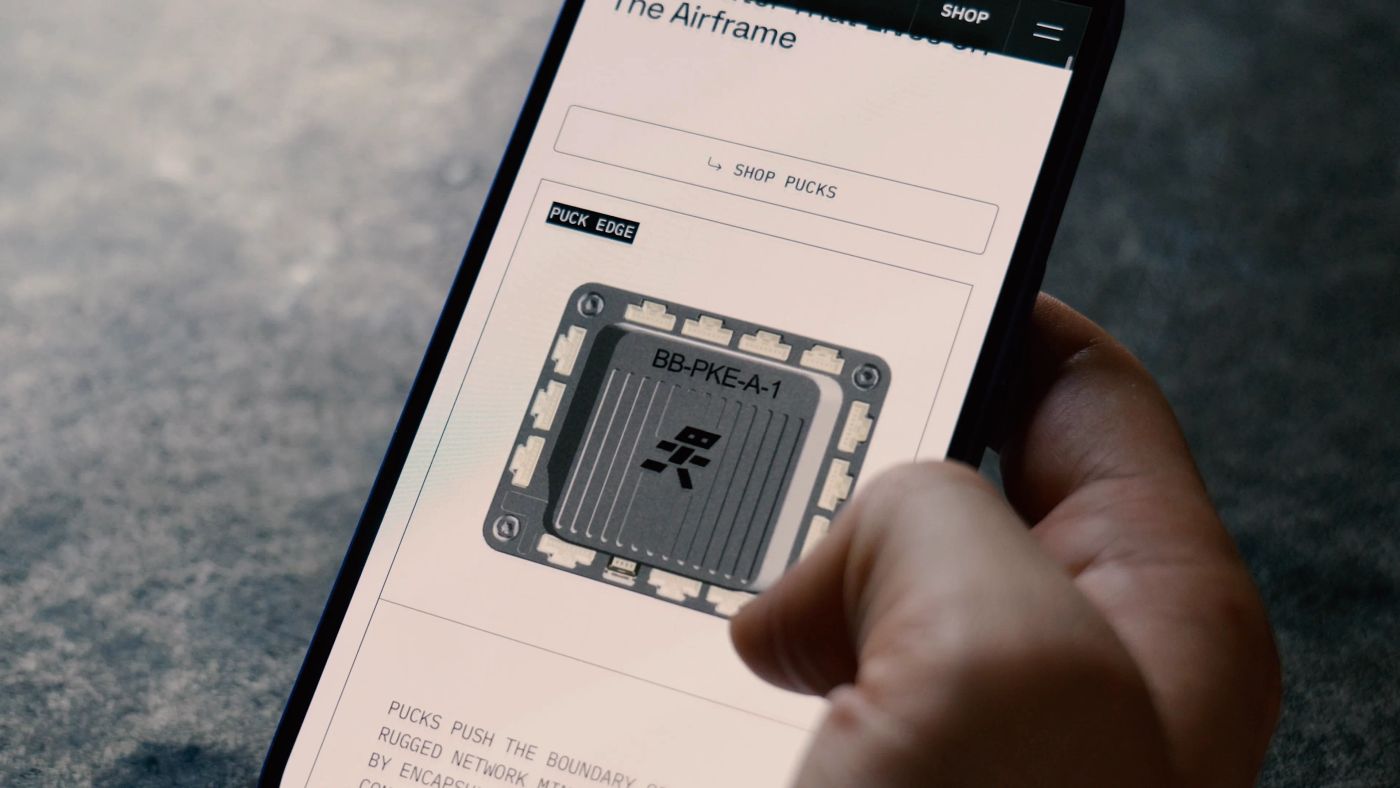
How to show a hardware product on your website when photos fall short
7 min read
A photo shows the outside of your hardware. Buyers need the inside, the motion and the proof: five visuals that show them, one honesty rule for renders, and a realistic CAD-to-web timeline.

Why Blender is at the heart of our creative studio
5 min read
How we use Blender (Geometry Nodes, 3D rendering, scroll animations) to create immersive visuals that make complex technologies tangible.
Astro vs Next.js in 2026: which one should you choose for your website?
11 min read
Islands architecture, 66% real-world Core Web Vitals pass rates, shader-level control with Three.js and TSL: the stack we use when a project outgrows no-code, and when we still say Framer.
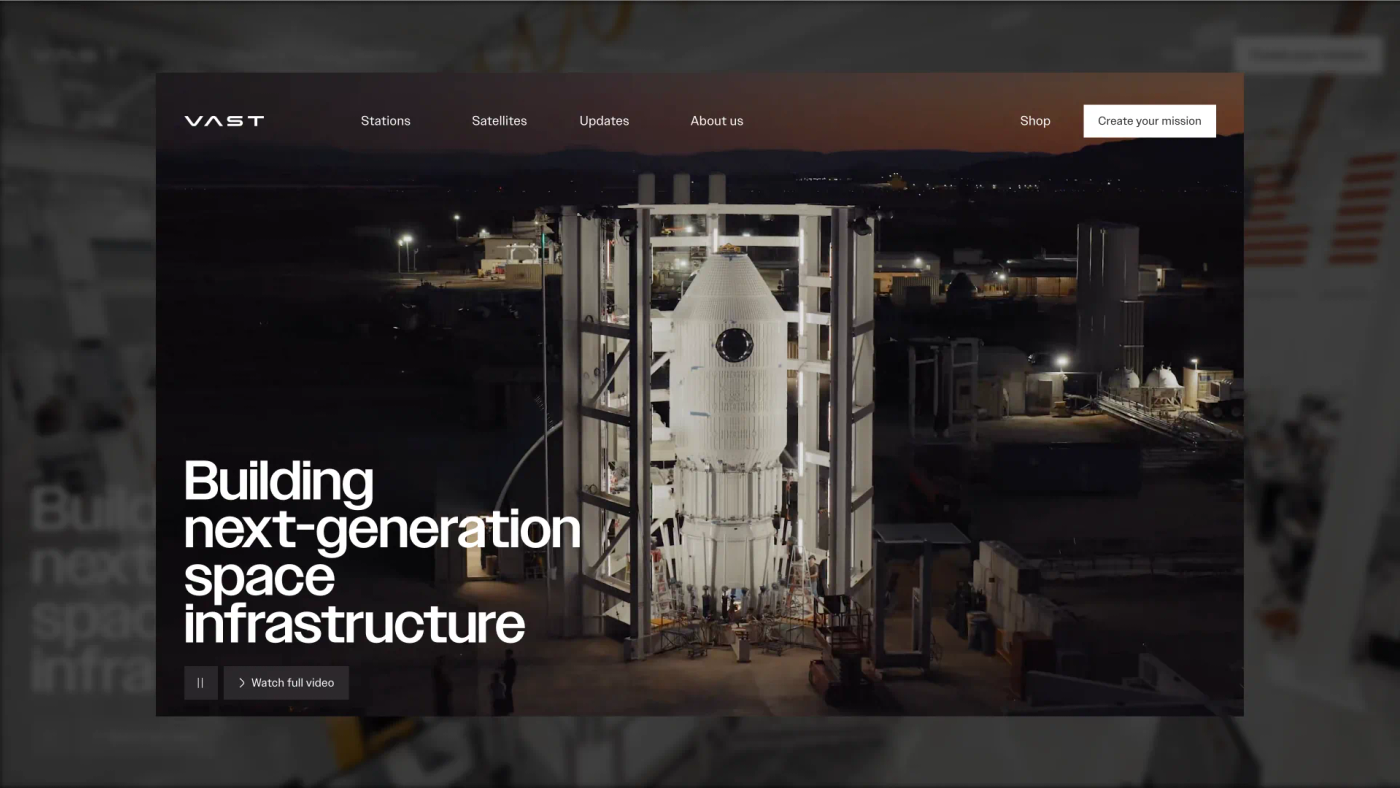
The 12 best deeptech websites in 2026, and why they work
9 min read
Twelve deeptech sites that won Awwwards Site of the Day, from Vast to Breakthrough Energy, and the four design moves that put them there.
How to explain complex technology on a website (without dumbing it down)
4 min read
Jargon repels even when you define it, and visitors read 25% of your words. The layered-narrative method we use to make deeptech legible, from Hylight to Kestrix.
Other services