





The product is your best proof. It is also the hardest thing to photograph.
3D product renders, exploded views and viewers built from your CAD

What it is
3D product visualization turns a product into a digital model that can be shown in any way a camera cannot: studio renders, exploded and cut-away views, an interactive viewer on the website and a configurator for its finishes and options.
Junca builds the model from your CAD, or from drawings and photos when there is none, then lights, renders and publishes it, in-house and in Blender.
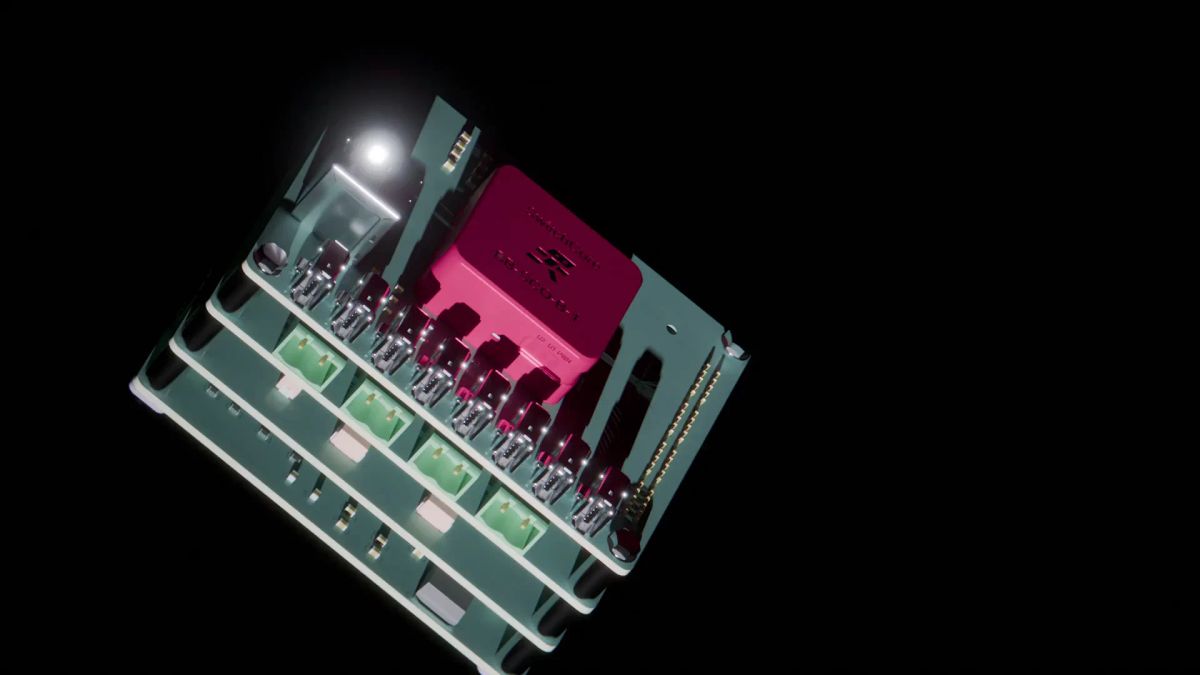
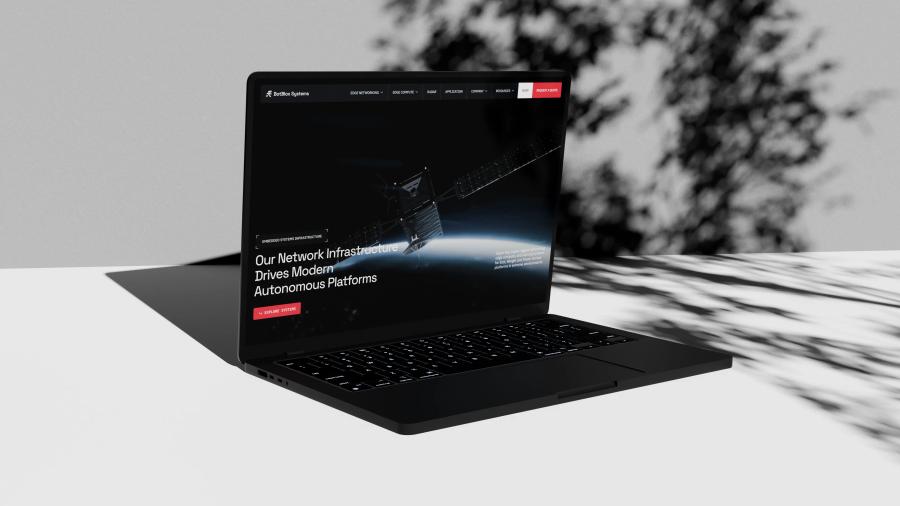
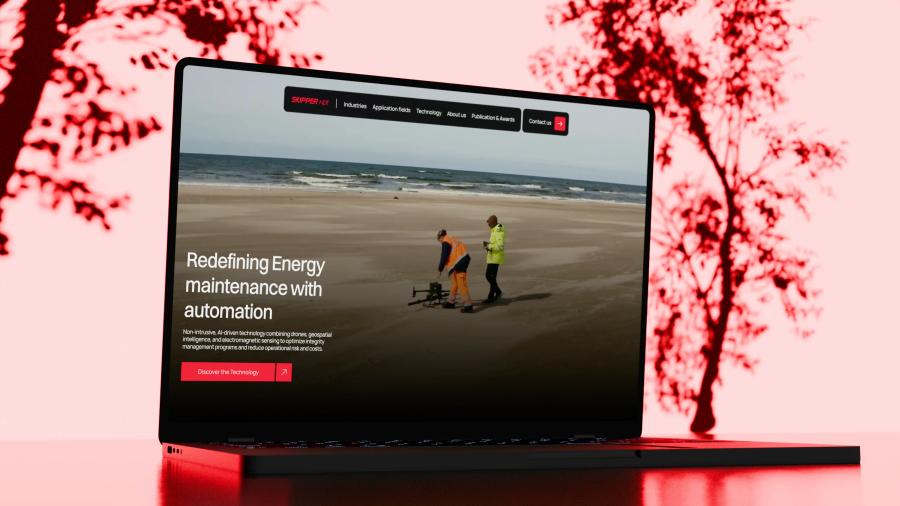
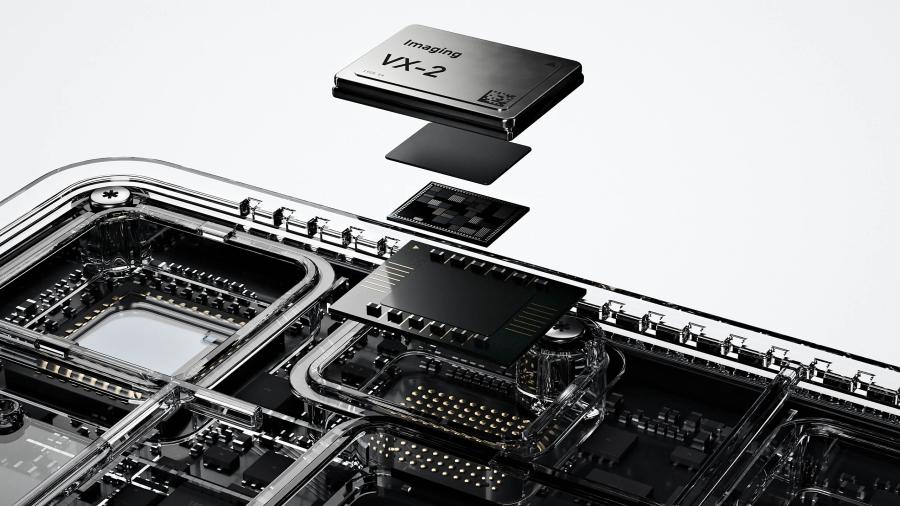
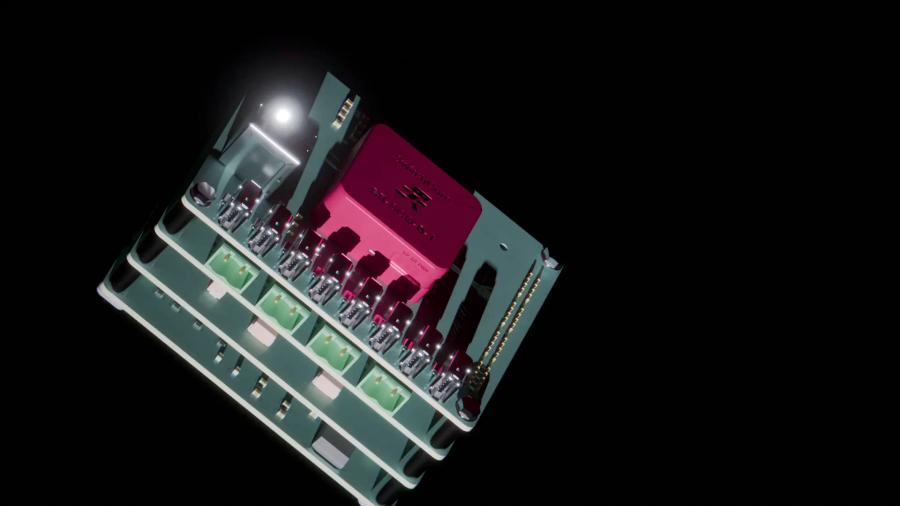
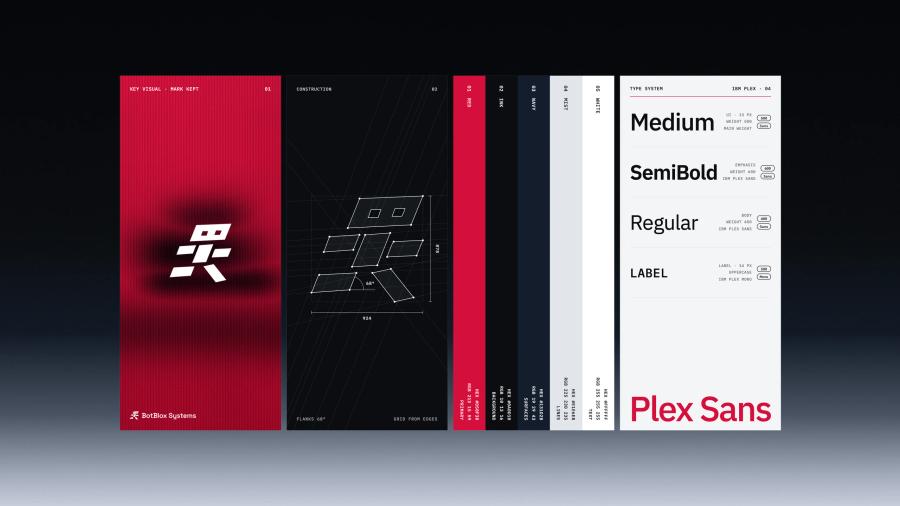
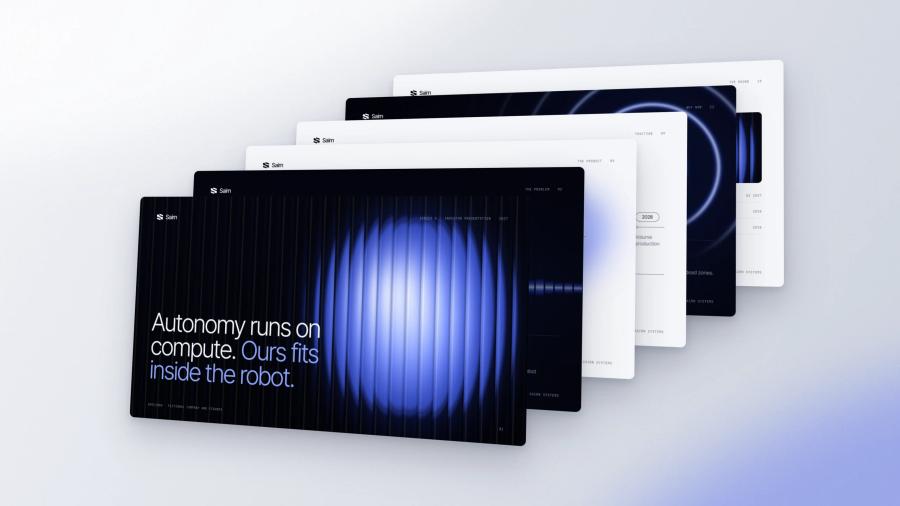
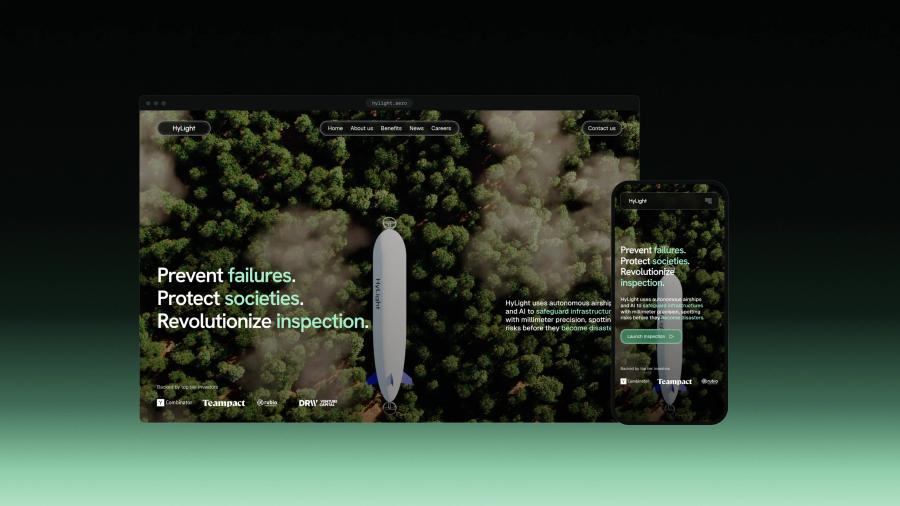
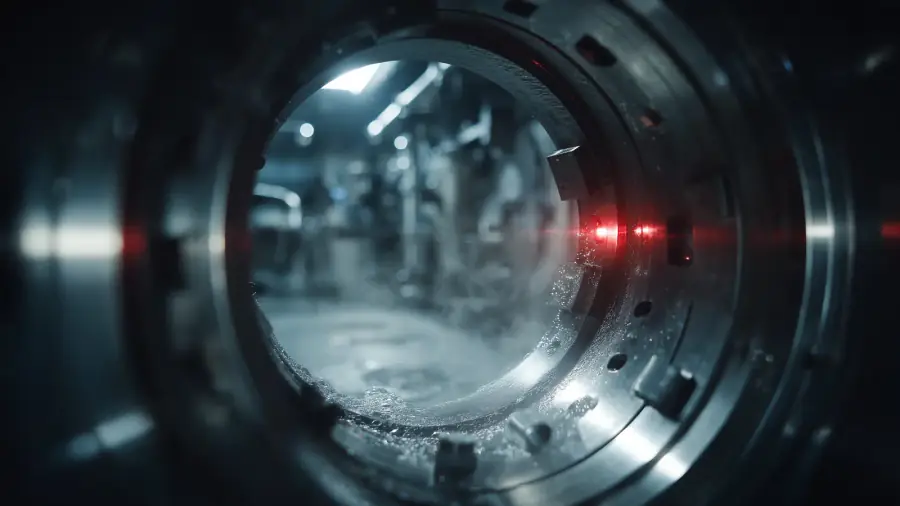
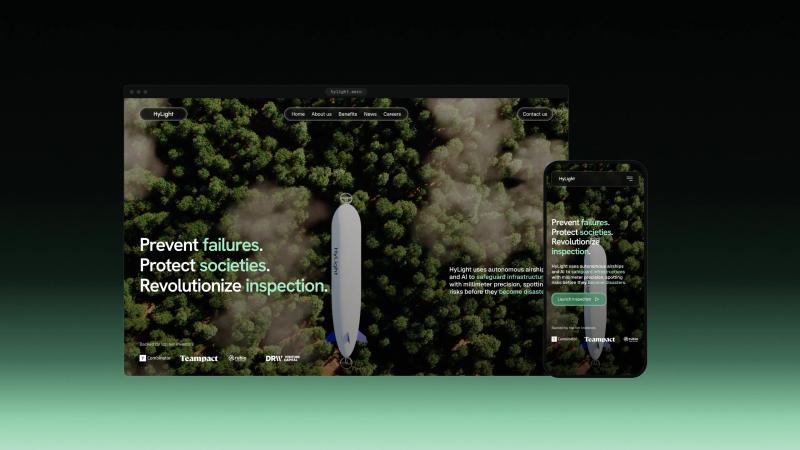
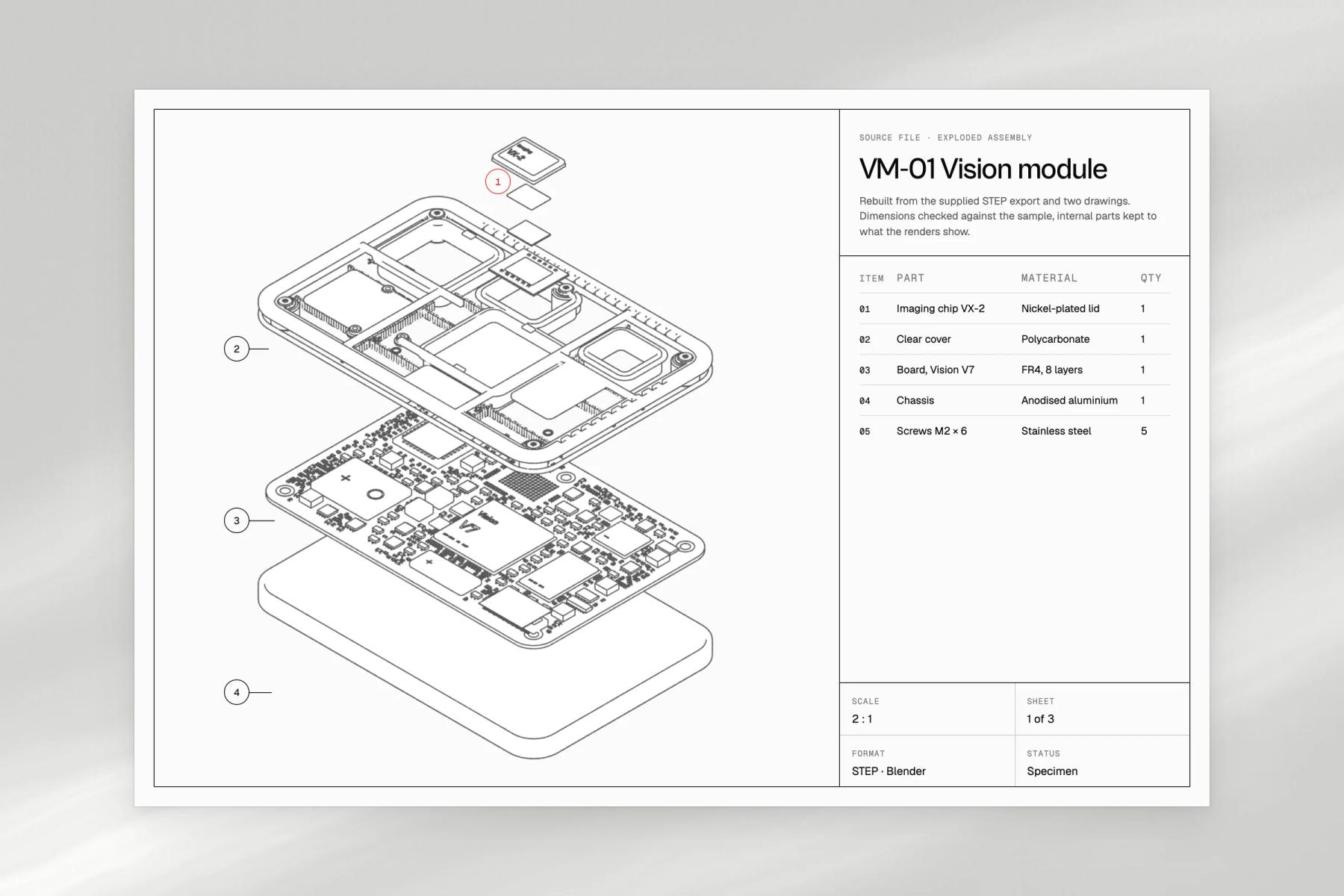
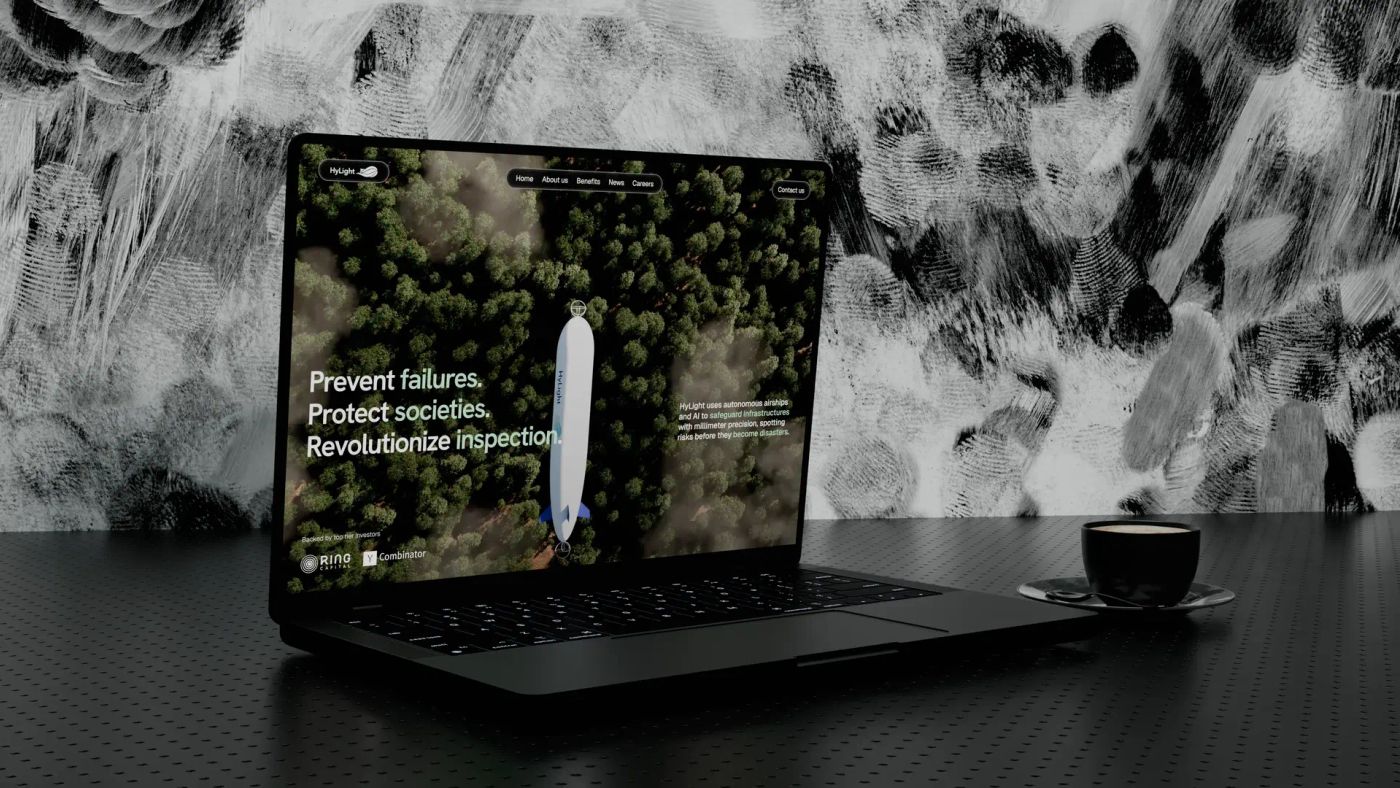
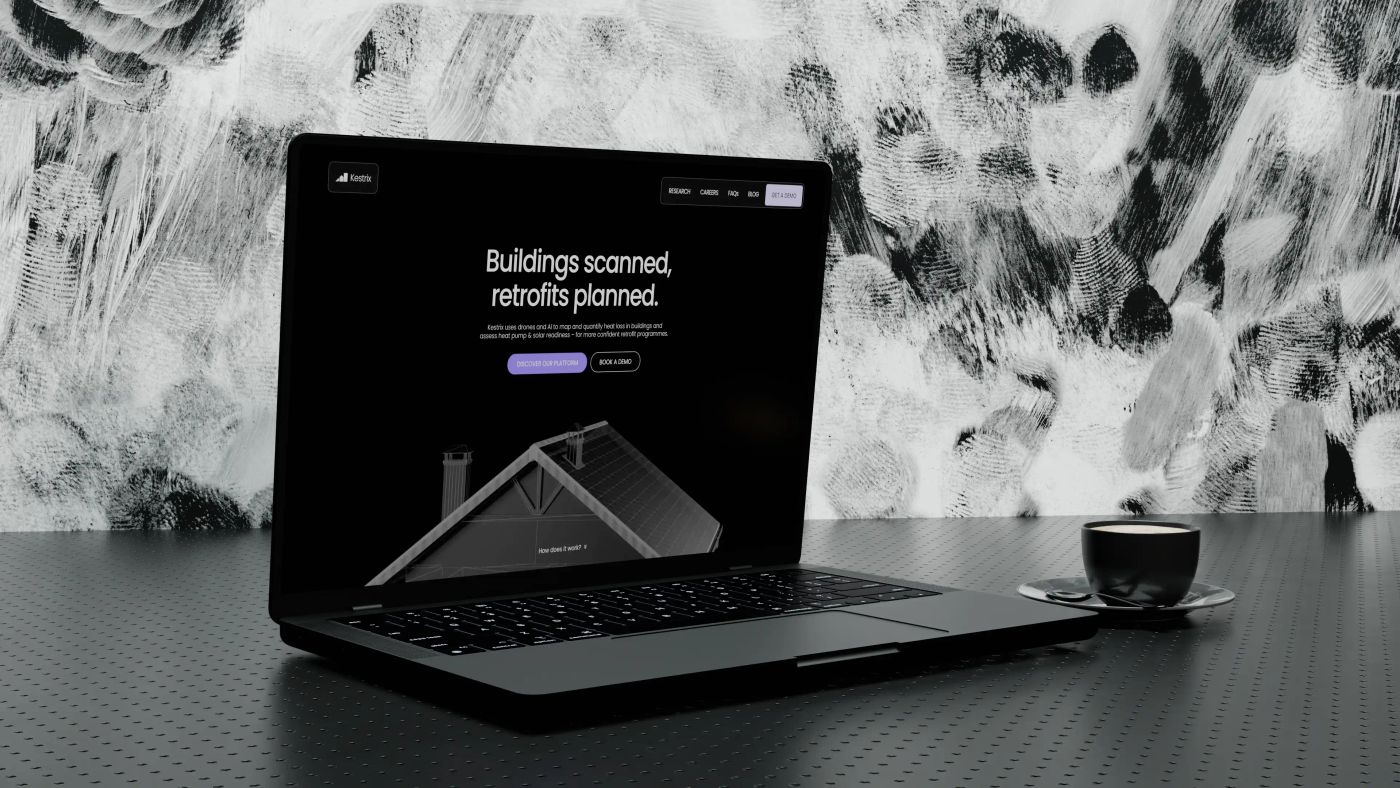
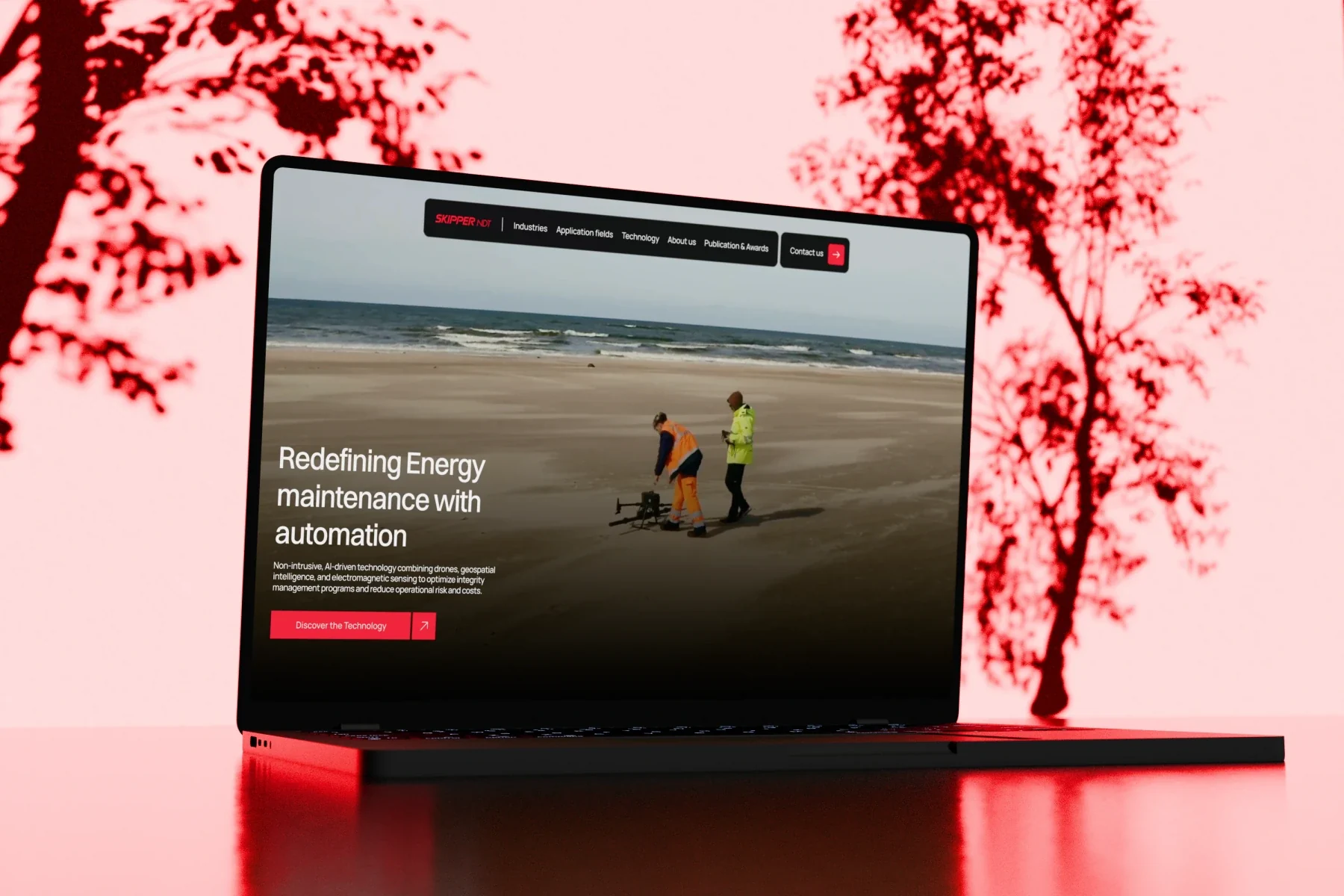
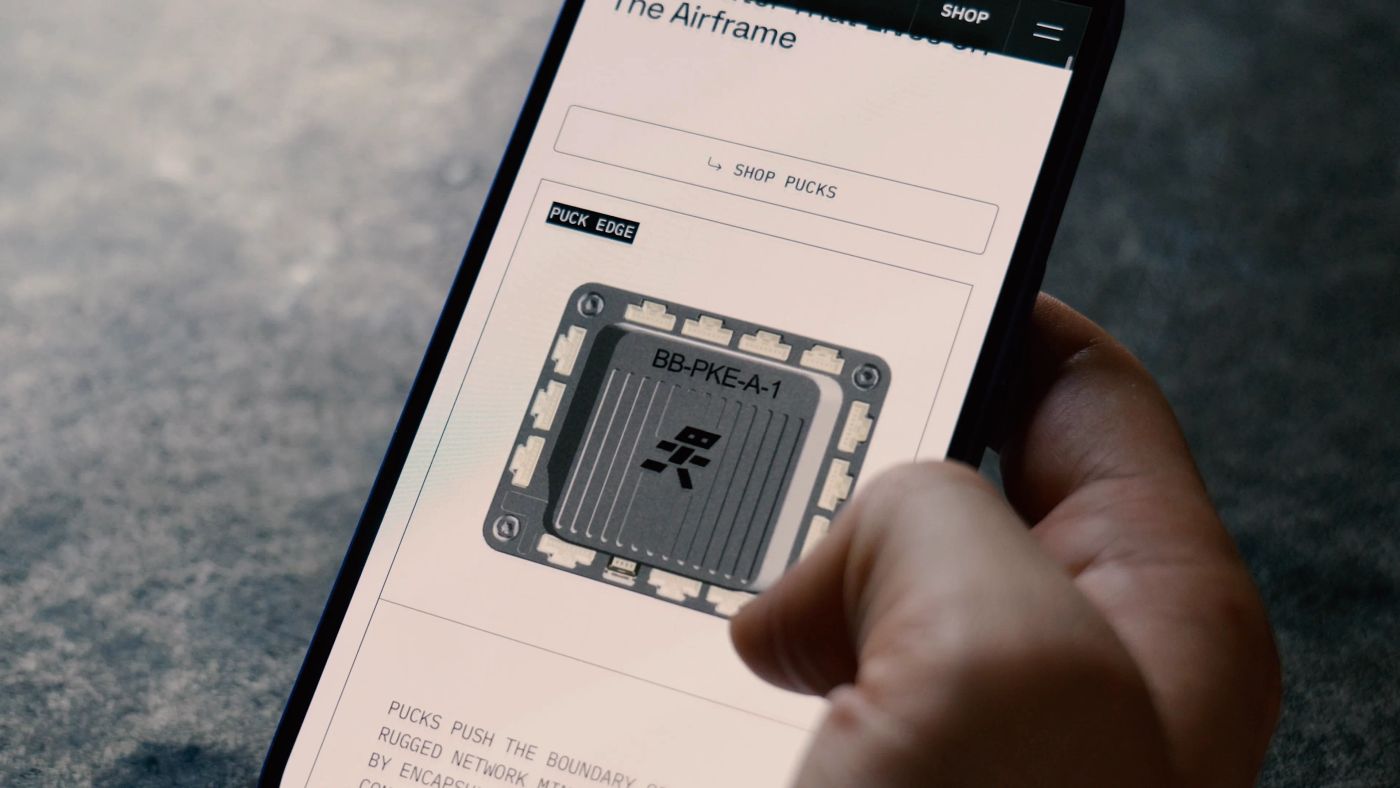
We have modelled rugged networking hardware for BotBlox, a hydrogen airship for Hylight, thermal building data for Kestrix and industrial scenes for Skipper NDT. The exploded view on this page shows a device we invented: no client product is exposed, and yours will only show what you approve.

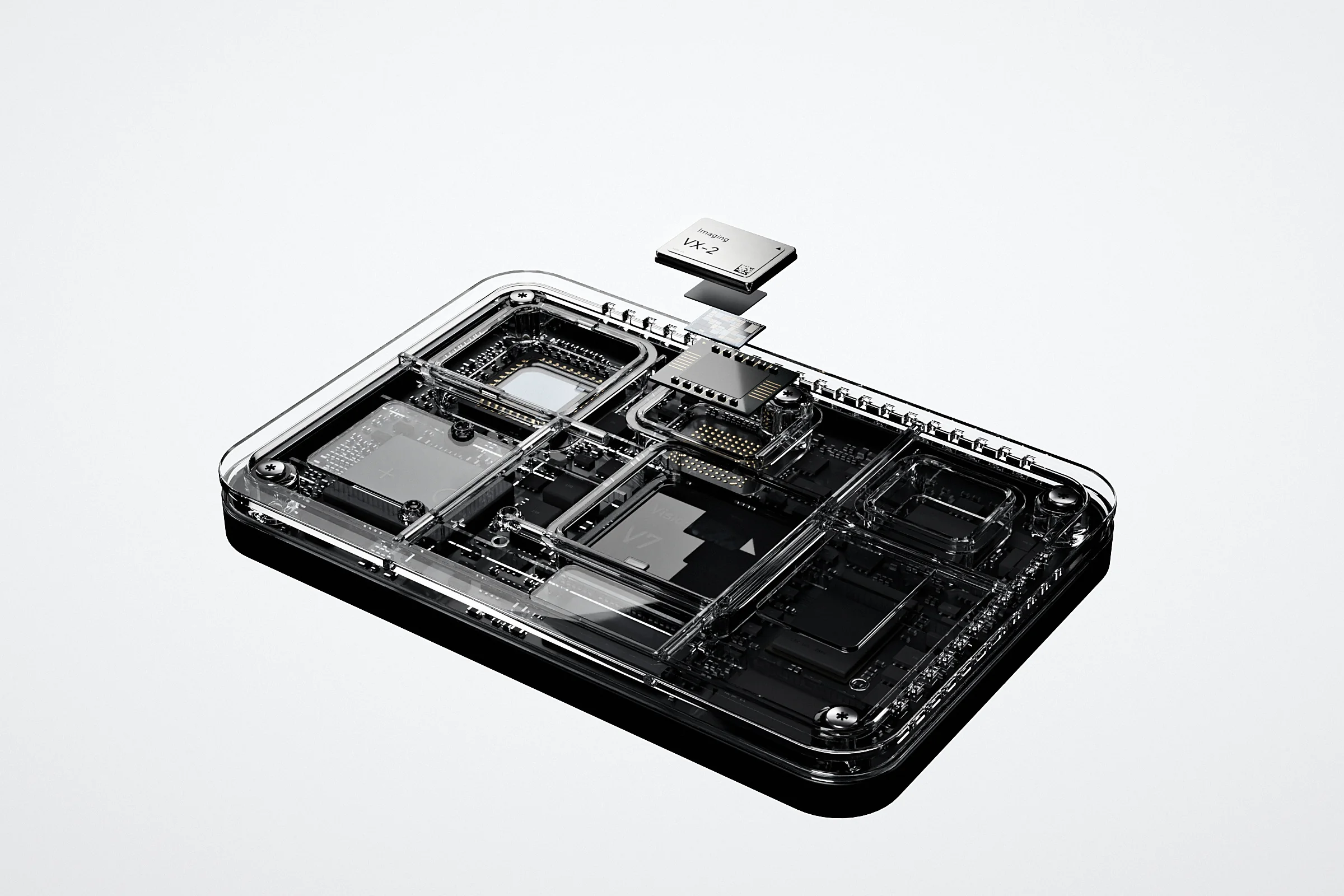
The product, taken apart in the browser.
- 01 / 03
Drawn from your CAD
Every part is rebuilt from the source files and checked against the drawings: board, components, clear cover and chassis.
- 02 / 03
Lit like a studio photo
Brushed nickel, graphite, silicon and polycarbonate, rendered live in your browser at the speed of the screen.
- 03 / 03
Opened layer by layer
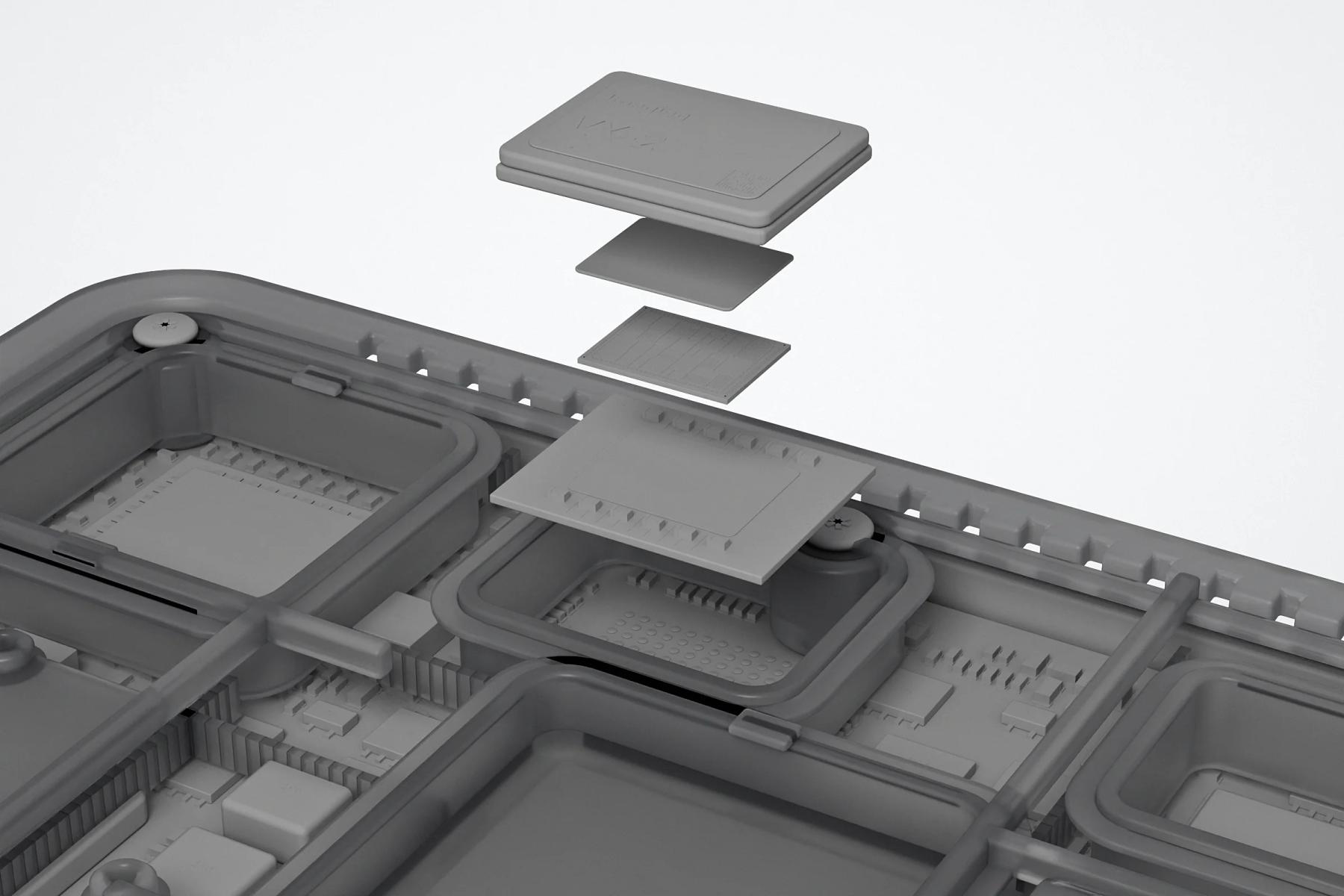
The imaging chip lifts off the board in the order an engineer would take it apart: lid, thermal pad, die, substrate.
Real-time WebGL · fictional device
The problem
The technology is inside the box. The photo only shows the box.
Why hardware is hard to show
Hardware companies sell what happens inside a casing, under NDA, before the product is finished. Photos show the outside, stock renders look like everyone else, and each new deck or stand starts the visuals again.
The traps
Trap 0101 / 05
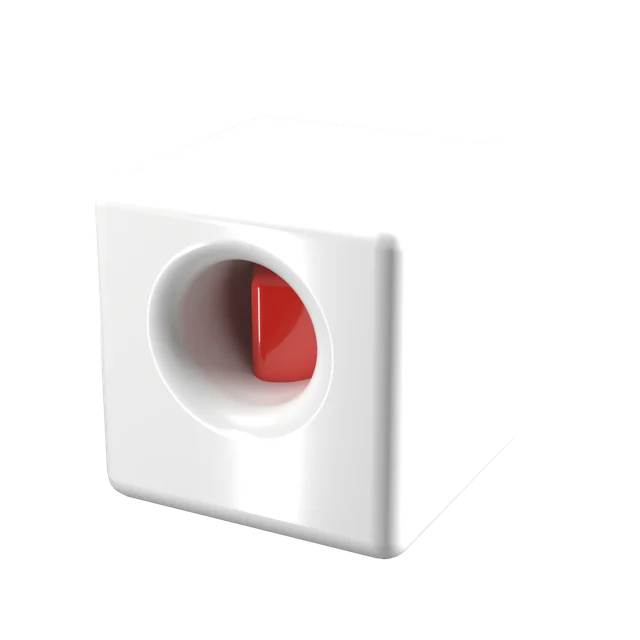
A box on a table
Photos that hide what matters
A camera sees the casing. The board, the cooling, the mechanism that makes the product better stay inside. Renders and exploded views open the product without taking it apart.
Trap 0202 / 05
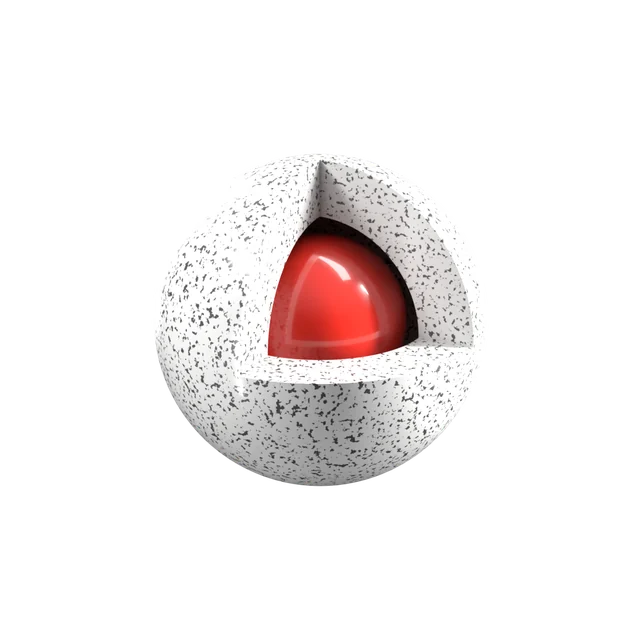
Under NDA
A product you cannot show yet
Before launch or certification, the real thing is confidential. We render only what you approve: a shape, a cut-away, a component, never the part you need to protect.
Trap 0303 / 05
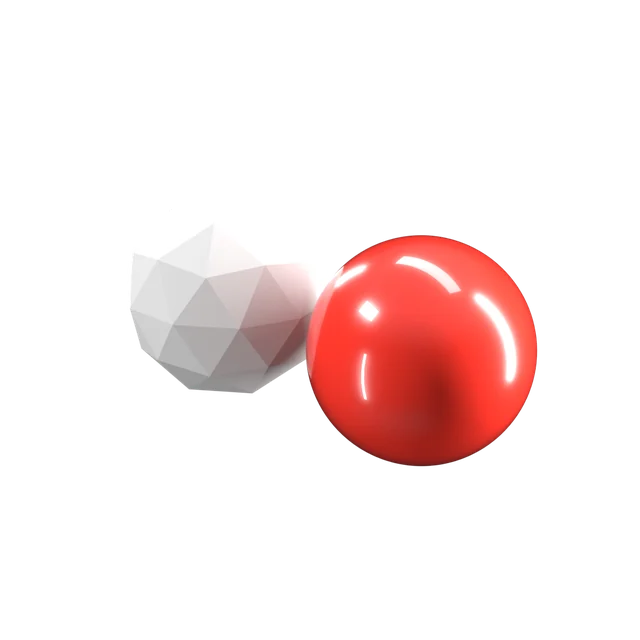
CG look
Renders that look like renders
Flat light, perfect surfaces and plastic metal give a render away. We light products like a studio photo, with real materials, reflections and wear, so they read as objects.
Trap 0404 / 05
Remade every time
A new model for every channel
The agency, the trade show and the website each rebuild the product their own way. We build one model and use it everywhere: site, decks, press, stand and viewer.
Trap 0505 / 05
Too heavy
A 3D viewer that sinks the page
A CAD file dropped into a web page weighs hundreds of megabytes and freezes phones. We rebuild the model for the browser, compress it and load it after the text.
The process
How we turn a product into 3D
Modelling, lighting, rendering and the viewer are done by the team that designs and builds the website, so the 3D is made for where it will be used. You review every render and every view in the Junca client portal before anything is published.
Step 01
Brief and source files
What the product must make obvious, what must stay hidden, and the files to start from: CAD exports, drawings, photos or a sample.
Step 02
Modelling
The model cleaned from your CAD, or built from drawings and photos, then simplified where the eye does not go.
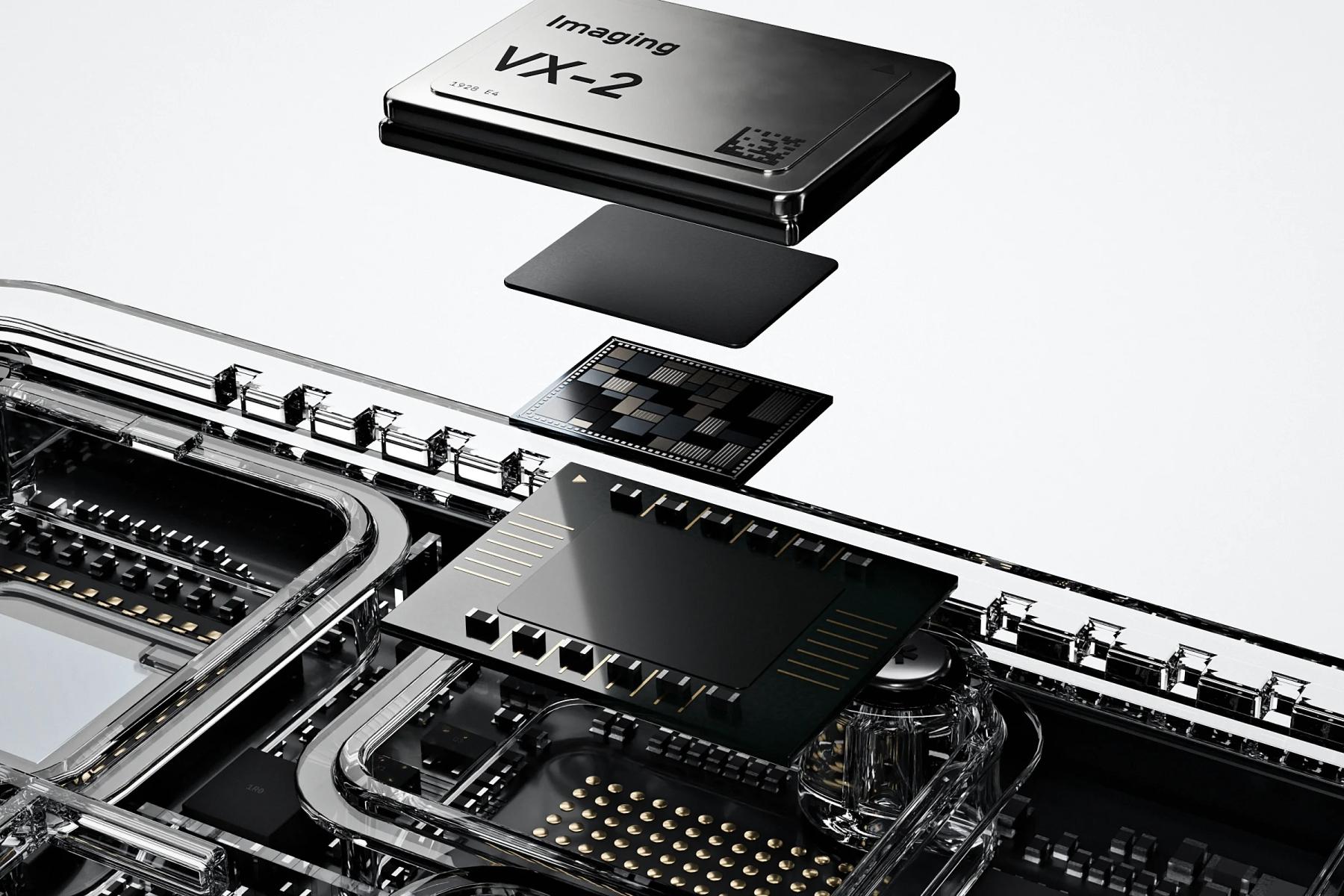
Step 03
Materials and light
Real materials, from brushed aluminium to circuit boards, lit like a studio photo so the product reads as an object.
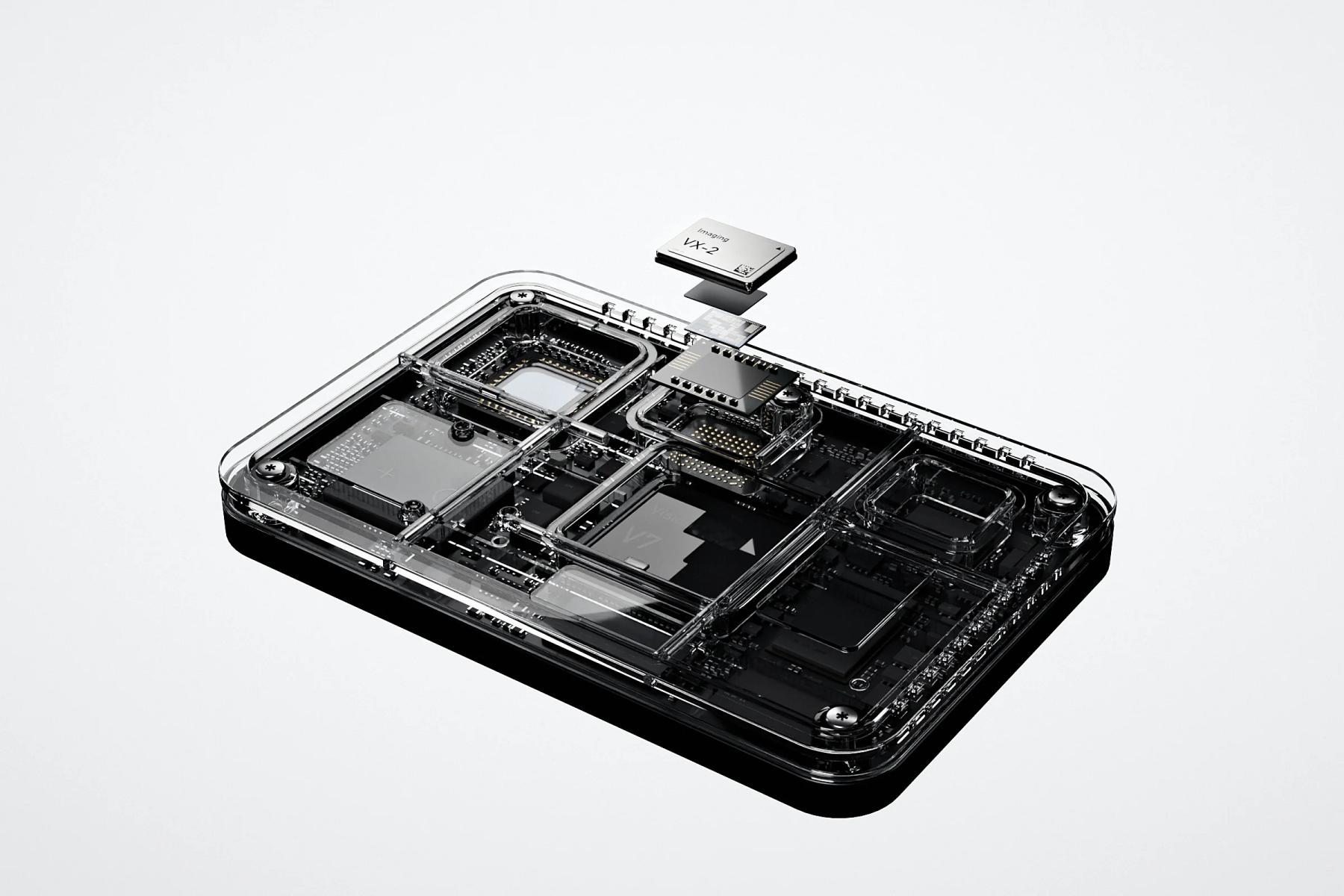
Step 04
Renders and exploded views
Stills for the site, decks, press and trade shows, and exploded or cut-away views that show only what you approve.
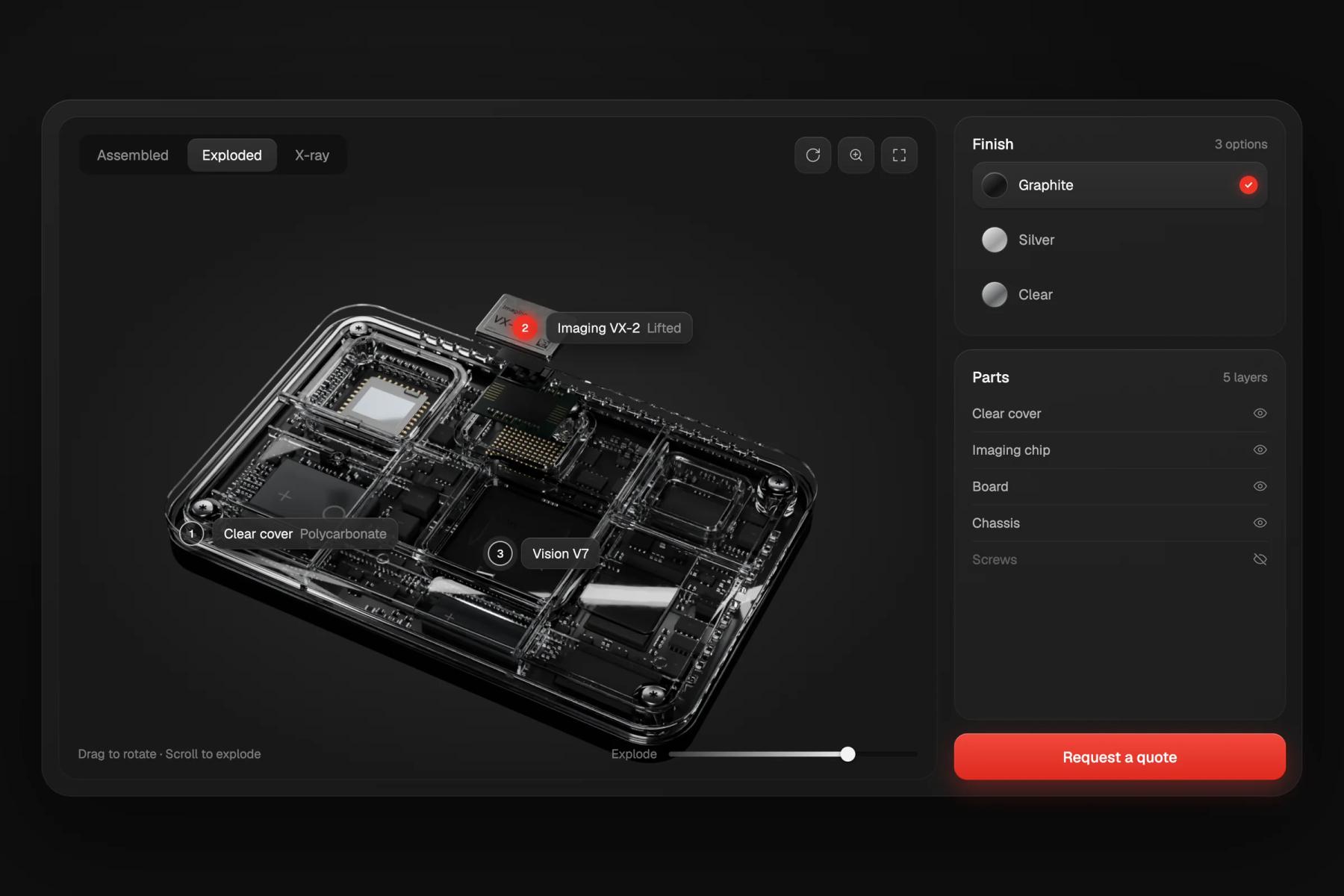
Step 05
Viewer and configurator
The model rebuilt for the browser, with hotspots, finishes and options to switch, loaded after the page text.
What you get
Everything the project needs, from one team.
Production model
Cleaned from your CAD, or built from drawings, photos or a sample when there is no CAD.
Studio renders
High-definition stills on clean backgrounds and in context, for the site, decks, press and stands.
Exploded and cut-away views
The inside of the product, opened layer by layer, showing only what you approve.
Interactive viewer
A lightweight model in the browser, with hotspots on the parts that matter, tested on phones.
Configurator
Finishes, colours and options switched live in the viewer, from the same model.
Source files
The Blender file and the web model, handed over if you want them.
Selected work
Products and machines we modelled
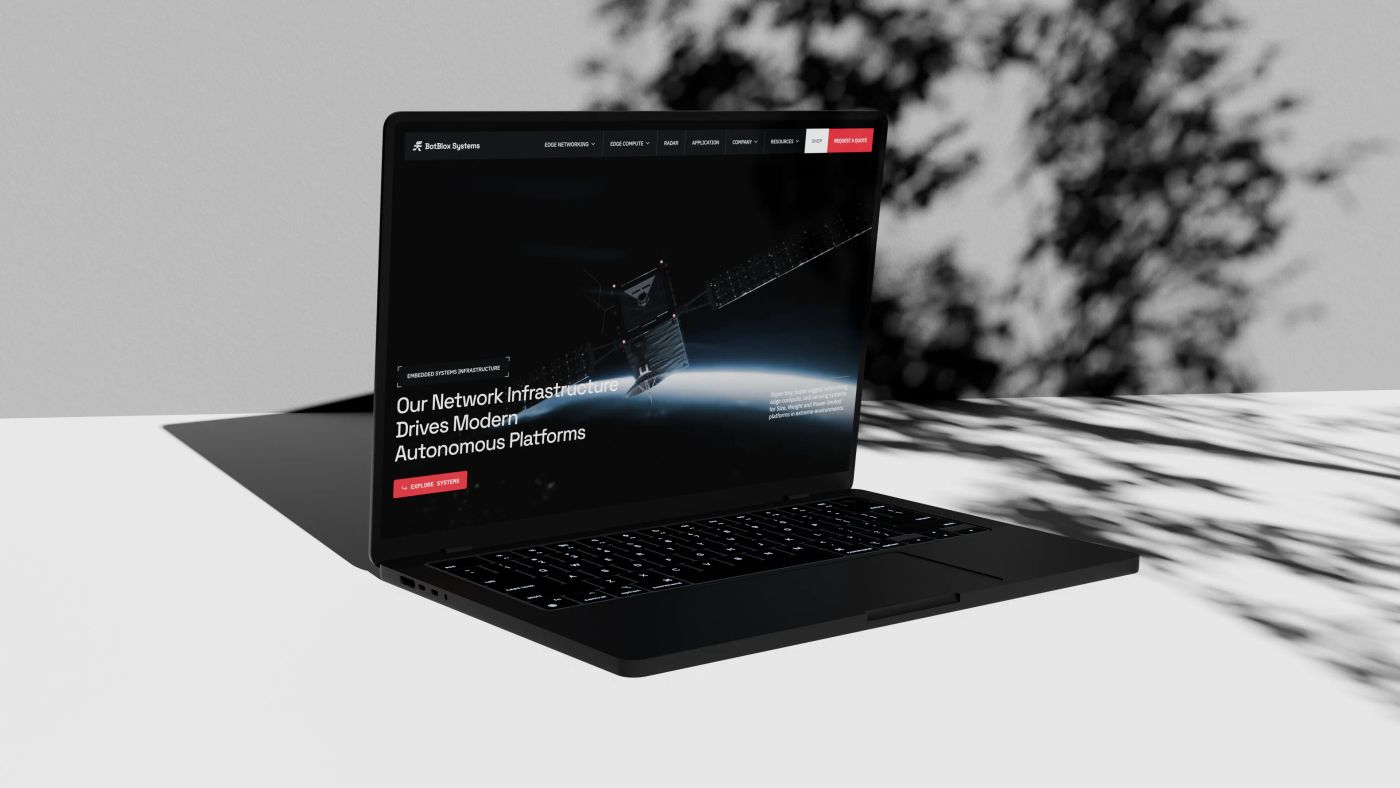 Corporate website
BotBlox: moving data where ethernet was never meant to run
 Showcase website
Hylight: an aerial inspection technology driven by design.
 Showcase website
Kestrix: making thermal data readable to accelerate building retrofit
 Showcase website
Skipper NDT: automating energy infrastructure maintenance
Which CAD files do you need for 3D renders?
Your CAD exports if you have them (STEP, IGES or a native SolidWorks or Fusion file), plus a few photos of the real product and the parts you want to highlight. Under NDA from the first call.
Can you work without CAD?
Yes. We model from drawings, photos or a sample. It takes longer than starting from CAD, and we agree with you on the level of detail before modelling.
Can you show a product that is confidential or not launched yet?
Yes. Renders and exploded views show only what you approve: a shape, a cut-away, a component. The device on this page is one we invented, precisely so no client product is exposed.
Renders or a photo shoot?
Photos win for people and real use. Renders win for the inside of a product, for products that do not exist yet, and for images you need again next year in a new angle or colour, from the same model.
Will an interactive viewer slow down our site?
Not if it is built for the web. We rebuild the model with fewer polygons, compress geometry and textures, load it after the text and show a still image on slow connections.
Can the configurator connect to our quotes or our shop?
Yes. The viewer can send the chosen options to your contact form, your CRM or your shop. We plan it with you when we scope the project.
Can we reuse the model for ads, trade shows or AR?
Yes. One model serves the site, the decks, the stand and the press kit. We export it in the formats each use needs.
How much does 3D product visualization cost?
It depends on the source files, the level of detail, the number of renders and whether you need a viewer or a configurator. You get a detailed quote after a free first call.
How to show a hardware product on your website when photos fall short
7 min read
A photo shows the outside of your hardware. Buyers need the inside, the motion and the proof: five visuals that show them, one honesty rule for renders, and a realistic CAD-to-web timeline.

Why Blender is at the heart of our creative studio
5 min read
How we use Blender (Geometry Nodes, 3D rendering, scroll animations) to create immersive visuals that make complex technologies tangible.

How to explain complex technology on a website (without dumbing it down)
4 min read
Jargon repels even when you define it, and visitors read 25% of your words. The layered-narrative method we use to make deeptech legible, from Hylight to Kestrix.
The 12 best deeptech websites in 2026, and why they work
9 min read
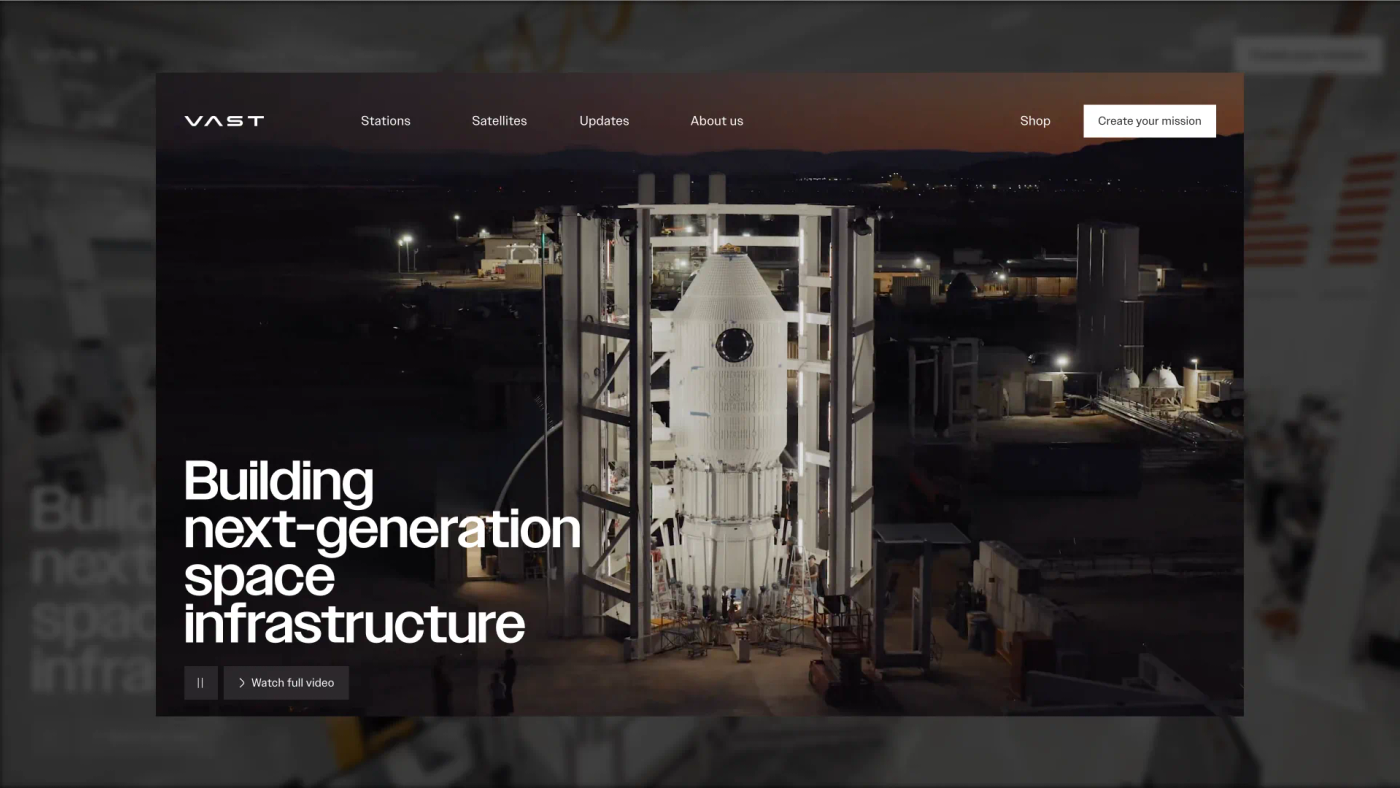
Twelve deeptech sites that won Awwwards Site of the Day, from Vast to Breakthrough Energy, and the four design moves that put them there.

Astro vs Next.js in 2026: which one should you choose for your website?
11 min read
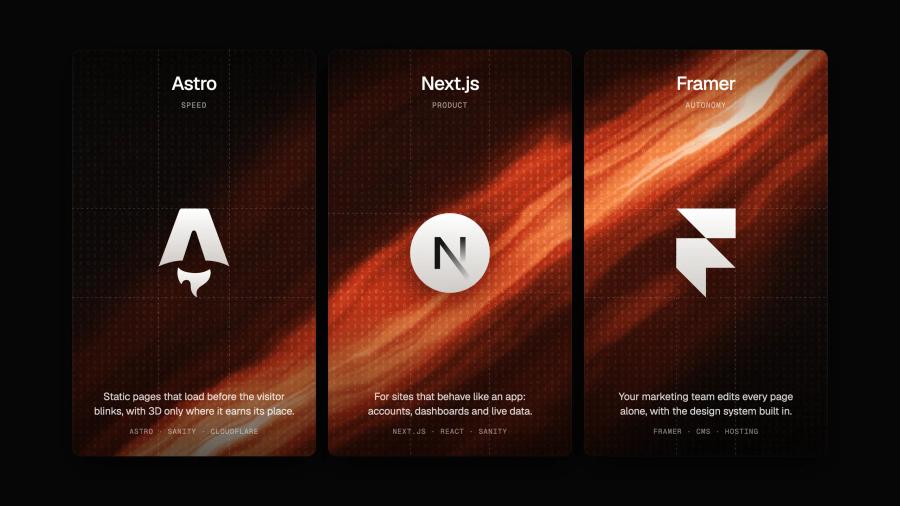
Islands architecture, 66% real-world Core Web Vitals pass rates, shader-level control with Three.js and TSL: the stack we use when a project outgrows no-code, and when we still say Framer.
Other services